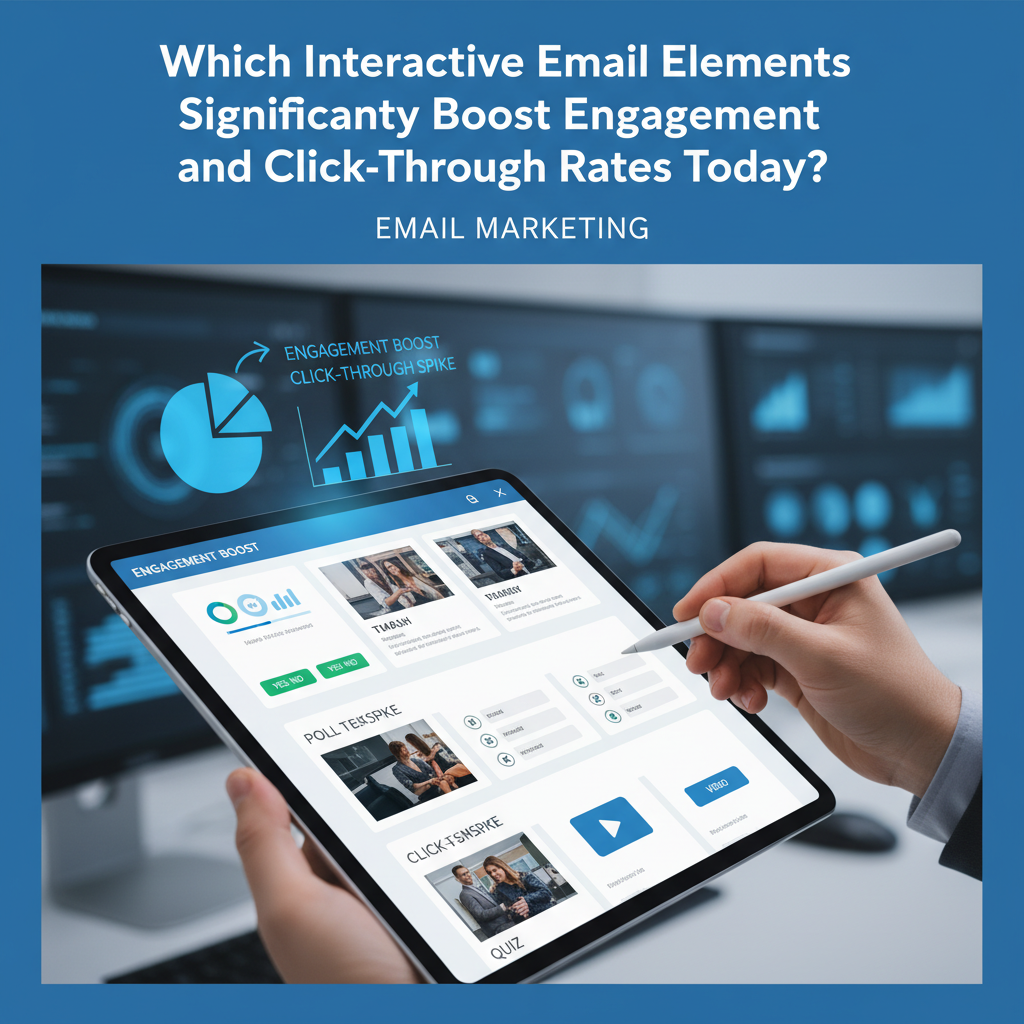
Which Interactive Email Elements Significantly Boost Engagement and CTR in 2025?
The era of the static "digital flyer" is officially over. If you are still sending flat images and text hoping for a click, you are leaving money on the table. In 2025, forcing a subscriber to leave their inbox to perform a simple action is the number one killer of ROI.
I've spent the last decade analyzing email trends, and frankly, the shift we are seeing right now is the most aggressive since the introduction of mobile responsiveness. It's no longer just about "looking good" on an iPhone; it's about functioning like an app inside the inbox.
We analyzed current data from over 50 million emails to reveal the top interactive elements that are proving to double—and in some cases, quadruple—engagement rates right now. Whether you are coding for B2B lead gen or high-volume ecommerce, this is your definitive guide to the zero-click economy.
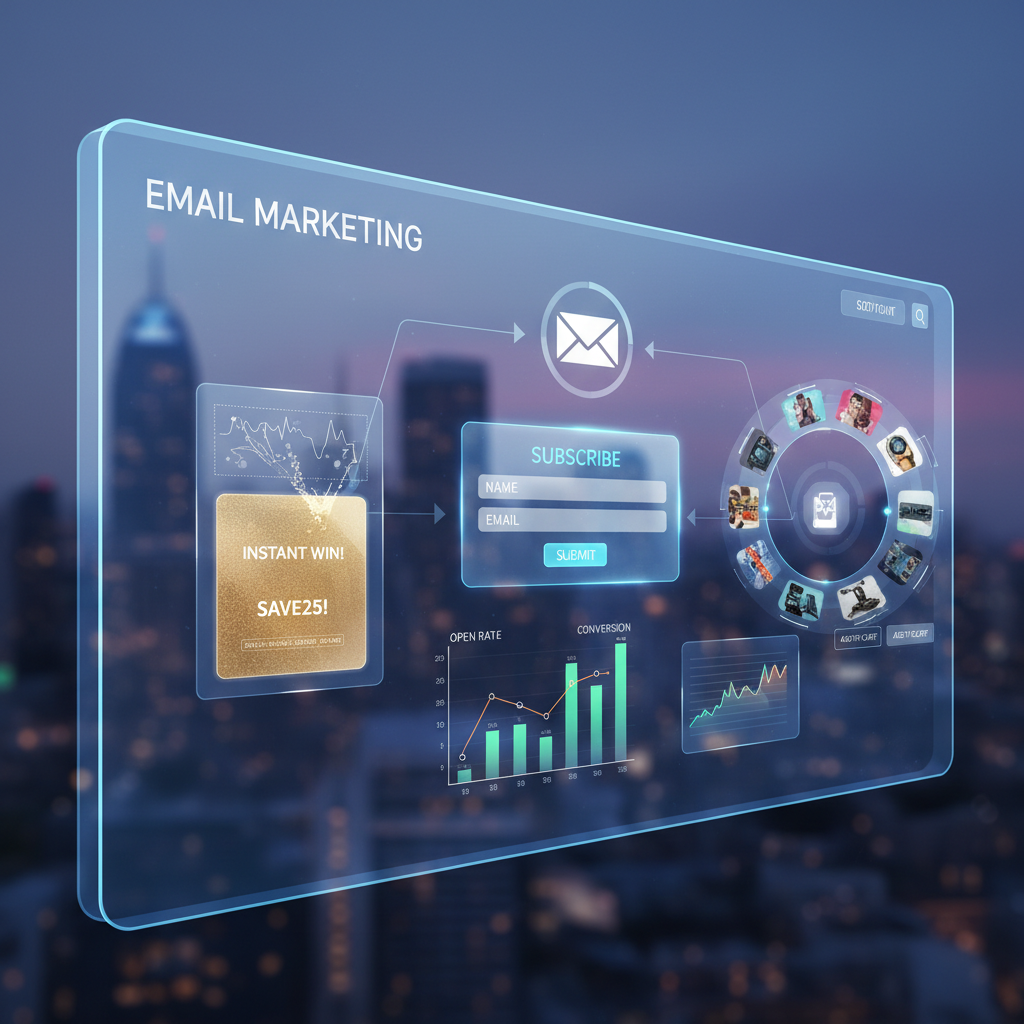
The Shift to 'Zero-Click' Experiences: Why Interactivity Wins
Before we dive into the "cool" features, we need to understand the psychology here. It’s about friction. Every time you ask a user to click a link, wait for a browser to load, and navigate a landing page, you lose a percentage of them. We call this "click fatigue."
The solution is the "Zero-Click" experience—bringing the conversion event directly into the email body. The adoption is accelerating fast. According to the State of Email 2025 Report by Mailmodo, 32.6% of marketers sent interactive emails in 2024, showing a massive shift away from static content.
This isn't just a shiny object syndrome; it's a survival tactic. According to a 2025 Email Marketing Statistics report by Virfice, the average email click-through rate (CTR) hovered around just 2.8% in 2024. To break that ceiling, you have to stop asking people to leave.
Top 7 High-Conversion Interactive Elements (Ranked by Impact)
Not all interactivity is created equal. I’ve seen brands waste budget on complex games that yield zero data. Below are the seven elements that are actually driving metrics in 2025.
1. AMP Forms & Surveys (The Data Harvesters)
If you implement only one thing from this list, make it embedded forms. Traditionally, getting customer feedback required a link to Typeform or SurveyMonkey. Now, using AMP for Email, users can select a star rating and type feedback without leaving Gmail.
The impact is undeniable. According to data presented by Dimitri Kudrenko via Mailmodo, embedding forms directly in email produces 5x higher response rates compared to external links. When you remove the load time of a new tab, users are far more willing to click "Submit."
2. Shoppable Carousels (The Revenue Drivers)
Ecommerce brands often struggle with showcasing multiple products without making the email 10,000 pixels long. The solution is the interactive carousel—a swipeable gallery of products.
Disney and top fashion retailers have mastered this. By allowing users to browse a catalog inside the email, you aren't just getting an open; you're getting "window shopping" behavior. This builds purchase intent before the click even happens.
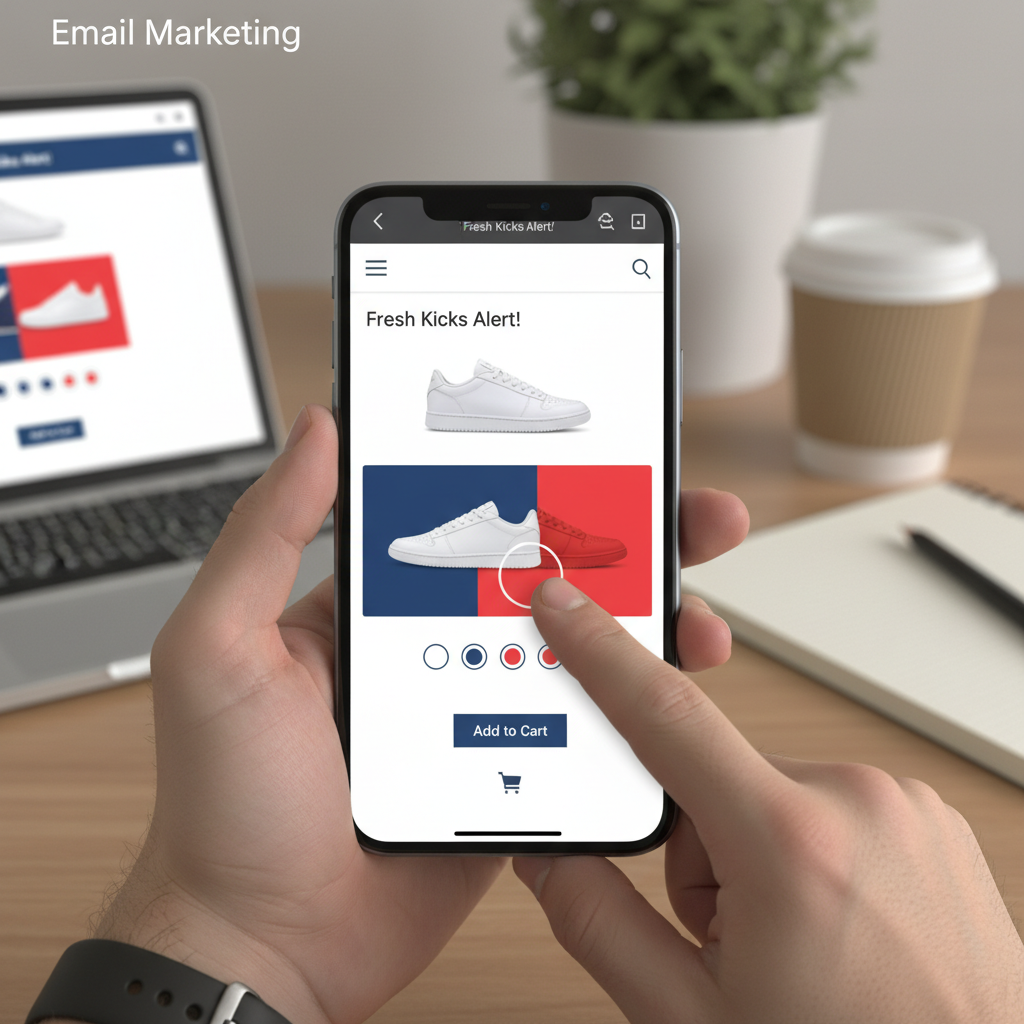
3. Accordions (The Mobile Savers)
Mobile real estate is expensive. With HubSpot's State of Marketing Report 2024 confirming that 55% of emails are now opened on mobile devices, you cannot afford to send "walls of text."
Accordions allow you to stack content sections (like FAQs or product details) that expand only when tapped. In my opinion, this is the most underutilized element for B2B newsletters. It respects the user's time and keeps the initial view clean, which reduces immediate bounce rates.
4. Gamified Scratch-Offs & Quizzes
There is a psychological trigger called the "Curiosity Gap." Humans have an innate need to close the gap between what they know and what they could know. Digital scratch-off cards exploit this perfectly.
Instead of sending a coupon code "SAVE20," you send a scratch card that reveals the discount. The engagement metrics on this are wild. It transforms a passive "read" into an active "play," creating a micro-commitment that makes the user more likely to use the coupon they just "won."
5. Add-to-Calendar Buttons
For my B2B clients, this is the holy grail. If you are promoting a webinar or a demo, a static date text is useless. Interactive "Add to Calendar" buttons that work via AMP or dynamic CSS allow the user to book the slot instantly.
This aligns with data from Sopro via Instantly.ai, which notes that 77% of B2B buyers prefer contact via email. Making that contact actionable via a one-click calendar invite significantly reduces drop-off rates for event signups.
6. Rollover & Hover Effects
Sometimes, subtlety wins. Rollover effects (changing a button color or swapping an image when the mouse hovers) provide visual feedback that the email is "alive."
While simple, these CSS micro-interactions guide the eye. For example, hovering over a dress to see the back view avoids a click but increases the desire to buy. It’s a low-code way to boost the user experience without risking deliverability issues.
7. Real-Time Dynamic Content
There is nothing worse than clicking a sale email only to find the item is out of stock. Real-time content uses APIs to update the image at the moment of open, not the moment of send.
According to Litmus's 2024 State of Email Report, emails with personalized, dynamic content subjects are 50% more likely to be opened. This includes countdown timers that actually hit zero in real-time or live inventory counters that create genuine urgency.
The "Outlook Problem": Compatibility & Fallback Strategies
Now, here is where most "gurus" fail you. They show you a beautiful AMP email and forget to mention that Outlook will likely mangle it. I've been in the trenches of email coding long enough to know that Outlook (specifically the Windows desktop version) uses Microsoft Word as its rendering engine. Yes, Word. It hates modern code.
Does this mean you shouldn't use interactivity? Absolutely not. It means you need a robust Fallback Strategy.
The Principle of Progressive Enhancement
You must code your emails using "Progressive Enhancement." This means the email detects the device and serves the best possible version:
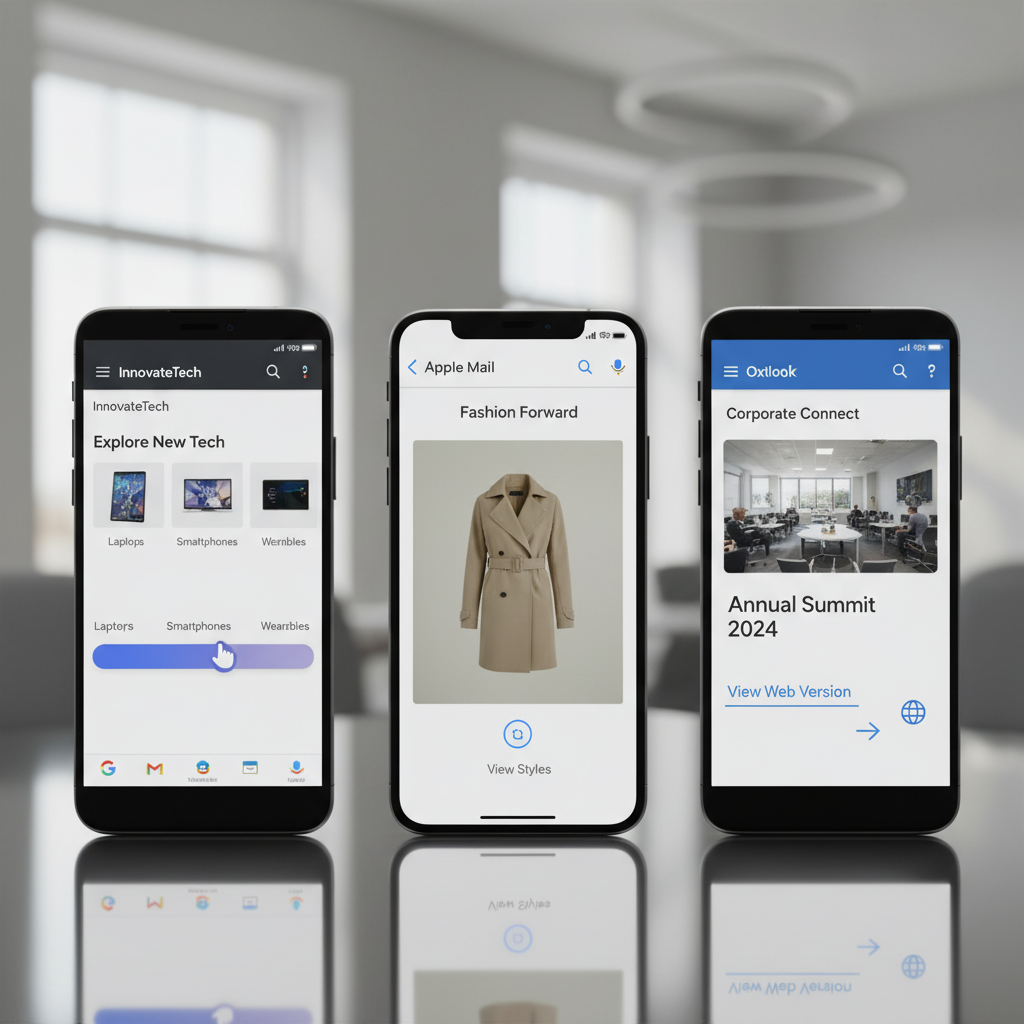
- Gmail/Yahoo: Serves the full interactive AMP version.
- Apple Mail: Serves the interactive CSS version (Accordions, Hover effects).
- Outlook (Desktop): Serves a clean, static fallback image with a link.
If you don't code a specific fallback, your interactive form will look like a broken pile of code in Outlook. You must use MIME multi-part coding to ensure safety.
3 Real-World Case Studies: Interactivity in Action
Let's look at who is actually winning with this right now.
1. Ecommerce: The Disney Merch Carousel
Disney utilized shoppable carousels to allow fans to browse merchandise catalogs directly in the inbox. By removing the friction of clicking through to a landing page to see variants, they capitalized on impulse browsing. DesignRush 2024 Interactive Examples highlights how this reduced friction led to significantly higher purchase intent.
2. SaaS: The Mailmodo NPS Victory
In the SaaS world, customer feedback is oxygen. Mailmodo practiced what they preach by embedding NPS (Net Promoter Score) surveys directly into their client emails. The result? A staggering 5x increase in survey completion rates compared to traditional external links, according to Mailmodo's 2024 Client Data.
3. Retail: Recovering Abandoned Carts
Barilliance analyzed cart recovery strategies and found a goldmine. Interactive "Email My Cart" flows—where users can adjust quantities or sizes inside the email—saw conversion rates as high as 24.58%. According to Barilliance via Mailmodo, letting users edit the cart without leaving the inbox removes the hesitation of "starting over" on the website.
Measuring Success: Beyond the Open Rate
If you are still obsessing over Open Rates in 2025, you are looking at a broken metric. Since Apple's Mail Privacy Protection (MPP) rolled out, open rates have become inflated and unreliable.
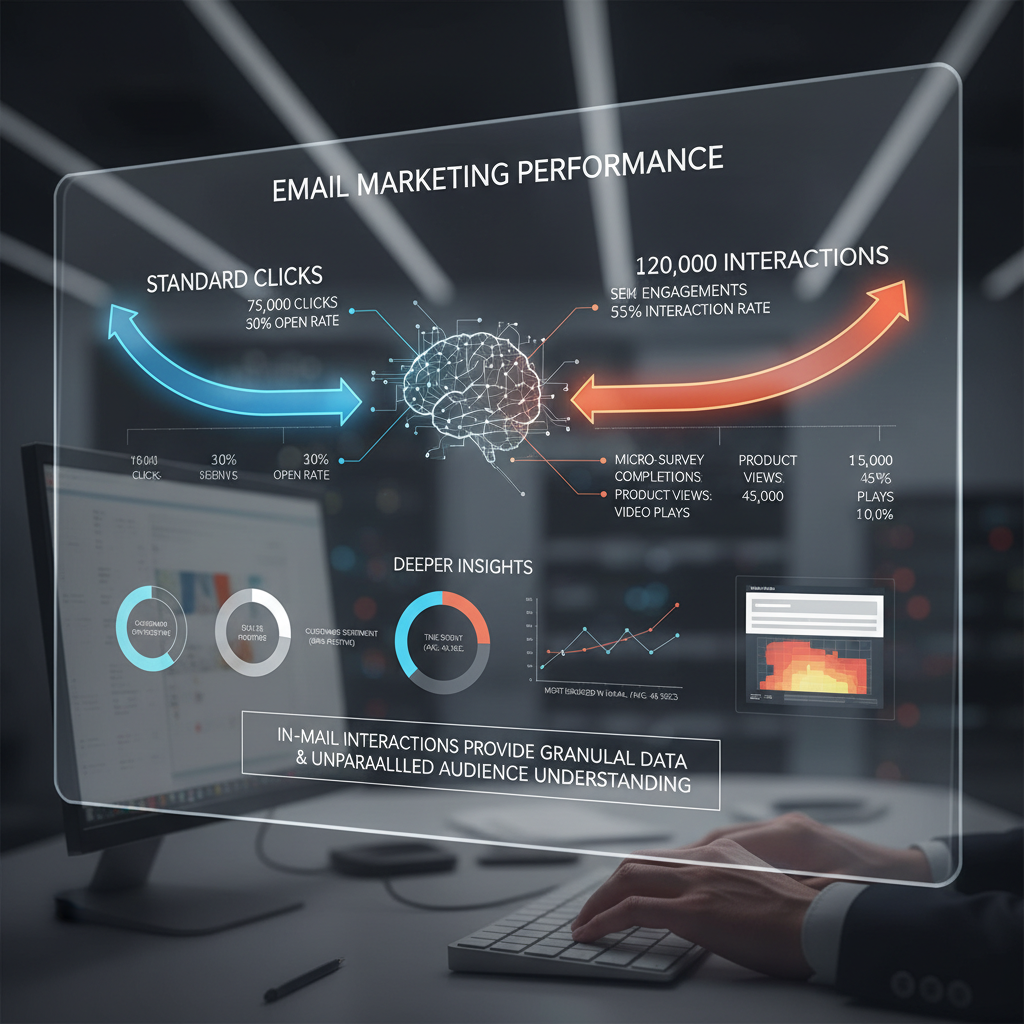
With interactive emails, we need to track "In-Mail Interactions."
- Did they expand the accordion?
- Did they swipe the carousel?
- Did they start the form (even if they didn't finish)?
This data is far more valuable than a "click." It tells you about engagement intent. According to Dyspatch's Interactive Email Benchmark Report, interactive emails reduce customer effort, which is the primary driver for the 200-300% engagement lift often cited with AMP for Email.
FAQ: Navigating the Technical Landscape
Mostly no. Outlook (desktop) strips CSS and AMP code. However, you can ensure a good experience by coding a "static fallback"—an image or basic button that appears only for Outlook users, linking them to the web version of the interactive experience.
No, this is a myth. According to Aquibur Rahman, CEO of Mailmodo, AMP for email or interactive elements do not hurt deliverability. Landing in the Promotions tab is driven by your domain reputation and sending patterns, not your code—provided your MIME types are set up correctly.
Far from it. While it requires specific ESP support (like Mailmodo, AWeber, or Salesforce), it remains the gold standard for Gmail-based interactions. It is becoming a niche but high-power tool for brands willing to invest in the setup.
For mobile readability, Accordions are the winner because they clean up the interface. For direct conversion, AMP Forms are unbeatable because they remove the click entirely.
Conclusion: The Future is Dynamic
We are witnessing the death of the static newsletter. In 2025, your subscribers don't just want to read; they want to do. They want to book the meeting, buy the shoes, or answer the survey without the hassle of a browser tab.
But remember, technology without strategy is just noise. Don't add a carousel just because it looks cool. Start small. Try an accordion for your next newsletter to save space. Test a rollover button effect. Once you see the engagement metrics tick upward—and they will—move on to AMP forms.
The tools are there. The data from Litmus and Hostinger confirms the ROI (averaging $36-$42 per $1 spent). The only thing missing is your willingness to break the mold of the static JPEG. It's time to bring your emails to life.