Methods to Remove Inactive Email Subscribers Safely
I remember staring at my email dashboard five years ago. I felt proud of the total subscriber count. It looked impressive. But then I looked at my bank account. I was paying hundreds of dollars a month to send emails to people who hadn't opened a message in two years.
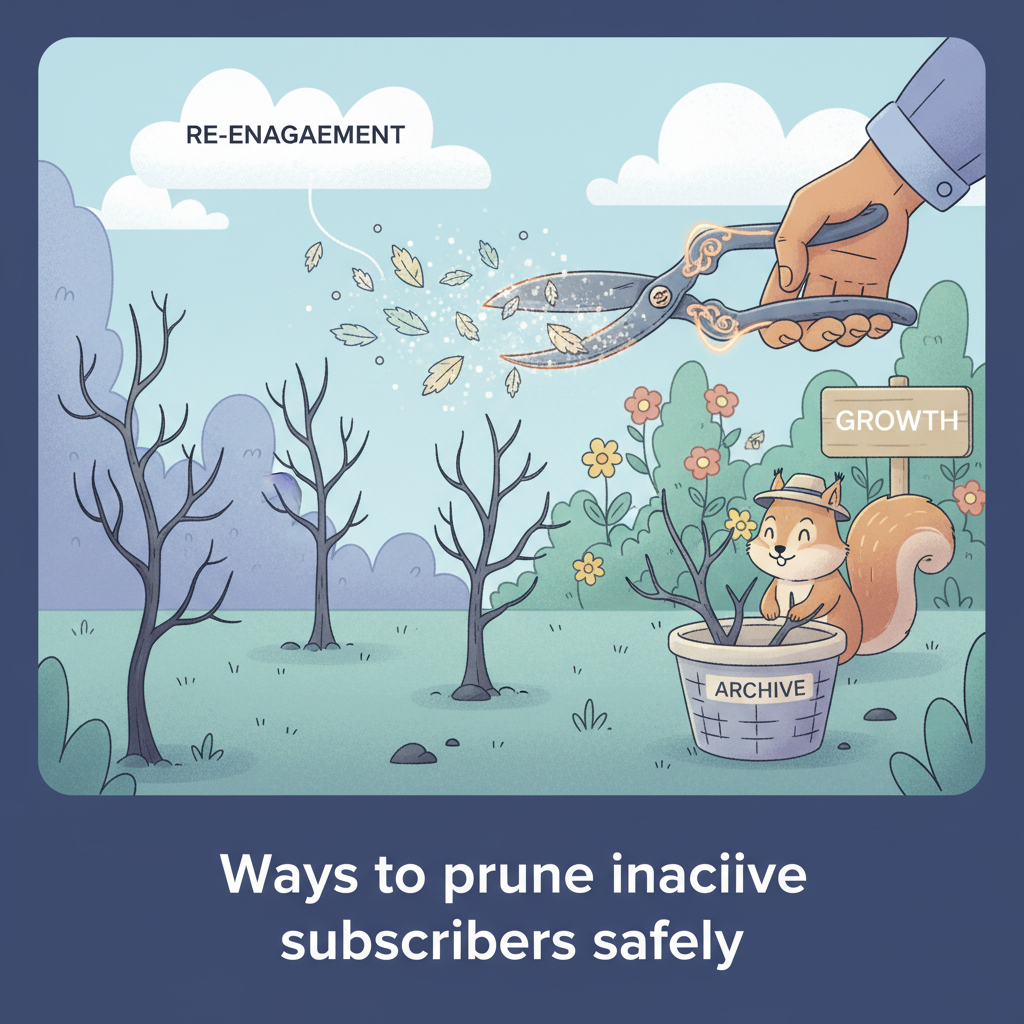
I was literally burning money. I tried to ignore it because I was afraid to delete "potential" customers. That was a mistake. Once I finally cleaned my list, my open rates doubled, and my costs dropped by 30%. In this guide, I will show you the exact ways to prune inactive subscribers safely without losing valuable data.
Definition of Inactive Subscribers
We need to be precise here. An inactive subscriber is not just someone who missed one email. I define an inactive subscriber as a contact who has not engaged with any channel for a specific time period.
I made a mistake early in my career. I only looked at "opens." In 2024, that metric is broken. You cannot rely on open rates alone. Here is why.
Identifying Unengaged Users via Interaction Metrics
I use a multi-metric approach now. I only label someone "inactive" if they meet three conditions at the same time:
- No Open Event: The tracking pixel didn't load in the last 90 to 180 days.
- No Click Event: They haven't clicked a single link in your emails.
- No Website Activity: They haven't visited your site (if your data is connected).
If a user matches all three, they are dead weight. They are hurting your sender score.
Impact of Apple Mail Privacy Protection on Engagement Data
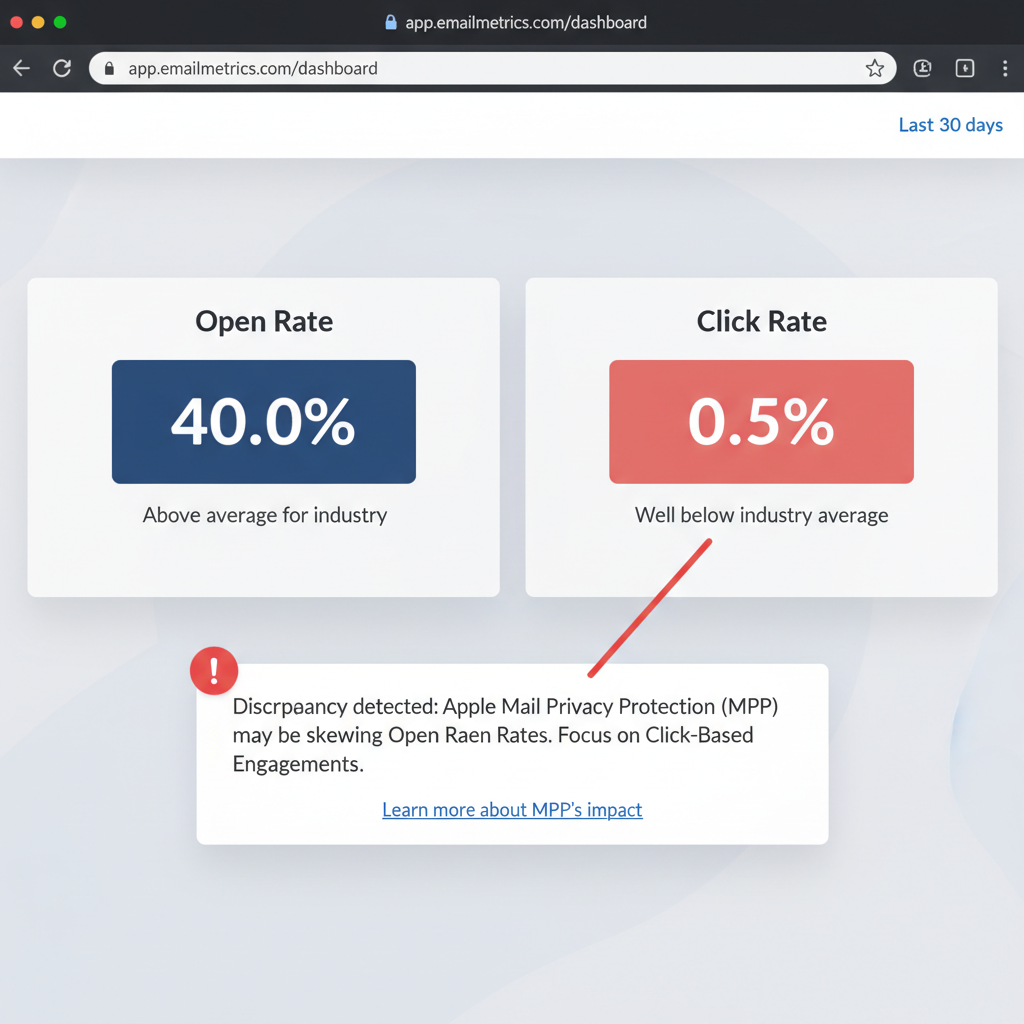
This is the part that trips up most marketers. Apple Mail Privacy Protection (MPP) changed everything in 2021. Litmus reports that Apple now masks over 50% of email opens.
Here is what happens: Apple loads the email images on a proxy server. Your email software thinks the user opened the email. But a human never saw it. I have seen lists where 40% of the "opens" were actually Apple bots.
To fix this, I stopped using "Last Open Date" as my main filter. I use "Last Click Date" instead. A click is a deliberate human action. A bot rarely clicks a specific link inside your content.
Risks of Retaining Inactive Subscribers
You might think keeping these people is harmless. I thought so too. But the data proves otherwise. Keeping them carries real risks.
Decrease in Domain Sender Reputation
Internet Service Providers (ISPs) like Gmail and Outlook grade you. They look at your engagement. If you send 10,000 emails and only 50 people open them, Gmail assumes you are sending spam.
I have seen clients get their emails sent straight to the spam folder because they refused to prune their list. Once your domain reputation tanks, it takes months to fix. It is much easier to keep your list clean.
Increase in Email Marketing Costs
Let's talk about the literal cost. Most Email Service Providers (ESPs) charge you based on how many contacts you store. You pay for every single inactive email.
I calculated the costs for a mid-sized business. Here is how much money you waste by keeping inactive subscribers:
| Total List Size | Inactive Count (Est. 20%) | Typical Monthly Cost | Wasted Money (Monthly) |
|---|---|---|---|
| 10,000 | 2,000 | $80 | $16 |
| 50,000 | 10,000 | $290 | $58 |
| 100,000 | 20,000 | $550 | $110 |
If you have 100,000 subscribers, you could save over $1,300 a year just by deleting people who don't care about your content. That is real money back in your pocket.
Criteria for Pruning an Email List
You need a plan before you hit the delete button. I don't guess. I follow a strict timeline based on how often I send emails.
Timeline for Defining Inactivity
I use different rules for different types of lists. Here is the schedule I follow:
- Daily Newsletters: I prune after 90 days of no clicks. If they haven't clicked in three months of daily emails, they are gone.
- eCommerce Brands: I wait 180 days (6 months). People don't buy shoes every week.
- B2B Services: I wait 365 days. Sales cycles are long in the corporate world.
According to MarketingSherpa, email lists naturally decay by about 22.5% every year. If you don't remove at least that many people, your list is technically growing stale.
Segmenting by Last Click Date vs. Last Open Date
I mentioned this earlier, but I want to show you the logic I use in my software. When I build my "To Delete" segment, I use this exact logic filter:
IF (Last Click Date > 180 Days)
AND (Last Purchase Date > 180 Days)
AND (Date Added > 30 Days)
THEN -> Move to Inactive Segment
Notice the "Date Added" rule. I always protect new subscribers. You don't want to accidentally delete someone who joined last week but hasn't clicked yet.
Steps to Prune Inactive Subscribers Safely
I never delete thousands of contacts at once without a safety net. I follow this four-step process every time.
Step 1: Verification of Email Address Validity
First, I check if the emails even exist anymore. People change jobs. Domains expire. I use a verification tool like ZeroBounce or NeverBounce. These tools ping the email server to see if the address is real.
If the tool returns a "Hard Bounce" or "Invalid," I delete those immediately. There is no point in keeping them. They are dangerous to your reputation.
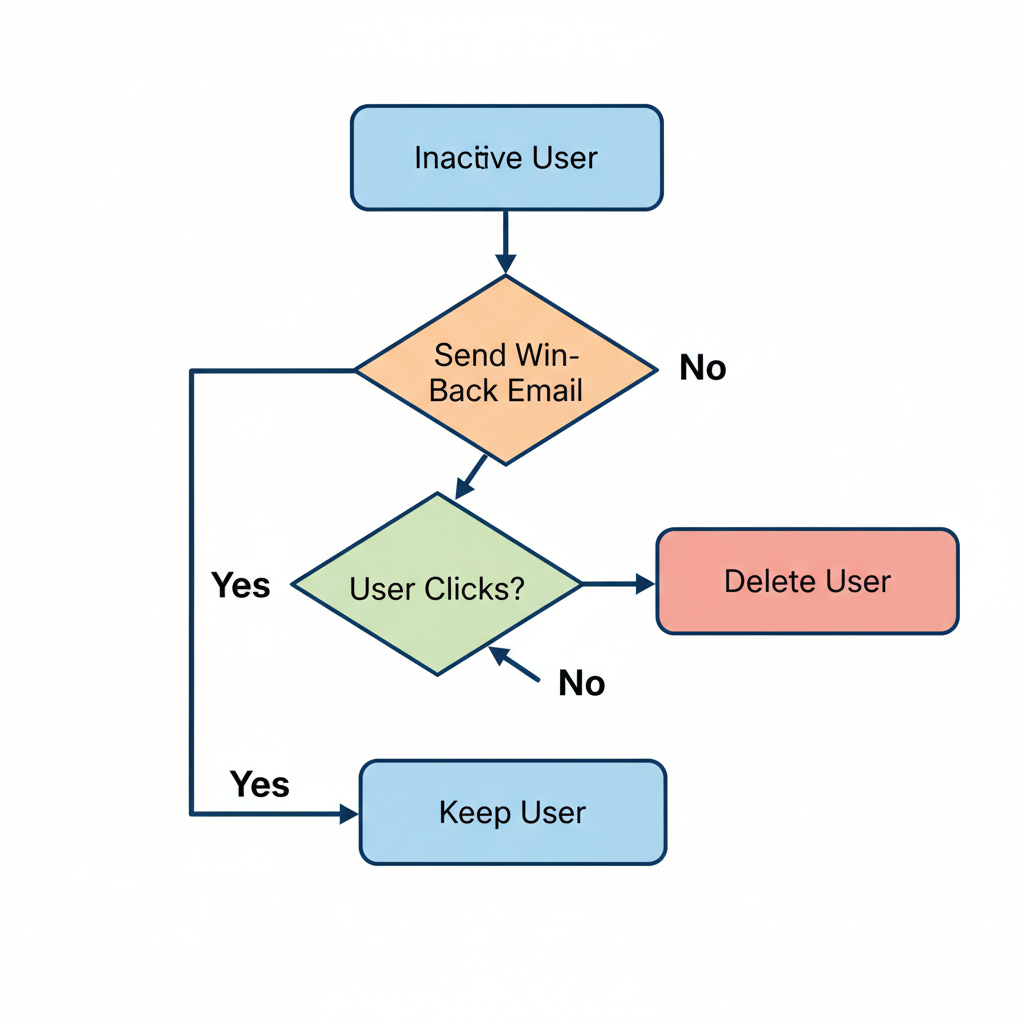
Step 2: Implementation of a Re-engagement Email Sequence
Before I give up on the valid addresses, I try one last time. I create a "Win-Back" campaign. This is a simple sequence of 2 or 3 emails.
I keep the subject lines direct. Something like "Are you still there?" or "Should I remove you?" usually works well. I offer a discount or a free guide to get them to click. If they click, they stay. If they don't, they move to the next step.
Step 3: Segmentation of Non-Responsive Users
After the win-back campaign finishes, I look at the data. Anyone who didn't open or click the re-engagement emails gets moved to a "Suppressed" list. I exclude this segment from my regular newsletters immediately. This instantly boosts my open rates for the next campaign.
Step 4: Final Removal or Archiving of Data
This is where I do something different than most people. I don't always hit delete right away. I often "Archive" the data first.
I export the inactive subscribers to a CSV file. Then I delete them from my email provider to save money. But I keep the CSV file. Why? Because I can upload that list to Facebook or LinkedIn Ads.
I can show ads to these people to try and win them back on social media. It costs less than emailing them, and it doesn't hurt my email sender score.
Automation of List Hygiene
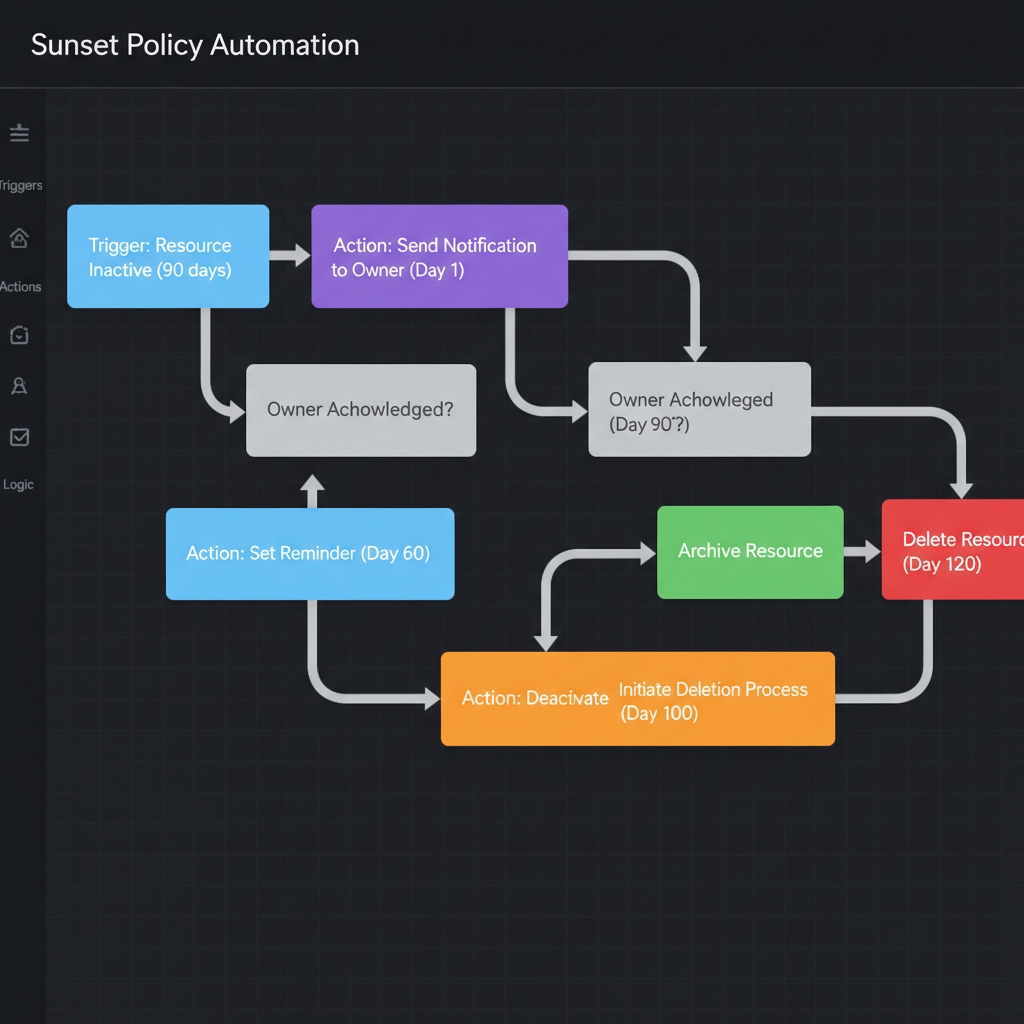
I used to do this manually every quarter. It was a pain. Now, I automate it. Most modern tools like HubSpot or Klaviyo let you set up a "Sunset Policy."
Setting Up a Sunset Policy in an ESP
A sunset policy is just an automated workflow. It runs in the background 24/7. Here is how I set mine up:
- Trigger: User hits 180 days since last click.
- Action: Send "Re-engagement Email 1". Wait 5 days.
- Check: Did they click?
- Yes: Remove from workflow. Reset their status to Active.
- No: Send "Re-engagement Email 2". Wait 5 days.
- Final Action: If still no click, change custom property to "Inactive - Ready to Delete."
Once a month, I log in, look at the "Ready to Delete" list, and remove them. It takes me five minutes.
Legal Requirements and Compliance
I have to mention the legal side. It's not just about clean data; it's about the law.
GDPR and Data Retention Policies
If you have subscribers in Europe, you must follow GDPR guidelines. One of the main rules is "Storage Limitation." You shouldn't keep personal data for longer than you need it.
Pruning your list actually helps you comply with GDPR. It shows you aren't hoarding data unnecessarily. However, be careful with my "Archiving" strategy. If a user specifically asks to be forgotten (a Right to Erasure request), you must delete them from your CSV archives too. You cannot keep their data anywhere.
I hope this guide helps you feel more confident about cleaning your list. It feels scary to see the numbers drop at first. But remember, a smaller, active list is always more profitable than a massive list of ghosts. I've seen it work for my business, and I know it will work for yours.