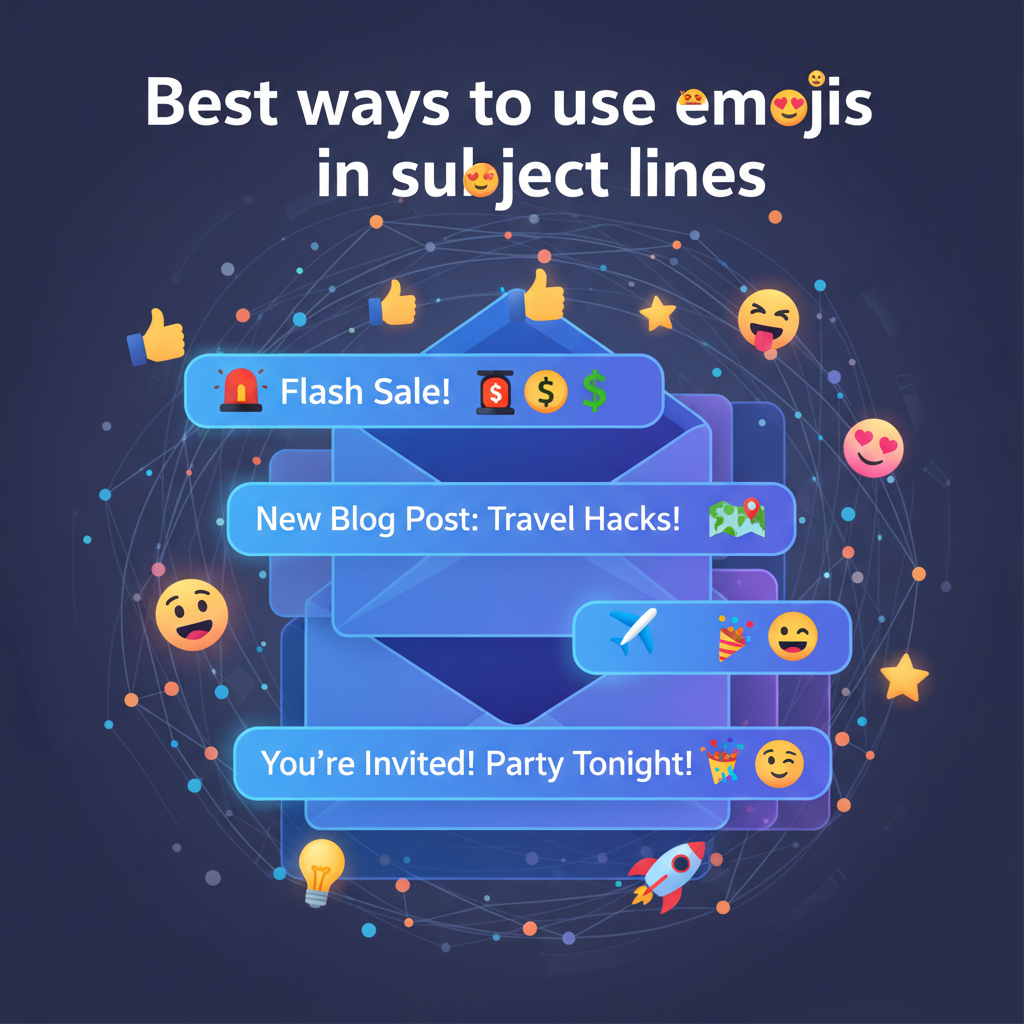
Best Ways to Use Emojis in Subject Lines: Data and Methods
I wasted a lot of time worrying about my email open rates. I bet you have too. You spend hours writing a great email, hit send, and then... nothing happens. It feels awful.
A few years ago, I noticed a competitor using emojis in their subject lines. I thought it looked unprofessional. But then I looked at the data. According to Experian, emails with emojis can see a 56% increase in open rates. I realized I was missing out on a huge opportunity.
However, it is not as simple as adding a smiley face. I have learned this the hard way. If you do it wrong, you can hurt your brand. In fact, the Nielsen Norman Group found that bad emoji use increases negative sentiment by 26%.
I want to save you from making my mistakes. In this article, I will share the best ways to use emojis in subject lines based on real data and my own testing.
How Emojis Change Email Metrics
You probably want to know if emojis actually work. The answer is yes, but it is complicated. I dug into the research to find the truth.
Search Engine Journal ran a massive study. They looked at 3.9 million emails. What they found surprised me. Subject lines without emojis actually had a higher open rate of 52.94%. Emails with emojis had a lower open rate.
But here is the twist. Even though fewer people opened the emoji emails, the click-through rate (CTR) was higher. In specific tests, emoji subject lines had a 64% win rate for clicks.
What this means for you:
- Emojis filter your audience.
- People who like emojis are more likely to click your links.
- You might get fewer opens, but you could get more sales.
I have seen this in my own campaigns. When I use a relevant symbol, my engagement goes up. But if I just slap a random emoji on the end, it does nothing.
< figure class="article-image-container" >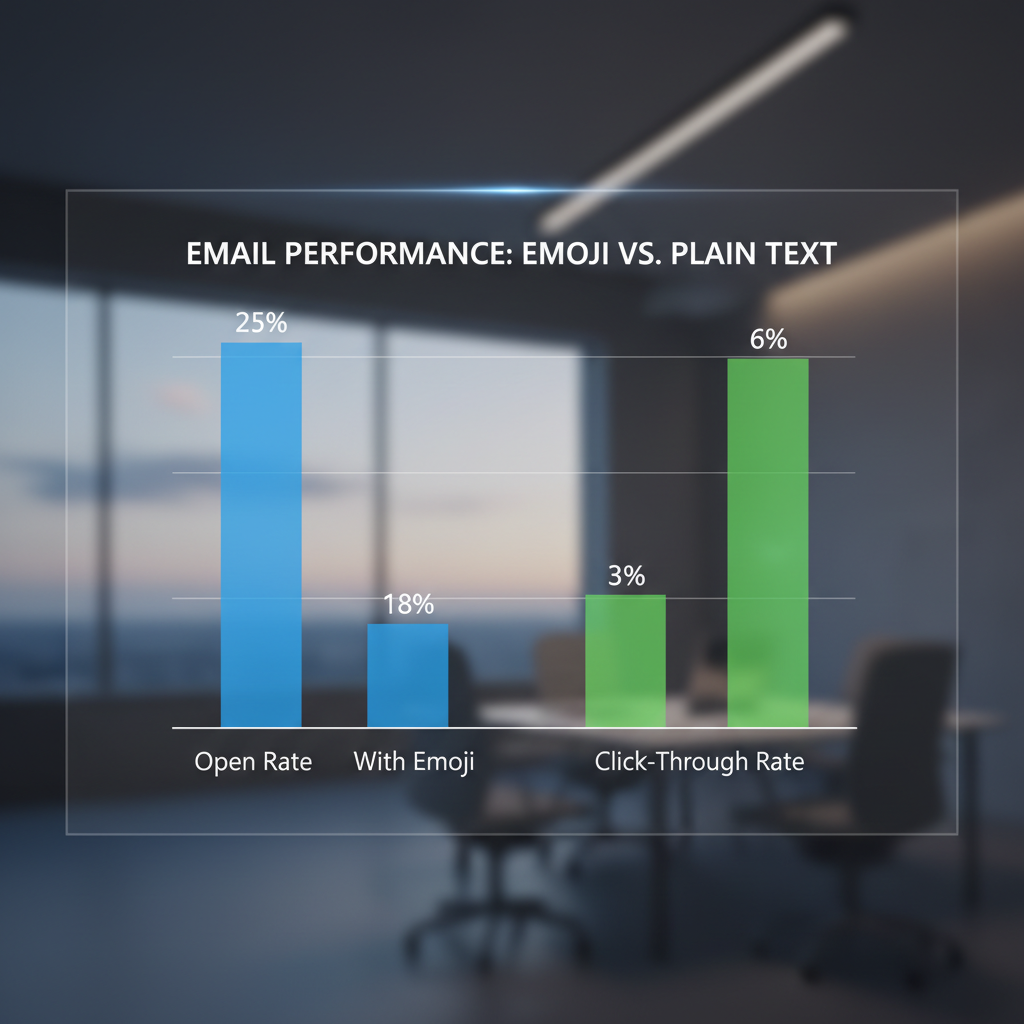
Technical Rules for Emoji Rendering
This is where I messed up in the beginning. I assumed everyone saw the same thing I saw. I was wrong.
An emoji is not a picture. It is computer code called Unicode. Your phone or computer decides what that code looks like. If I send you a "Grinning Face" from my iPhone, it looks different on your Windows computer.
The Outlook Problem
If you work in B2B, listen to this. Many businesses use older versions of Outlook. I found that Outlook often turns colorful emojis into black and white outlines. Sometimes, it just shows an empty square box like this: ☐.
That looks broken. It makes you look like you don't know what you are doing. I recommend testing your emails on a Windows device before you send them.
Dark Mode Risks
I love Dark Mode. It is easier on my eyes. But it ruins some emojis. I noticed that emojis with dark outlines, like the copyright symbol (©) or the heavy checkmark (✔️), can disappear.
In Dark Mode, the background is black. If your emoji has a black outline, it blends in. The reader sees nothing. I stick to emojis with bright colors, like the yellow faces or the orange fire symbol. They show up clearly on both white and black backgrounds.
Accessibility and Screen Readers
This is the most important part of this article. I admit, I didn't think about this until recently. But we have to care about it.
Millions of people use screen readers to read their email. These are tools that speak the text out loud for blind or visually impaired users. I looked at guidelines from Section508.gov to understand how this works.
Screen readers do not skip emojis. They read the full name of the symbol. Every single time.
Here is a bad example:
Subject: "Buy our 👕 and 👖 for summer!"
Audio: "Buy our T-Shirt and Jeans for summer!"
That actually sounds okay. But look at this one:
Here is a terrible example:
Subject: "Big Sale!!! 👏 👏 👏"
Audio: "Big Sale!!! Clapping Hands Sign. Clapping Hands Sign. Clapping Hands Sign."
I tried listening to that with a screen reader tool. It was incredibly annoying. If you do this, people will delete your email immediately.
My rule for accessibility: Never replace a word with an emoji. Use them at the end of the sentence as decoration. That way, the message is clear first.
< figure class="article-image-container" >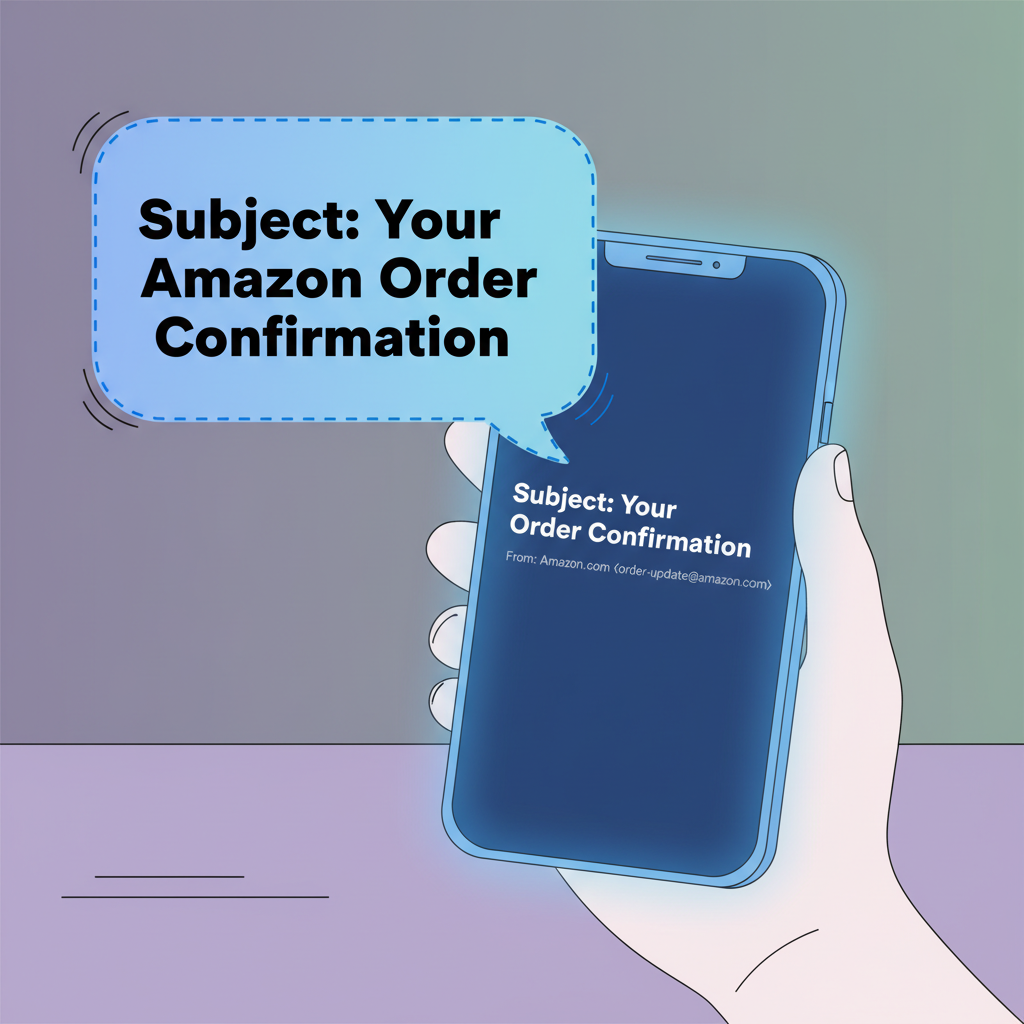
Professional Use in B2B vs. B2C
I often get asked, "Is it professional to use emojis in business emails?"
It depends on your job. I looked at data from Tidio regarding the finance industry. They found that using emojis in subject lines for financial services dropped open rates by 6%. Trust is everything in finance. A smiley face might make a bank look less serious.
But for retail? It is a different story. Adobe found that 44% of users are more likely to buy products advertised with emojis.
My Industry Cheat Sheet
I created this simple list based on what I have seen work:
- Retail (Clothing, Food): Go for it. Use urgency symbols like the siren (🚨).
- Software (SaaS): Be careful. Use objects like the rocket (🚀) for launches. Avoid silly faces.
- Legal and Medical: Avoid them. It feels disrespectful.
- Newsletters: Use a consistent symbol. It helps people recognize you.
How to Test Emojis Correctly
You cannot guess what will work. You have to test it. I use a simple method called A/B testing.
Here is exactly how I do it:
- Create two subject lines. They must be identical in text.
- Add one emoji to Version B. Put it at the end of the line.
- Send to a small group. I usually send to 10% of my list.
- Wait 4 hours. See which one wins.
- Send the winner to everyone else.
I remember one specific test I ran in December. I used a Snowman (⛄) emoji. Salesforce data says this symbol can increase open rates by over 65% during winter. My test confirmed it. The version with the snowman beat the plain text version by a landslide.
< figure class="article-image-container" >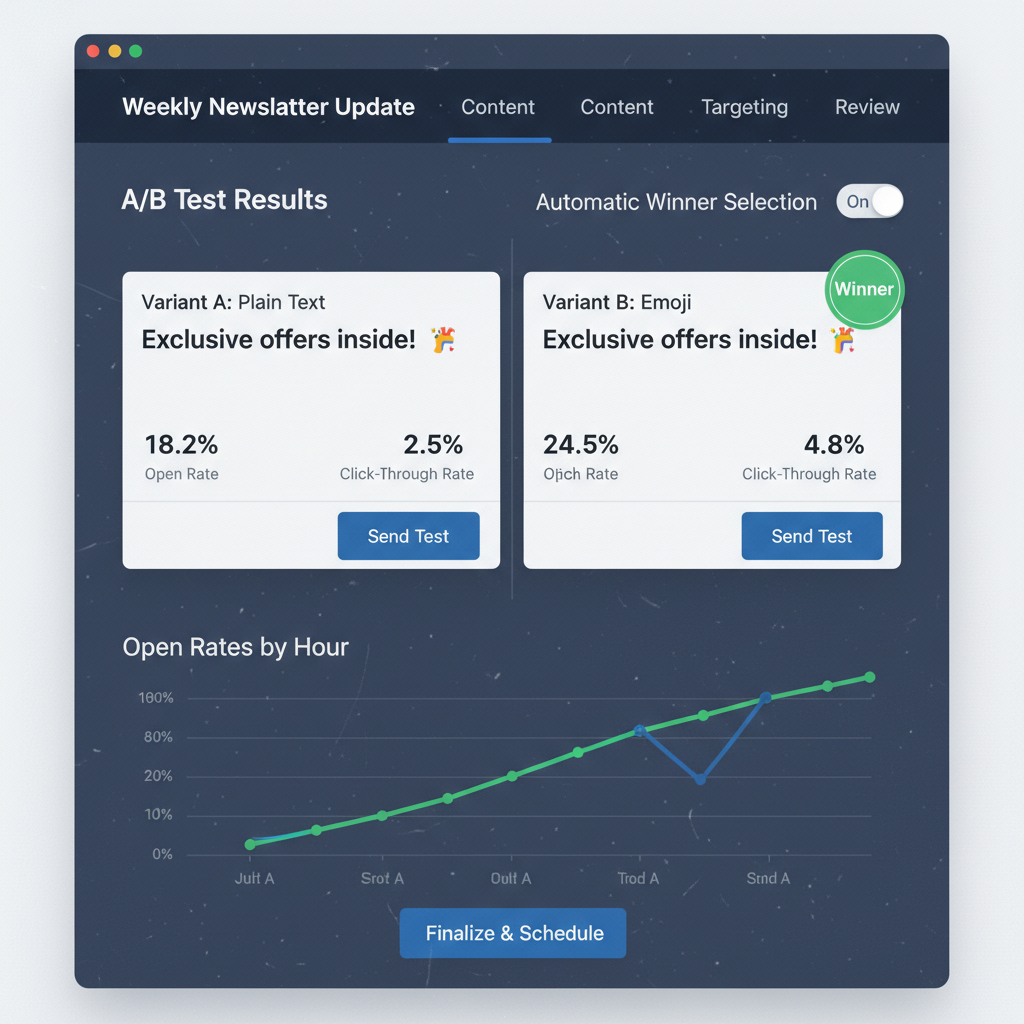
Spam Filters and Legal Issues
Nobody wants to end up in the spam folder. I used to worry that emojis would trigger spam filters. The good news is that emojis themselves are rarely the problem.
However, specific symbols are risky. I avoid the bag of money (💰) or the mouth with money tongue (🤑). Bayesian filters-the code that spots spam-often see these symbols in junk mail. If you use them, you look like junk mail too.
There is also a legal side. The FTC has rules against deceptive subject lines. I read through the CAN-SPAM Act guidelines.
You cannot use emojis to trick people. For example, do not use the "New Message" envelope (📩) or the "Warning" sign (⚠️) if you are selling shoes. That makes it look like a system alert or a personal message. It is dishonest. I never do this, and neither should you.
Common Questions I Hear
Do emojis in subject lines cause spam?
Not usually. But if you use too many, it increases your "spam score." I stick to one emoji per email. It is safer.
What are the best emojis for open rates?
Simple ones work best. The Sun (☀️) and the Star (★) are great. They are clean and easy to see. Seasonal ones work well too.
How many emojis should I use?
Just use one. Mailchimp recommends this too. If you use more, you risk getting cut off on mobile screens. Plus, it looks messy.
Where should I put the emoji?
I put mine at the end of the subject line. If you put it at the start, it pushes your important words to the right. On a phone, those words might get cut off.
Using emojis effectively is not a guessing game. It is about testing, knowing your audience, and respecting accessibility. I hope this guide helps you send better emails today.