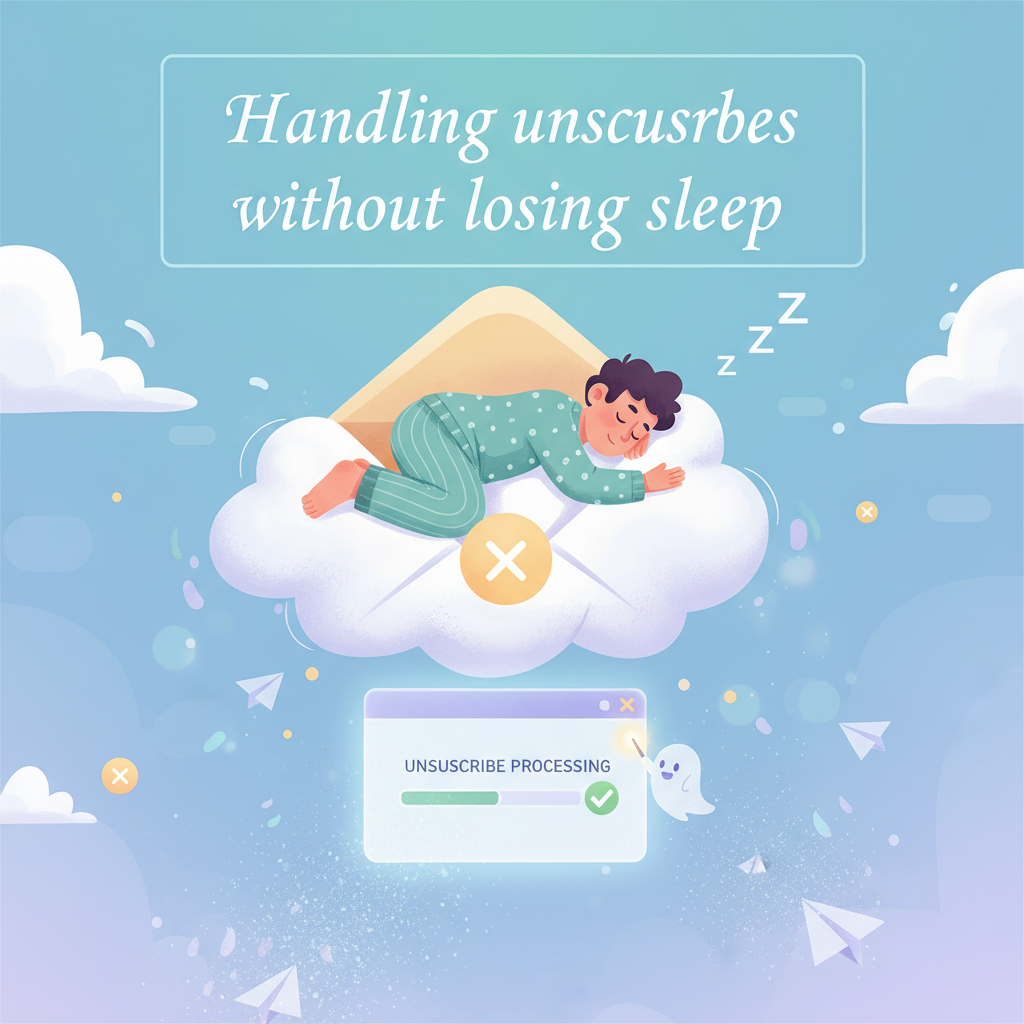
Handling Unsubscribes Without Losing Sleep: Strategies for List Health
I still remember the panic I felt sending my first major email campaign. I spent three days writing the perfect copy. I hit "send," waited five minutes, and refreshed the page.
Three people had already unsubscribed.
My heart sank. I took it personally. I thought, "What did I say wrong?" If you run an email list, I know you have felt this too. It stings. But over the last 15 years, I learned something important. Unsubscribes are not failures. They are actually a sign that your list is working.
I want to show you how to look at these numbers differently. In this guide, I will share the exact benchmarks I use, why people leave, and how to manage your list so you can focus on handling unsubscribes without losing sleep.
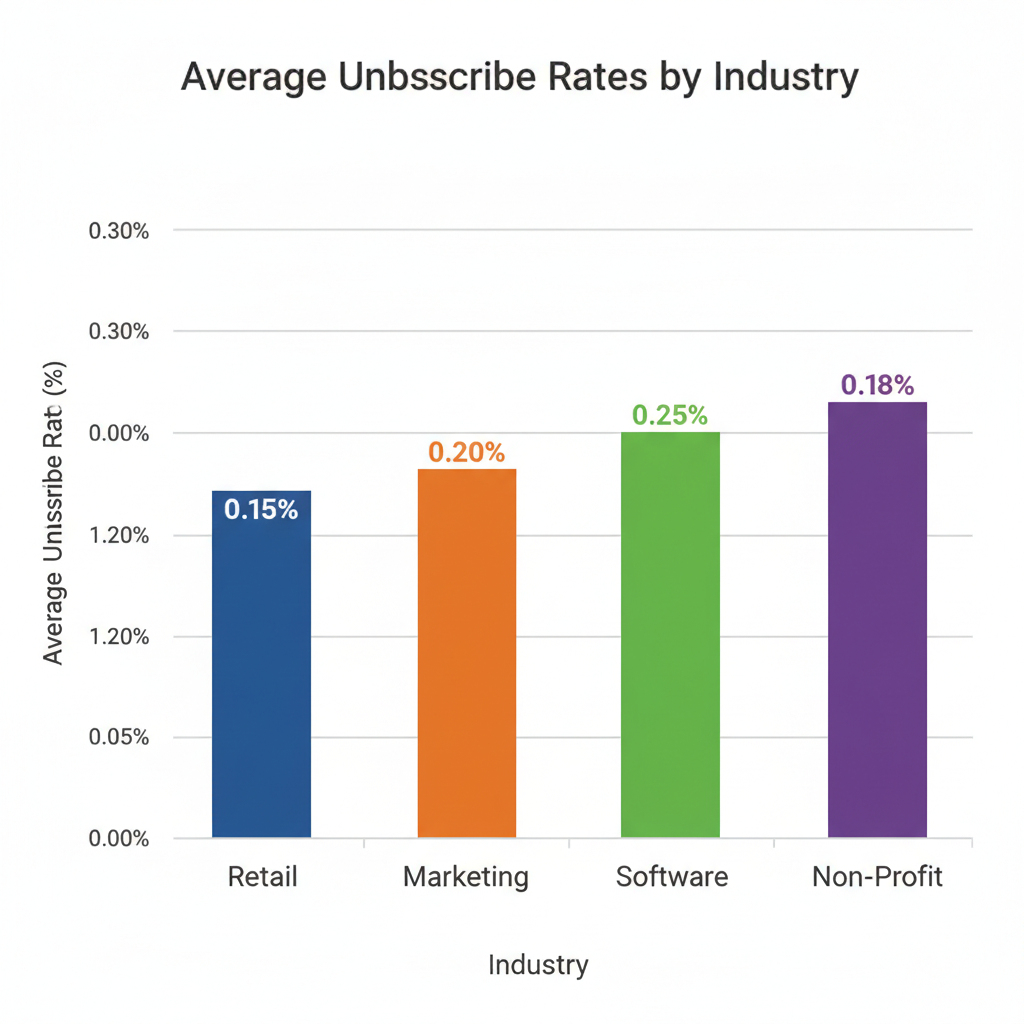
Average Email Unsubscribe Rates by Industry
First, let's look at what is normal. When I work with clients, they often panic over a 0.5% unsubscribe rate. But is that actually high?
I checked the latest data for 2024. According to GetResponse and Campaign Monitor, the average unsubscribe rate across all industries sits between 0.1% and 0.2% per campaign. That means if you send an email to 1,000 people, losing one or two subscribers is completely standard.
Here are the specific numbers I track:
- Retail and E-commerce: 0.10% - 0.15%
- Marketing Agencies: 0.14% - 0.20%
- Software and Tech: 0.18% - 0.25%
- Non-Profits: 0.12% - 0.18%
I also notice a big difference between B2B (business) and B2C (consumer) lists. In my experience, B2B lists churn faster. People change jobs constantly. When they leave a company, that email address dies. It isn't about your content. It's just life.
If your rate stays below 0.5%, you are doing fine. If it jumps over that, we need to look closer at your content.
< figure class="article-image-container" >
Why Subscribers Choose to Opt Out
I used to guess why people left my list. Then I started asking them. The answers surprised me because they were rarely about the quality of my writing.
The Data & Marketing Association (DMA) found that 69% of users unsubscribe because of email fatigue. They simply get too many emails.
High Sending Frequency
I tested this on my own list last year. I went from sending one email a week to three. My unsubscribe rate doubled immediately. People value their time. If you show up in their inbox every day without adding value, they will cut you off. It is nothing personal. They are just decluttering.
Irrelevant Content
Imagine signing up for a list about dog training. Two months later, the sender starts trying to sell you cat food. You would leave, right? I see businesses do this all the time. They drift away from their main topic. When I stick to what I promised at sign-up, my retention stays high.
Methods for Reducing Emotional Stress
This is the part most experts skip. They talk about data, but they ignore the anxiety. I want to change how you view the "unsubscribe" button.
Unsubscribes Save You Money
Most email platforms like Mailchimp or Klaviyo charge you based on how many contacts you have. I pay for every single email address on my list. If someone does not open my emails, I am paying to annoy them.
When someone unsubscribes, they are doing me a favor. They are lowering my monthly bill. I try to think of it as the trash taking itself out.
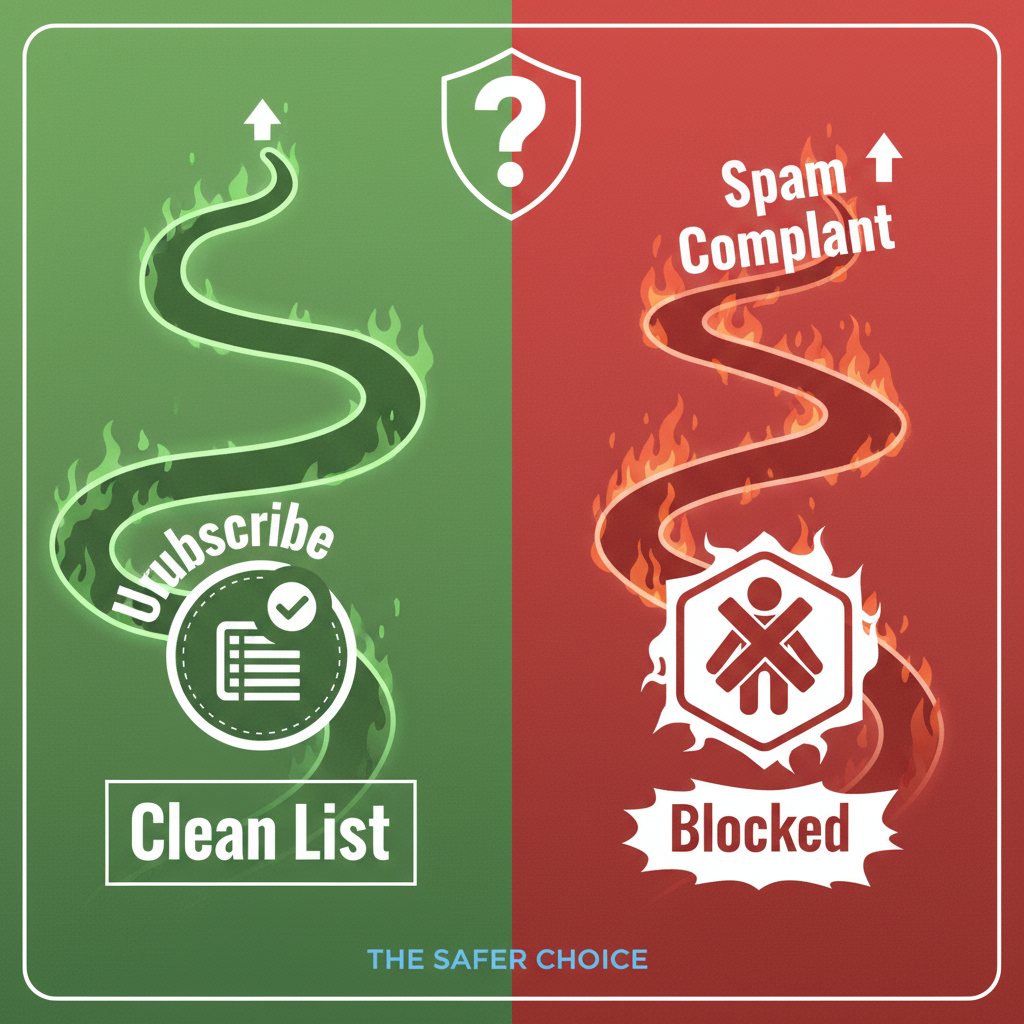
The "Good" Unsubscribe vs. The Spam Complaint
I would much rather lose a subscriber than get a spam complaint. If a user marks you as spam, it hurts your reputation with Google and Yahoo. That means your future emails might go straight to the junk folder for everyone else.
According to Validity, high spam complaints can tank your deliverability. An unsubscribe is a polite exit. A spam complaint is a slap in the face. Be grateful for the polite exit.
< figure class="article-image-container" >
Technical Steps to Manage Unsubscribes
You can't stop people from leaving, but you can manage how they do it. I use a few technical tricks to keep my list healthy.
Creating an Email Preference Center
I realized some people liked my content but hated the frequency. So, I stopped giving them a "Yes or No" choice. I built a preference center.
Instead of just "Unsubscribe," I offer options:
- "Snooze for 30 days"
- "Receive monthly digest only"
- "Unsubscribe from everything"
HubSpot data suggests this can save up to 30% of your audience. I tried it, and it works. People appreciate having control.
One-Click Unsubscribes
In February 2024, Google and Yahoo changed the rules. If you send bulk emails, you must have a "one-click unsubscribe" link in your header. I updated all my clients' templates to include this immediately.
If you hide the button, people will just mark you as spam. Make it easy to leave. It builds trust.
Procedures for Cleaning Email Lists
I don't wait for people to leave. I actively remove them. This sounds scary, I know. Why would you delete contacts you worked hard to get?
Because MarketingSherpa estimates that email lists decay by about 22.5% every year. People change emails or abandon accounts. If you keep sending to dead accounts, your open rates drop.
Identifying Inactive Subscribers
Every six months, I run a search. I look for anyone who hasn't opened an email in 180 days. I label these as "Cold Subscribers."
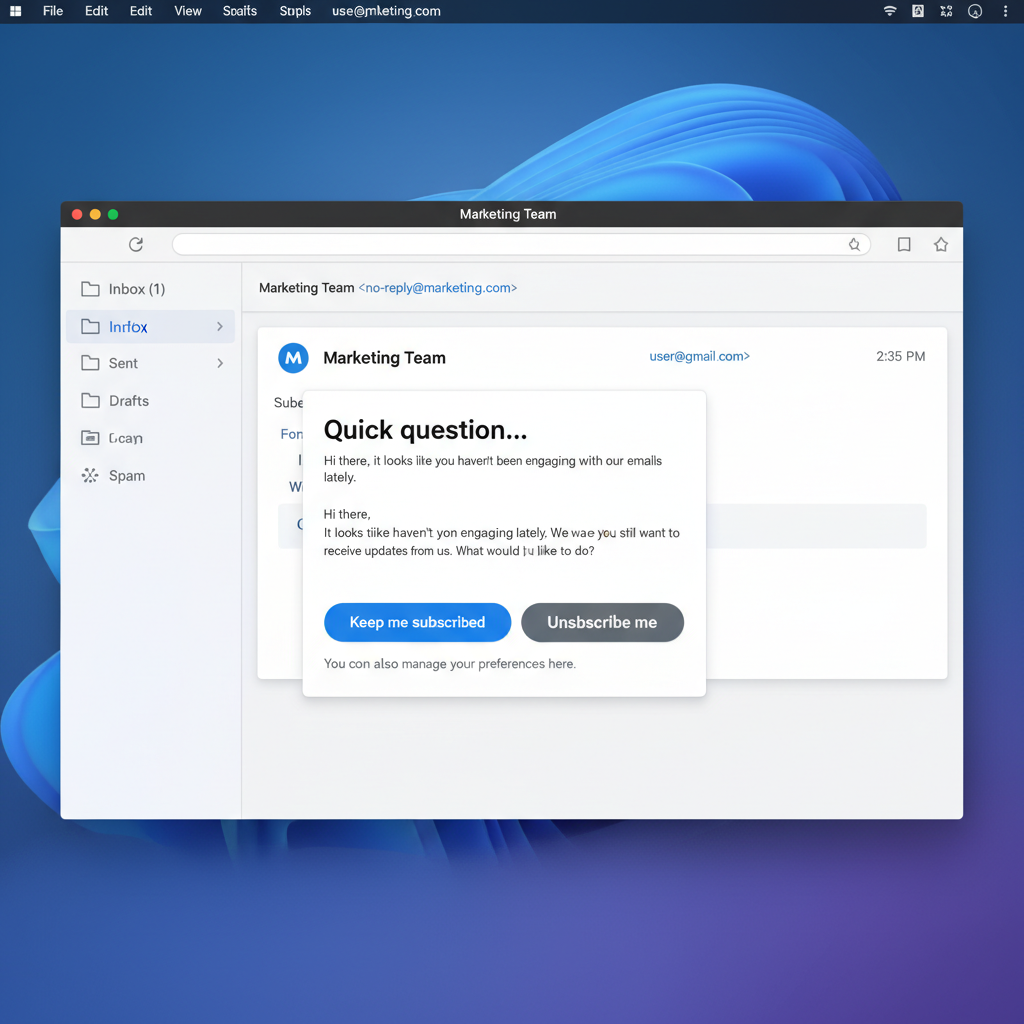
Running a Re-engagement Campaign
Before I delete them, I send one last message. I keep it simple. My subject line usually says: "Are you still there?"
Inside, I ask if they want to stay. I include a big button that says "Yes, keep me on the list." If they don't click it within a week, I delete them. The first time I did this, I deleted 2,000 people. My open rate jumped from 18% to 35% overnight. It was worth it.
< figure class="article-image-container" >
Legal Rules You Must Follow
I am not a lawyer, but I have to follow the law to keep my business running. There are two big regulations you need to know.
CAN-SPAM Act (USA)
The FTC requires you to honor unsubscribe requests promptly. Technically you have 10 days, but I recommend doing it instantly. Your unsubscribe link must also work for at least 30 days after you send the email.
GDPR (Europe)
This is stricter. Under GDPR, people have the "Right to Erasure." If someone asks to be forgotten, you can't just unsubscribe them. You have to delete their data completely. I use automation tools to handle this so I don't miss anything.
Final Thoughts on List Hygiene
I know it feels personal when someone leaves your list. But I promise you, it is just data. A smaller, engaged list is worth ten times more than a massive list that ignores you.
Focus on the people who stay. Write for them. engaging with them. And when someone leaves, let them go gracefully. It saves you money and keeps your reputation safe. That is how you start handling unsubscribes without losing sleep.