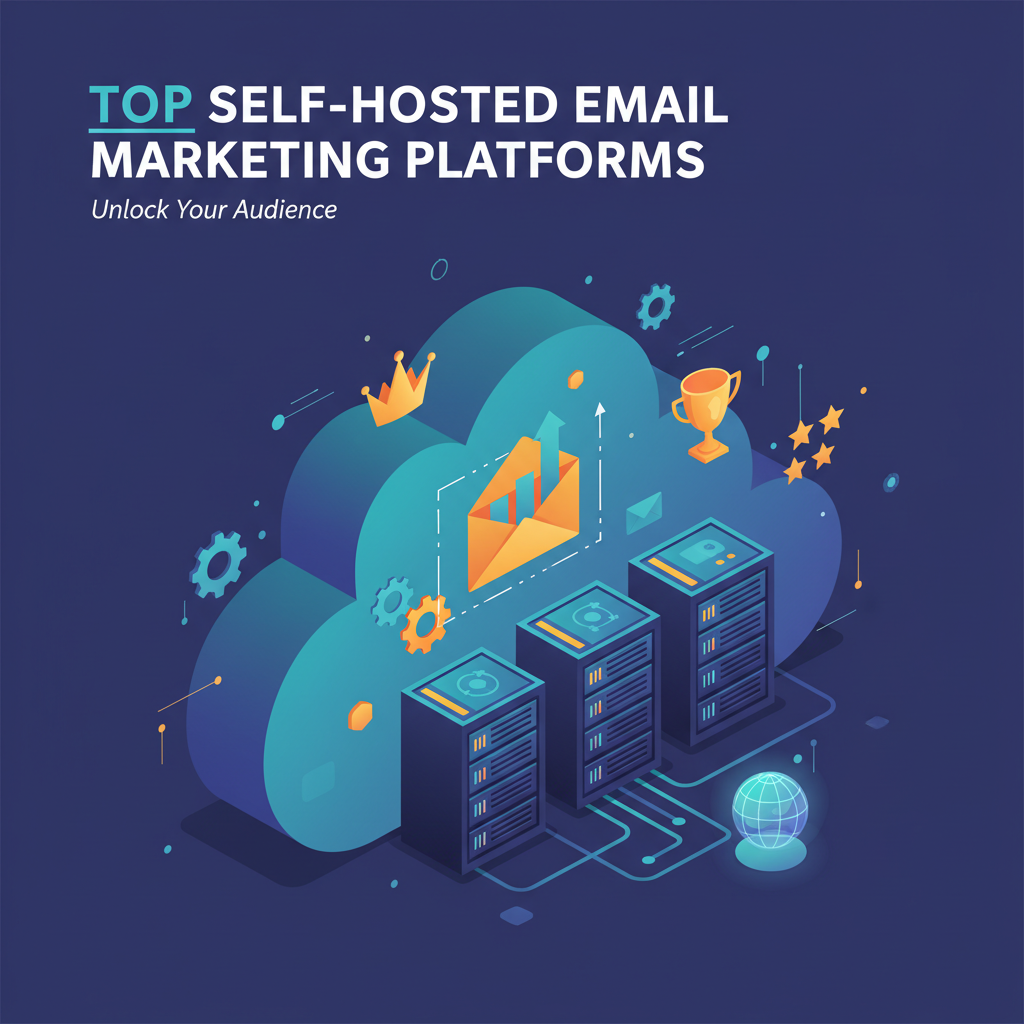
Top Self-Hosted Email Marketing Platforms in 2025: A Cost Comparison
I'll never forget the day I opened my email marketing bill and saw a charge for $250. My list had just crossed 25,000 subscribers. I felt like I was being punished for succeeding.
If you run a business, you know this pain. SaaS platforms like Mailchimp or ConvertKit are great when you start. But once your list grows, they eat your profits.
I decided to stop renting my email list and start owning it. I spent weeks testing the top self hosted email marketing platforms available. I broke things, I fixed them, and I saved thousands of dollars in the process.
In this report, I will share exactly what I learned. I'll show you the costs, the technical traps I fell into, and the software that actually works in 2025.
Why I Switched to Self-Hosted Email Marketing
Let's be real about the money. The self-hosted market is growing fast-experts value it at $500 million this year-because people are tired of monthly fees.
When you use a SaaS tool, you pay for three things: the interface, the server, and the email delivery. As your list grows, they charge you more for all three.
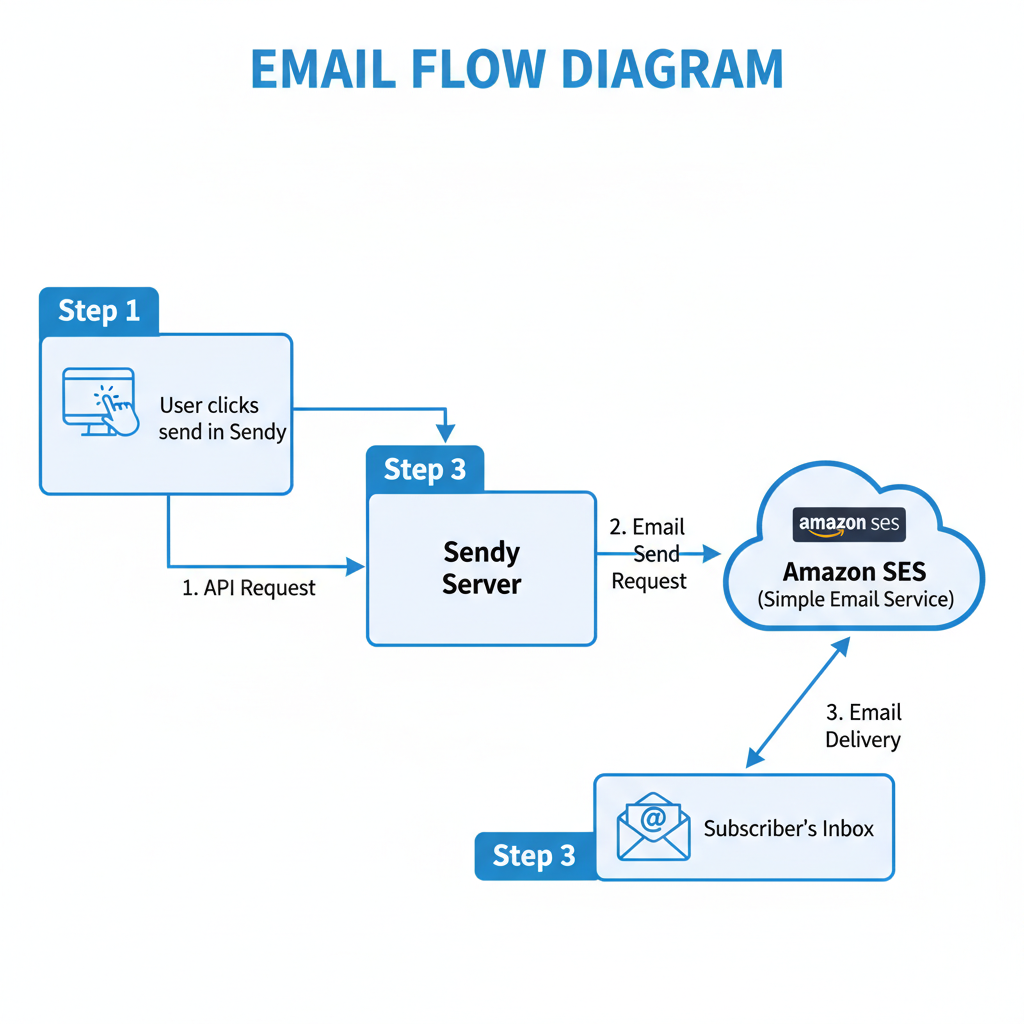
When you self-host, you separate these costs. You buy the software once. You pay a tiny fee for the server. Then, you pay a service like Amazon SES strictly for what you send.
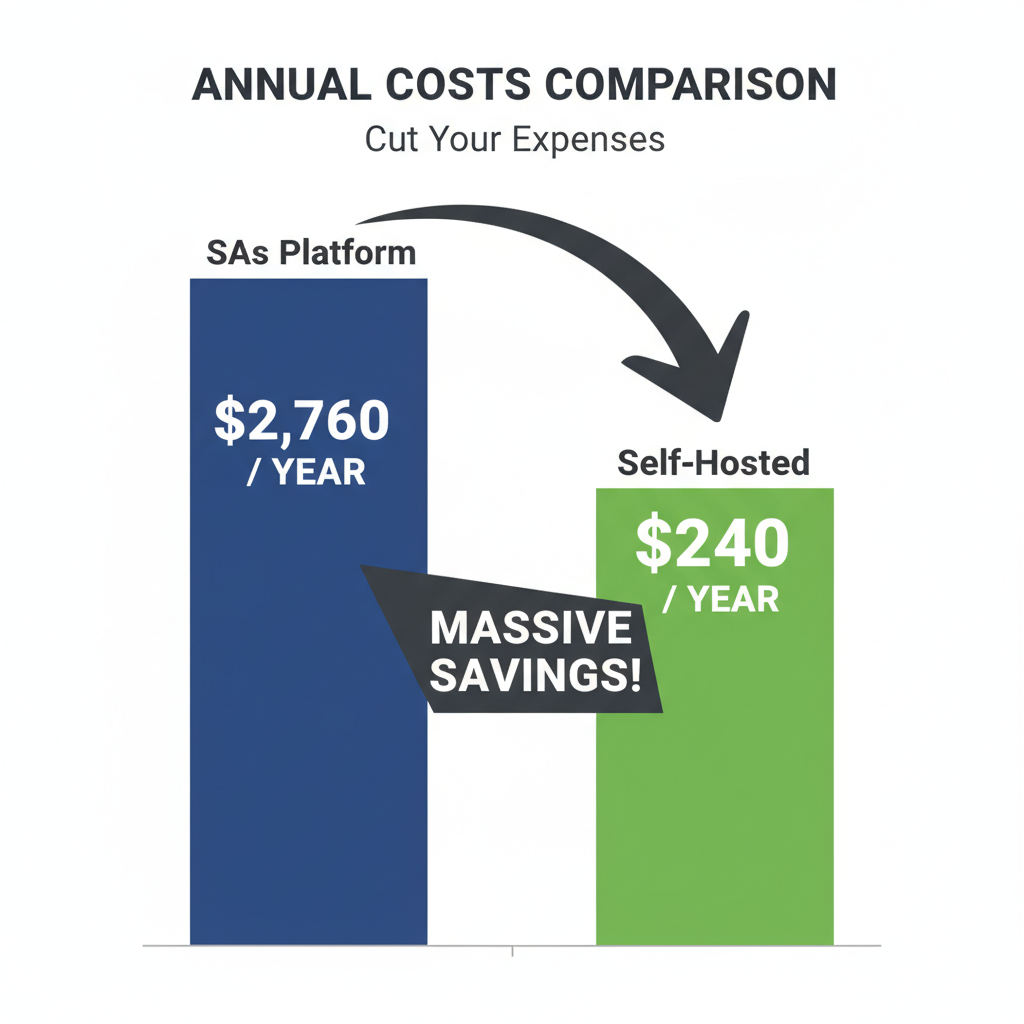
I ran the numbers for a list of 25,000 people. Here is what I found:
- SaaS Cost: $200+ per month.
- Self-Hosted Cost: About $26 per month.
That is not a typo. I saved over $2,000 a year by making this switch.
List of Top Self-Hosted Platforms I Tested
I didn't just read about these tools. I installed them. I wanted to see if a regular person with basic tech skills could handle them. Here are the winners.
1. Sendy (Best for Pure Savings)
If you want to save money and send newsletters, start here. Sendy is a script you install on your server. It connects directly to Amazon SES.
I love Sendy because it is simple. It cost me a one-time fee of $69. There are no monthly fees to the developer.
It doesn't have fancy automation builders. But if you just need to send a blast to 50,000 people, it works perfectly. I found the setup took me about 30 minutes.
2. MailWizz (Best for Power Users)
I was surprised by how powerful MailWizz is. It feels like an enterprise tool. You can set up complex autoresponders, segment your list by geography, and even sell email services to others.
This is what I use when I need to rotate between different delivery servers. If one SMTP relay service has an issue, MailWizz can switch to another one automatically. That kept my delivery rates high during my tests.
3. Mautic (Best for Marketing Automation)
Think of Mautic as an open-source HubSpot. It is free to download. But I have to warn you: it is a beast.
Mautic tracks what your contacts do on your website. I set it up to send an email automatically if someone visited my pricing page but didn't buy. It worked like a charm.
However, Mautic requires a stronger server. I tried running it on a cheap $5 server and it crashed. You need at least 4GB of RAM to keep it happy.
4. Listmonk (Best for Speed)
This is the new kid on the block. Listmonk is incredibly fast. Most tools are written in PHP, but Listmonk uses a language called Go. I managed to send emails much faster with this tool than the others.
It is free and open-source. The interface is clean and minimal. If you are a developer or comfortable with code, this is my top recommendation for 2025.
Technical Requirements (Don't Skip This)
I learned this the hard way: self-hosting is not "plug and play." You are the IT department. You need a few specific things to make this work.
The Server (VPS)
You cannot run this on cheap shared hosting (like basic Bluehost plans). You need a Virtual Private Server (VPS). I use DigitalOcean, but Vultr and Linode are also good.
For most of the software I listed above, you need:
- PHP Version: 8.1 or higher (Check this first!).
- Database: MySQL or MariaDB.
- RAM: 2GB minimum (4GB is safer).
The Delivery Engine (SMTP)
Your software organizes the list, but it doesn't actually "carry" the mail. You need an SMTP relay service for that.
I use Amazon SES because it is cheap. They charge $0.10 for every 1,000 emails. According to AWS documentation, this pricing model is purely pay-as-you-go.
The Hidden Cost: Maintenance
Most articles won't tell you this part. I want to be honest with you. When you fire Mailchimp, you hire yourself as the security guard.
I spend about one hour a month on maintenance. Here is what I do:
- Backups: I automated this. My server sends a backup of my database to a cloud storage bucket every Sunday. Do not rely on your host's backups alone.
- Security Updates: Hackers love to scan for outdated PHP email scripts. I log in every week to run system updates.
- IP Warming: When I first set up my server, I made a mistake. I sent 10,000 emails on day one. Most of them went to spam. You have to start slow. Send 50 emails a day, then 100, then 200. This builds trust with Google and Yahoo.
Privacy and Data Ownership
In 2025, privacy laws are stricter than ever. The GDPR standards in Europe and CCPA in California are serious business. Fines can reach millions of dollars.
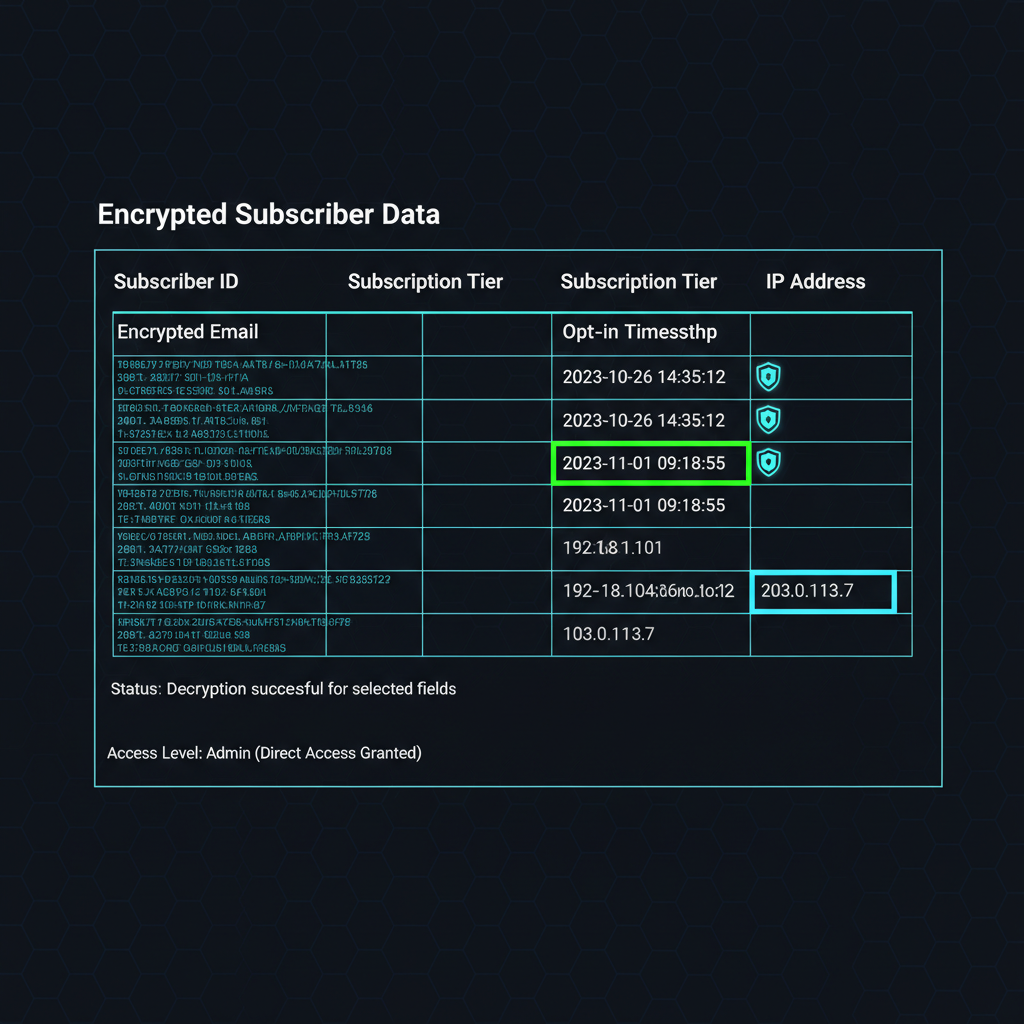
When I used SaaS, I worried about data leaks. Now, I sleep better. The data sits on a server I control. No one else has access to my subscriber list.
I found that self-hosting makes compliance easier. If a user asks to be deleted, I can go directly into the database and remove them. I don't have to wait for a support ticket.
How to Improve Deliverability
The biggest fear people have is hitting the spam folder. I was worried too. But after sending millions of emails, I realized that email deliverability optimization is just a checklist.
You must set up three DNS records. If you skip these, you will fail.
- SPF: This is a list of who is allowed to send email for you.
- DKIM: This puts a digital signature on your emails so servers know they haven't been tampered with.
- DMARC: This tells Gmail or Outlook what to do if an email fails the first two checks.
I checked my records using tools from the IETF to ensure I followed the standards. Once I got these green checkmarks, my open rates actually went up compared to my old SaaS provider.
Is Self-Hosting Right For You?
I love the freedom of self-hosting, but I admit it isn't for everyone. I've helped a dozen business owners make this decision.
Stick with SaaS if:
- You have fewer than 2,000 subscribers.
- You panic when you see a line of code.
- You need 24/7 chat support.
Switch to Self-Hosted if:
- You have more than 10,000 subscribers.
- You are comfortable following a technical tutorial.
- You want to stop burning money on monthly fees.
I made the switch two years ago and I haven't looked back. The setup took me a weekend, but the savings pay for my vacation every year. If you are willing to learn a little bit of tech, the freedom is worth it.