Comparison of Flodesk and MailerLite for Visual Brands in 2025
I spent years sending emails that looked terrible. As a creative professional, I wanted my newsletters to match my website's aesthetic. But every tool I tried felt clunky. I wasted hours fighting with code just to get a photo to align correctly. If you are a photographer or designer, you probably know this frustration well.
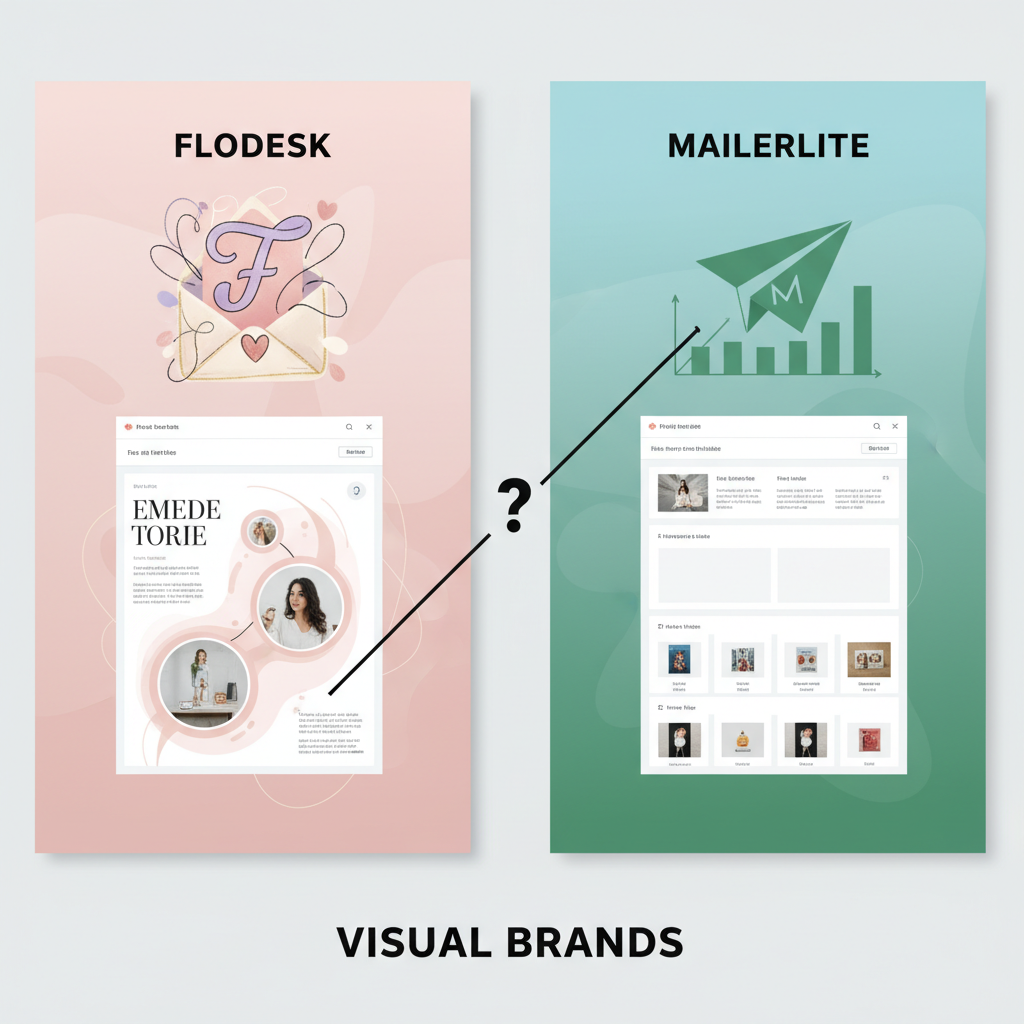
I decided to test the two biggest names for creative businesses: Flodesk and MailerLite. In 2025, choosing between them is harder than it used to be. Both platforms changed their pricing models recently. I dug into the details to see which one actually serves visual brands better.
Here is what I found after testing both tools extensively.
Costs of Flodesk and MailerLite for Subscriber Lists
Pricing used to be simple. Flodesk had a flat rate, and MailerLite had a great free plan. I found that this is no longer true in 2025. You need to look closely at these numbers before you sign up.
Flodesk Tiered Plans for New Users
For a long time, Flodesk was famous for charging one price no matter how many subscribers you had. That ended on December 2, 2025. I checked their current pricing page, and they now use a tiered system.
If you are a new user, you start at roughly $25 per month for the "Lite" plan. This covers up to 1,000 subscribers. If your list grows to 2,500 people, that price jumps to around $35. It keeps going up from there. I think this change hurts the "unlimited growth" appeal Flodesk used to have, but the entry price is still reasonable for what you get.
MailerLite Free Plan Limits and Paid Scales
MailerLite also changed their rules. They used to give you 1,000 subscribers for free. As of September 23, 2025, they cut this limit to 500 subscribers. I verified this directly on their pricing page.
If you stay on the free plan, you also have to deal with their logo in your footer. For a visual brand, this might look unprofessional. Once you pass 500 people, you must pay. Their "Growing Business" plan starts around $15 per month. While this is cheaper than Flodesk initially, the costs align closely once you hit 2,500 subscribers.
Features for Email Design and Layout
This is where the battle really happens. I tested the email builders side-by-side to see which one handles "visual" content better. The difference shocked me.
Email Template Options for Photographers
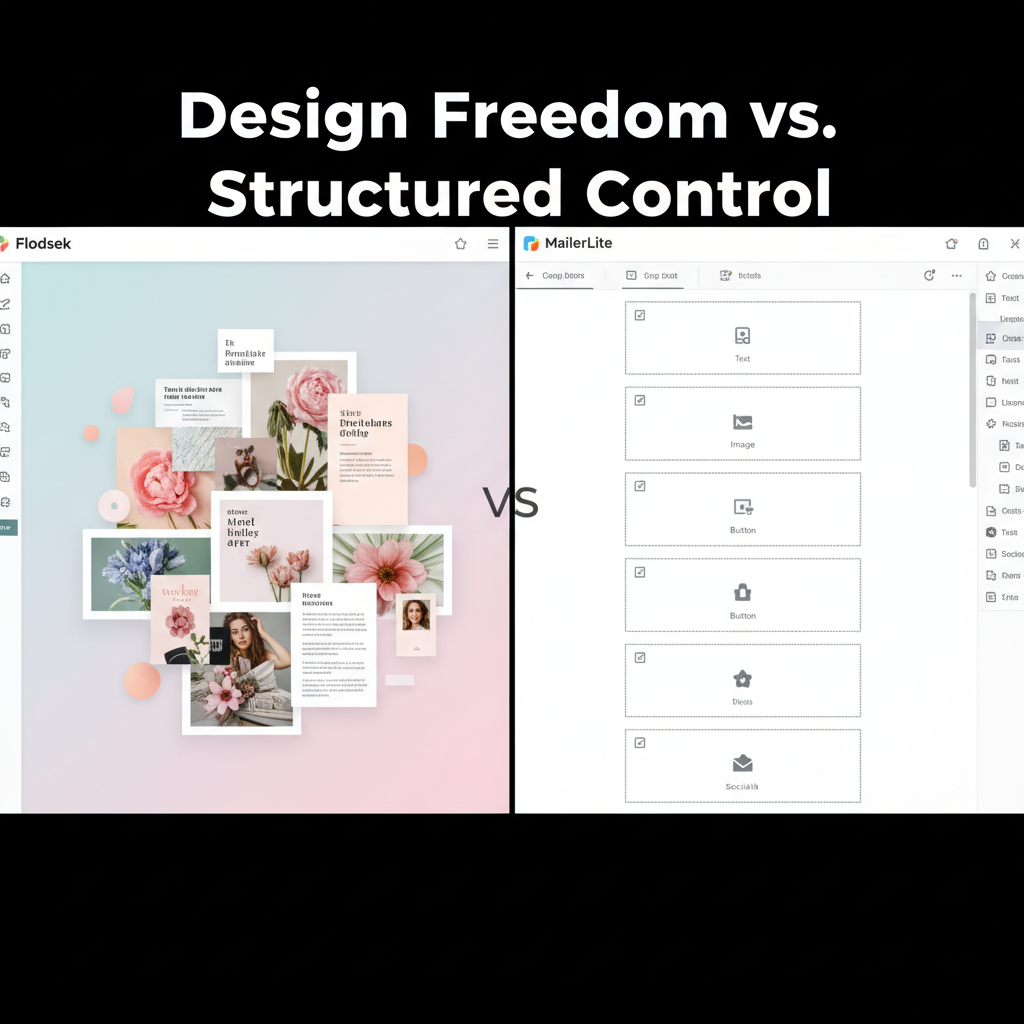
I tried to build a portfolio showcase in both tools. Flodesk felt like I was using Canva. I could layer text over images. I could create "mood board" layouts where photos overlapped slightly. According to Statista, visual content consumption is at an all-time high, so these layout options matter.
MailerLite is different. It uses a strict grid system. You can drag blocks into place, but they snap into specific spots. You cannot easily layer elements. If you want a clean, simple newsletter, it works great. But if you want a high-fashion magazine look, I found MailerLite very limiting.
Process for Adding Custom Fonts
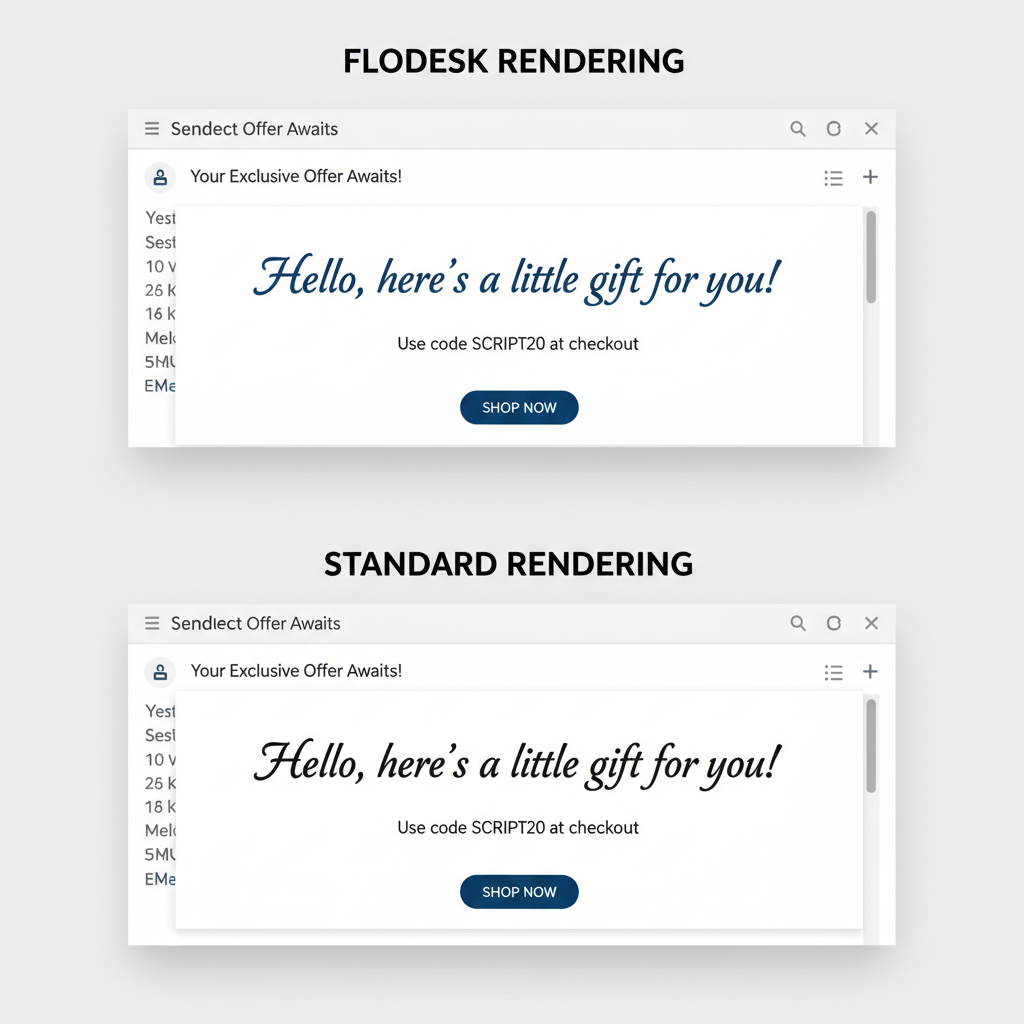
I see many designers ignore this detail, but it is critical. Flodesk allows you to upload your own brand fonts. When you send the email, Flodesk does something smart. It turns those specific text blocks into high-quality images.
Why does this matter? Most email apps (like Outlook or Gmail) do not support custom web fonts. If you use a custom font in MailerLite, it might show up as Arial or Times New Roman on your subscriber's phone. By rendering them as images, Flodesk ensures your font looks exactly the same for everyone. I tested this on three different devices, and the Flodesk emails looked identical on all of them.
Steps to Create Automation Workflows
Automation makes you money while you sleep. I set up a "Welcome Sequence" in both tools to compare the difficulty.
Features of the Flodesk Workflow Builder
Flodesk keeps it simple. I built a workflow in about five minutes. You connect emails in a straight line. However, there is a catch with the new pricing. The "Lite" plan only lets you have one active workflow.
This is a big limitation. If you want a welcome email and a sales sequence, you have to upgrade to a more expensive plan. I found this frustrating because automation is a core part of email marketing.
Advanced Triggers in MailerLite
MailerLite wins on logic. I could set up complex rules. For example, "If they click this link, wait two days, then send this specific email." If they don't click, send a different one. According to HubSpot's 2024 State of Marketing Report, using automation can improve conversion rates significantly.
If you like data and logic, MailerLite gives you much more control. But be warned: the interface is more technical. I had to click through several menus to find what I needed.
E-commerce and Digital Product Sales
I know many of you sell presets, templates, or ebooks. I looked at how both platforms handle direct sales.
Flodesk Checkout Features
Flodesk Checkout is beautiful. I created a sales page for a digital download in under ten minutes. It connected to Stripe seamlessly. The best part is the design. The checkout page looked just like my website. It felt premium.
However, Flodesk charges a transaction fee on top of what Stripe charges. You need to factor that into your pricing.
MailerLite Digital Product Tools
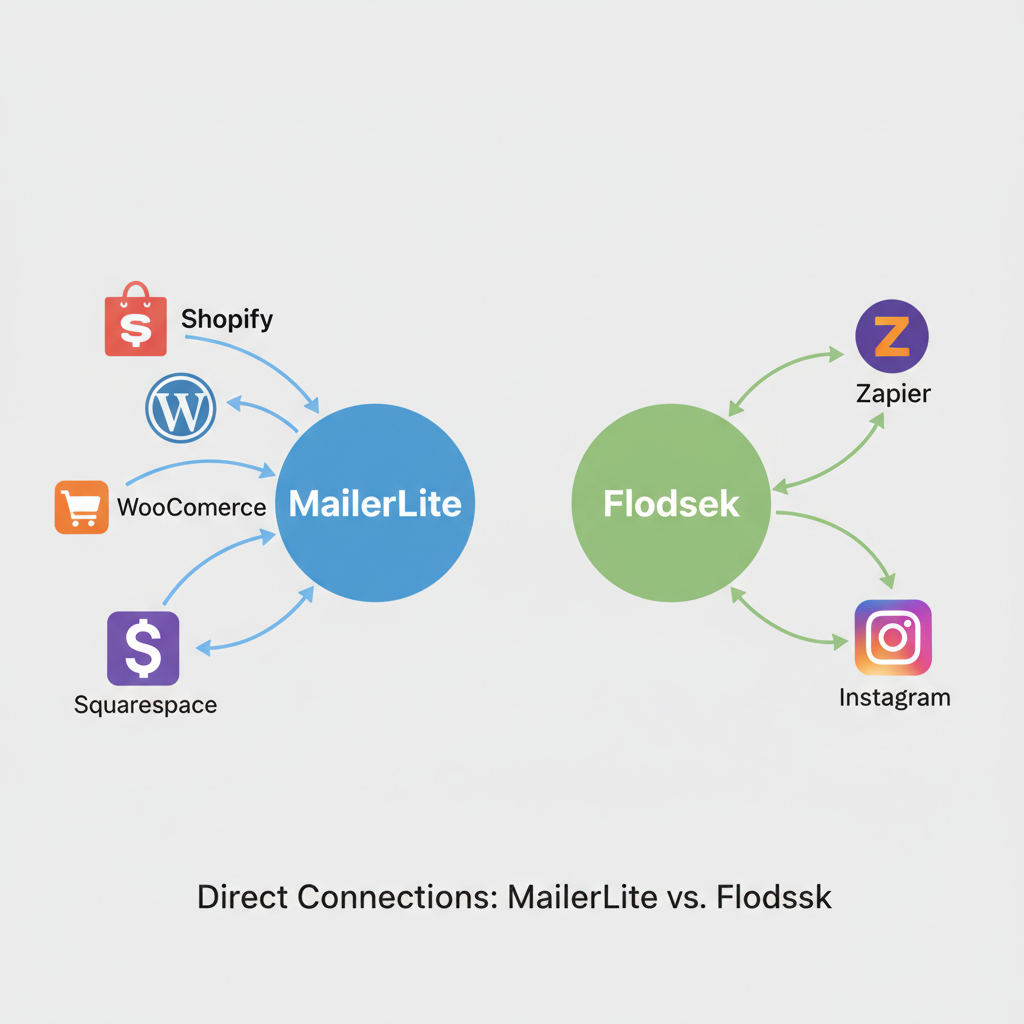
MailerLite also lets you sell digital products. It works well, but it isn't as pretty. The checkout pages are functional but harder to customize. If you already use Shopify or WooCommerce, MailerLite integrates with them much better than Flodesk does. It pulls in your product data so you can drag and drop items into emails.
Technical Performance and Analytics
Pretty emails are useless if they don't get delivered. I checked the stats for both platforms.
Email Deliverability Data
I found that both platforms have excellent deliverability rates. In recent tests by EmailToolTester, both scored above 95%. This means your emails will likely land in the main inbox, not the spam folder.
The difference is in how they handle images. Since Flodesk sends image-heavy emails, I worried about load times. But Flodesk compresses images automatically. I sent a test email with five high-res photos, and it loaded instantly on my phone over 4G data.
Reporting Features for Visual Brands
MailerLite offers "Click Maps." This shows you exactly where people clicked on your email visually. I love this feature because it tells me if my button placement works. Flodesk analytics are very basic. You get open rates and click rates, but no heat maps or geographical data. If you are a data nerd, Flodesk will disappoint you.
Integration Options with Other Software
This is where MailerLite dominates. It has over 140 direct integrations. You can connect it to almost anything without extra tools.
Flodesk is more isolated. It has fewer than 20 direct integrations. To connect it to most other tools, you have to use Zapier. I use Zapier for my business, but it costs extra money and takes time to learn. If you want a "plug and play" experience with your existing software, MailerLite is the safer bet.
Conclusion
I have used both, and I see value in both. The right choice depends on what you value most.
I recommend Flodesk if:
- You are a photographer, interior designer, or artist.
- Your brand aesthetic is your top priority.
- You want to use custom fonts that display correctly everywhere.
- You are okay with basic analytics.
I recommend MailerLite if:
- You need advanced automation logic to segment your audience.
- You want to integrate directly with Shopify or WooCommerce.
- You are on a tight budget and have fewer than 500 subscribers.
- You prefer data and heat maps over layout flexibility.
I hope this breakdown helps you choose the right tool for your visual brand. Your email list is one of your most valuable assets, so pick the one that makes you excited to hit "send."