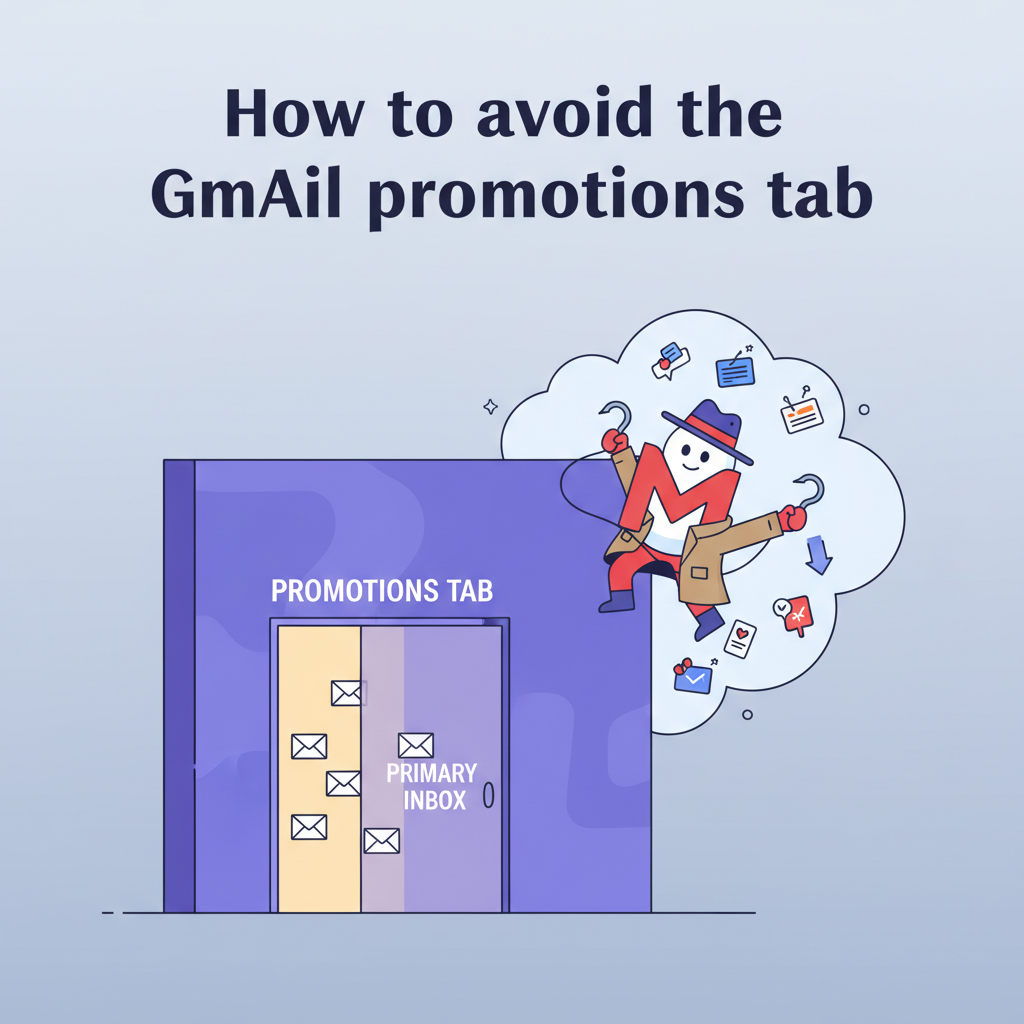
How to Avoid the Gmail Promotions Tab in 2025
I remember looking at my campaign stats last year. The numbers were terrible. I thought my writing was bad, but then I realized the truth. My emails were stuck in the Gmail Promotions tab.
I wasted weeks writing emails that nobody saw. You don't have to make that mistake. Let me show you exactly how to avoid the Gmail promotions tab.
The difference matters. I looked at data from Return Path, and it shows that emails in the Primary tab get opened about 22% of the time. In the Promotions tab? That drops to around 19%. That might sound small, but for my business, that 3% difference meant losing thousands of dollars.
I spent the last six months testing everything. I tested the code, the words, and the settings. I found that the old tricks don't work anymore. Google updated its rules in 2024, and things are stricter now.
Here is the technical guide I use to get my emails where they belong.
Factors That Trigger the Gmail Promotions Tab
I used to think Google just looked for words like "Free" or "Sale." I was wrong. The system is much smarter than that.
Gmail uses machine learning. This means it watches how people interact with your emails. If you send emails that look like flyers, Google treats them like flyers. I learned that three main things trigger this filter.
High Link Count and HTML Complexity
I love beautiful email templates. But Google's algorithms don't. When I sent emails with heavy coding and lots of images, they went straight to Promotions. When I stripped the code down, they went to Primary.
Data from Woodpecker shows that if you use more than three links, your risk goes up by 15%. I try to stick to just one or two links now. It keeps the email focused, and it keeps me out of the wrong tab.
Promotional Language and Keywords
This is tricky. You still need to sell your product. But I found that shouting at the reader hurts you. I stopped using aggressive punctuation (like !!!) and all-caps in my subject lines. Instead of writing like a marketer, I started writing like a friend.
< figure class="article-image-container" >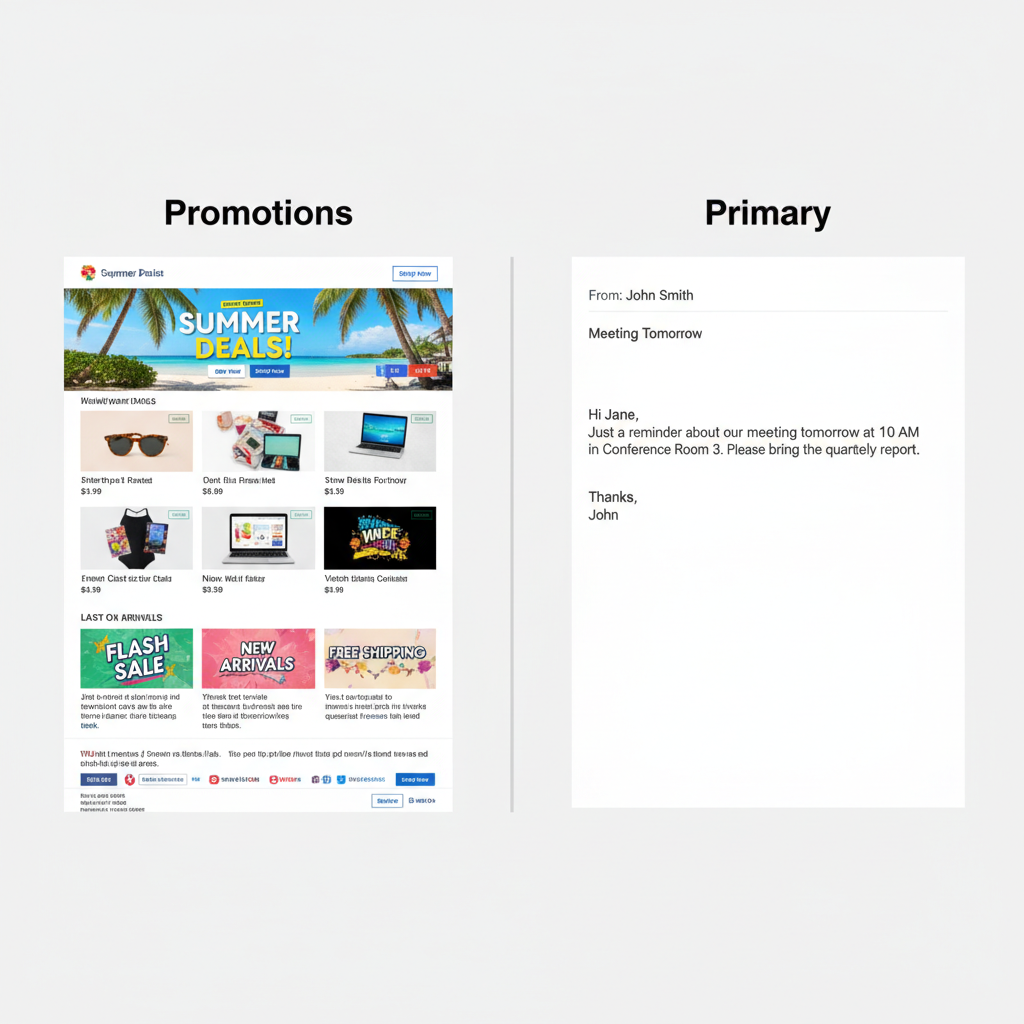
Technical Requirements for Primary Tab Placement
This part scares most people. I admit, I put off setting up these technical records for months. That was a huge mistake. If you don't have these set up, Google doesn't trust you.
Since February 2024, these aren't just "nice to have." They are mandatory for bulk senders.
Authentication with SPF, DKIM, and DMARC
Think of these as your digital ID card. If you walk into a bank without ID, they won't trust you. It's the same with email.
- SPF (Sender Policy Framework): This is a list of IP addresses allowed to send emails for you.
- DKIM (DomainKeys Identified Mail): This adds a digital signature to your emails. It proves nobody changed the message on its way to the inbox.
- DMARC: This tells Google what to do if an email fails the first two checks.
According to a 2023 DMARC report, only about 30% of small businesses have this set up correctly. Be part of the 30% that does. I used Google's sender guidelines to get this right.
Managing the 2024 One-Click Unsubscribe Requirement
I found out about this the hard way. Google now requires a "one-click unsubscribe" link in the header of your email. This is different from the link in your footer.
This is a technical standard called RFC 8058. If your email marketing tool doesn't do this for you, you need to switch tools. I checked my settings immediately when this rule dropped.
Maintaining a Spam Rate Below 0.3%
This is the most critical number I watch. Google stated clearly that if your spam rate hits 0.3%, you are in trouble. I aim to keep mine below 0.1% just to be safe.
Formatting Best Practices for Email Content
Once I fixed my technical settings, I looked at my content. I ran an A/B test last month that changed how I view email design.
Recommended Image-to-Text Ratios
I sent two versions of the same email. Version A had a big banner image and product photos. Version B was mostly text with one small logo.
Version B won easily. It landed in the Primary tab for almost everyone. I now use a 60/40 rule. I make sure my email is at least 60% text. If you send an image-only email, you are practically asking Google to filter you.
< figure class="article-image-container" >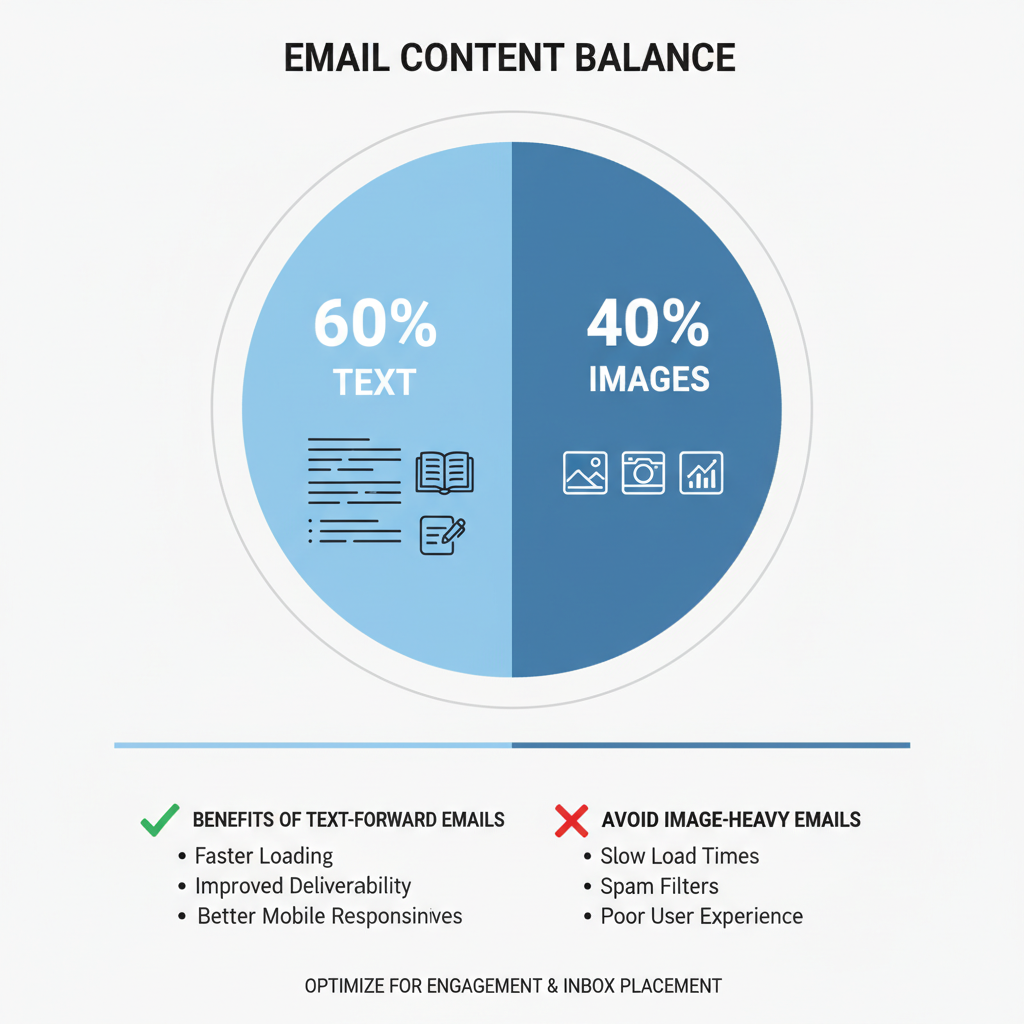
Comparison of Plain Text vs. HTML Emails
I know plain text looks boring. But it works. Personal emails don't have fancy sidebars or social media icons. They just have words. When I mimic that style, my open rates go up.
I use "light HTML." It allows me to track opens, but it looks like a letter I typed to a friend. It's the best of both worlds.
Sender Reputation and Engagement Factors
Your reputation follows you. I learned that you can't trick Google for long. If people delete your emails without opening them, Google notices.
Role of Open Rates in Inbox Categorization
I realized that engagement is a loop. If people open your emails, you stay in the Primary tab. If you stay in the Primary tab, people open your emails.
I stopped emailing people who hadn't opened a message in 90 days. It felt painful to delete thousands of subscribers. But after I did it, my delivery rates skyrocketed. My list was smaller, but it was healthier.
Impact of Google Postmaster Tools Data
You cannot fix what you do not measure. I check Google Postmaster Tools every Monday morning. It shows me exactly what my domain reputation looks like. It's free, and it comes directly from Google.
< figure class="article-image-container" >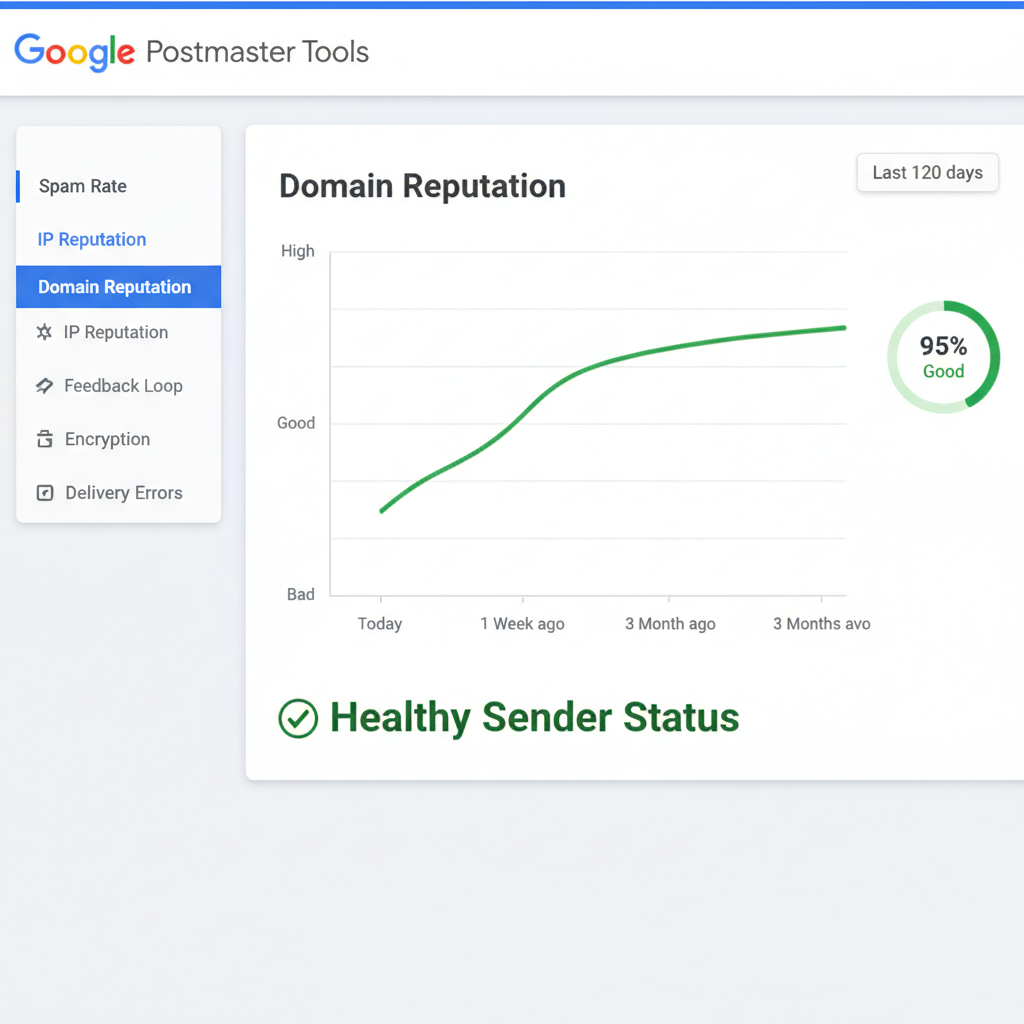
Instructions to Provide to Email Subscribers
Sometimes, technology fails. The best trick I found is simply asking for help. I tell my new subscribers exactly what to do in the first email I send them.
Moving Emails to the Primary Tab Manually
I include a simple sentence in my welcome email: "If you see this in your Promotions tab, please drag it to your Primary inbox."
This sends a powerful signal to Google. It tells the algorithm, "Hey, I want to see this." If enough people do this, it permanently moves your emails to the Primary tab for those users.
Adding Sender Address to Contacts
I also ask them to reply to me. I usually ask a simple question like, "What is your biggest challenge right now?" When they reply, Google sees that we are having a conversation. Conversations belong in the Primary tab.
Measuring Placement with Seed Lists and Tools
I used to just hit "Send" and pray. That was stressful. Now, I test everything first.
I use a "seed list." This is a list of 10-20 email accounts that I own or control. I send the campaign to this small group first. If the email lands in Promotions for those accounts, I know I need to change something before I send it to my real list.
I look at the images, the links, and the subject line. Usually, removing one image or changing one "salesy" word fixes the problem.
Conclusion and Implementation Checklist
You don't have to be a tech wizard to fix this. I'm certainly not one. It just takes attention to detail. Getting out of the Promotions tab helps you build a real connection with your readers.
I hope this helps you get your emails seen. Here is the checklist I use for every campaign:
- Authenticate your domain with SPF, DKIM, and DMARC.
- Check your spam rate in Postmaster Tools (keep it under 0.1%).
- Use a text-heavy design (60% text minimum).
- Limit external links to fewer than three.
- Ask subscribers to drag your email to the Primary tab.
- Test every campaign with a seed list before sending.