The Ultimate CAN-SPAM Compliance Checklist (2025): Maximizing Reach & Avoiding Fines
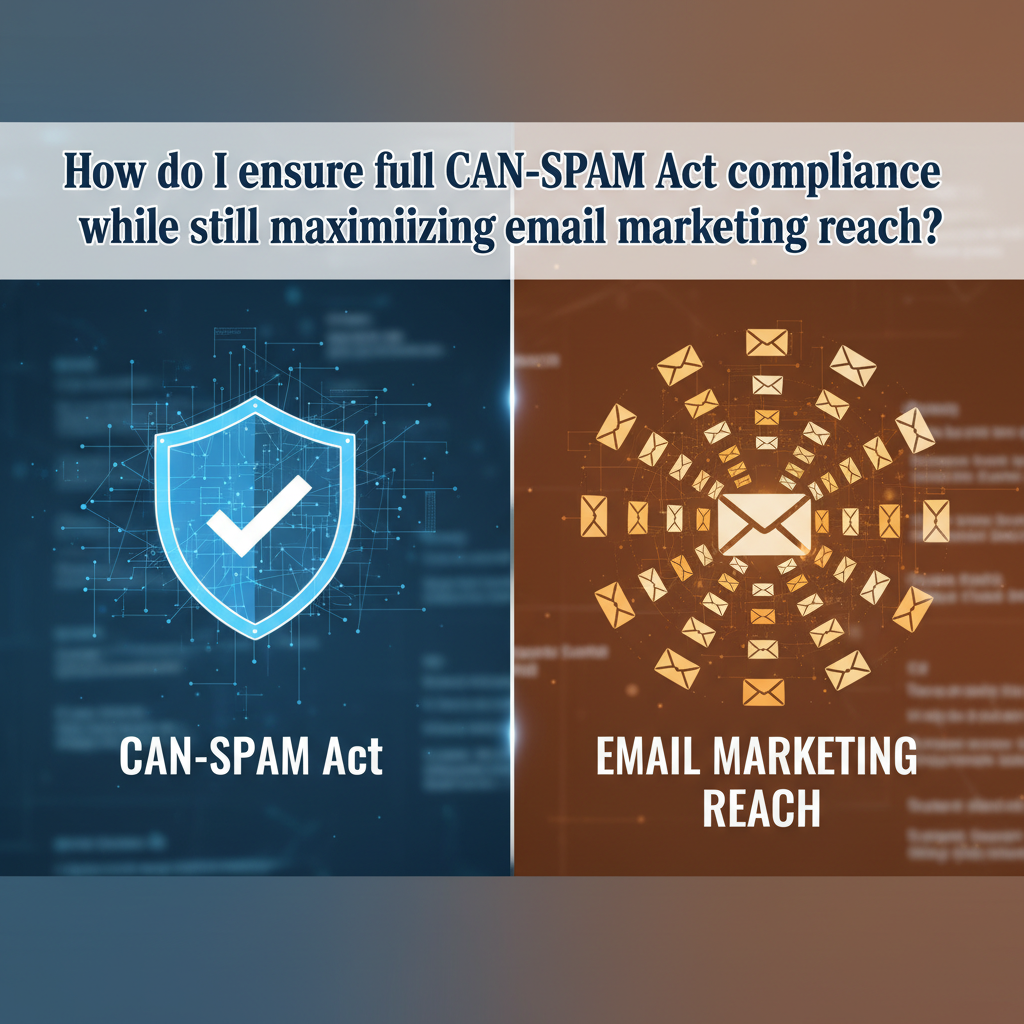
In 2025, compliance isn't just about avoiding a $51,744 fine—it's the only way to actually reach the inbox. If you are still operating like it's 2015, you aren't just risking legal trouble; you are actively destroying your marketing ROI. With Google and Yahoo now strictly enforcing blocking rules for non-compliant senders, your legal safety and your email deliverability are now one and the same.
I've worked with dozens of clients who viewed compliance as a boring legal checkbox. They usually change their tune when I show them their spam folder placement rates. The reality is simple: The "gatekeepers" (Google, Yahoo, Outlook) are using legal compliance signals to decide if your email is worthy of their users.
This guide bridges the gap between the FTC's 2003 law and the harsh 2025 technical realities of email deliverability. We aren't just going to keep you out of court; we're going to get your open rates back up.
The 7 Core Rules of CAN-SPAM (Updated for 2025)
Many marketers mistakenly believe CAN-SPAM only applies to "spammers." It doesn't. It applies to all commercial messages, which the law defines as "any electronic mail message the primary purpose of which is the commercial advertisement or promotion of a commercial product or service."
Here is the modernized CAN-SPAM Act compliance checklist 2025 you need to follow.
1. Don't Use False or Misleading Header Information
Your "From," "To," "Reply-To," and routing information – including the originating domain name and email address – must be accurate and identify the person or business who initiated the message. You cannot send an email that looks like it's from "Security Alert Team" if it's actually a sales pitch for antivirus software.
From a deliverability standpoint, this also means your "From" address must align with your authenticated domain (more on DMARC later). If there is a mismatch, Google treats it as deceptive.
2. Don't Use Deceptive Subject Lines
The subject line must accurately reflect the content of the message. You can't use "Re: Your Order" for a cold sales email regarding a product the recipient never bought. This is the classic "Bait and Switch."
Expert Tip: Aside from being illegal, deceptive subject lines destroy your engagement metrics. Users might open them once, but they will immediately mark them as spam. According to Google Email Sender Guidelines (Feb 2024), keeping your spam rate below 0.3% is mandatory to avoid being blocked.
3. Identify the Message as an Ad
The law gives you a lot of leeway in how you do this, but you must disclose clearly and conspicuously that your message is an advertisement. For B2B newsletter senders, this is often handled simply by the context of the email footer or the "Unsubscribe" link, which implies commercial intent.
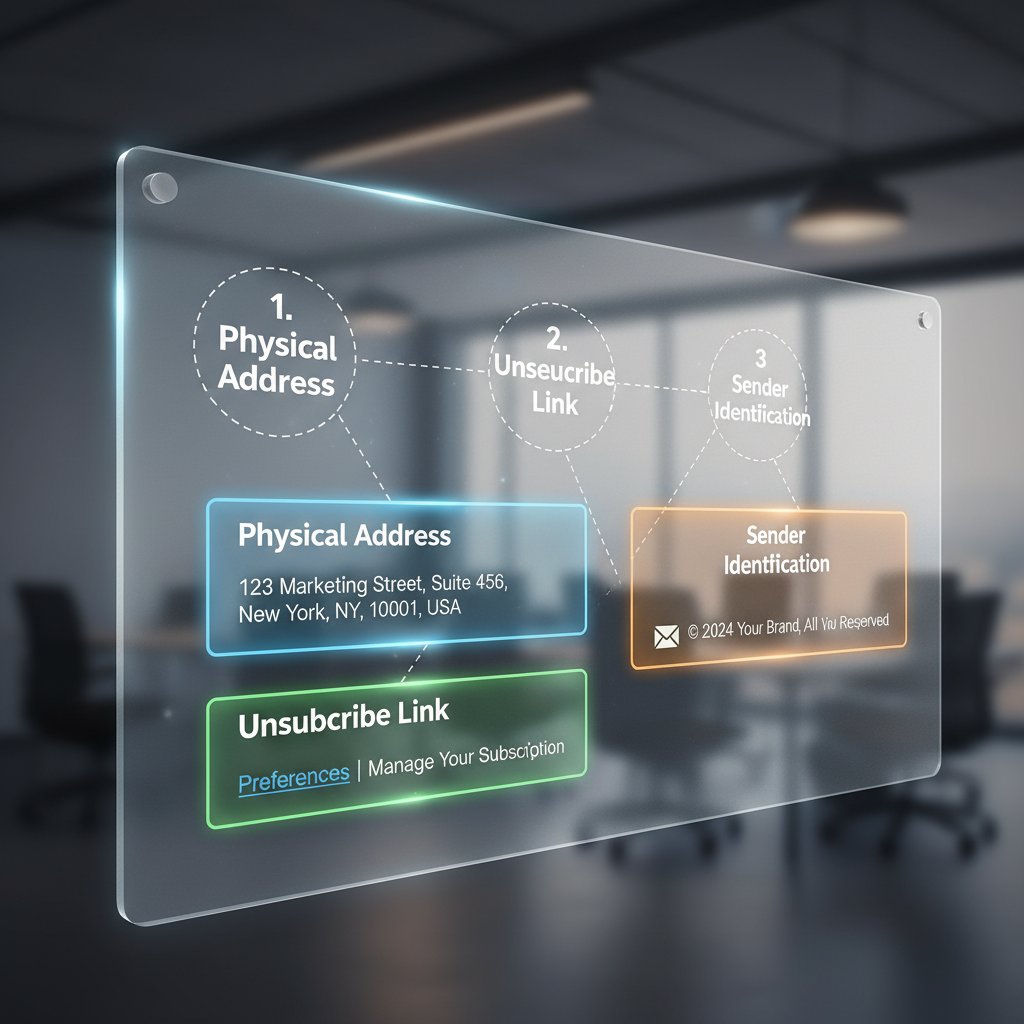
4. Tell Recipients Where You’re Located
This is the one that trips up remote businesses and solopreneurs. You must include a valid physical postal address. This can be:
- Your current street address.
- A post office box you’ve registered with the U.S. Postal Service.
- A private mailbox you’ve registered with a commercial mail receiving agency established under Postal Service regulations.
Common Question: "Can I just skip this if I work from home?"
Answer: Absolutely not. In August 2024, the security firm Verkada agreed to pay a $2.95 million penalty for CAN-SPAM violations. One of the primary citations? Failing to include a physical postal address in their emails.
5. Tell Recipients How to Opt Out
Your message must include a clear and conspicuous explanation of how the recipient can opt out of getting email from you in the future. The most common method is a link at the bottom of the email.
However, in 2025, a simple link isn't enough for technical compliance. Google and Yahoo now require "One-Click Unsubscribe" (RFC 8058) for bulk senders. This means the unsubscribe happens in the email client header, not just a link in the body text.
6. Honor Opt-Outs Promptly
Under the law, you must honor a recipient’s opt-out request within 10 business days. You cannot charge a fee, require the recipient to give you any personally identifying information beyond an email address, or make the recipient take any step other than sending a reply email or visiting a single page on an Internet website as a condition for honoring an opt-out request.
7. Monitor What Others Are Doing on Your Behalf
If you hire an agency to handle your email marketing, you are still legally responsible. You cannot contract away your legal responsibility. If they spam on your behalf, you get fined.
The "New" Compliance: Google & Yahoo 2024/2025 Requirements
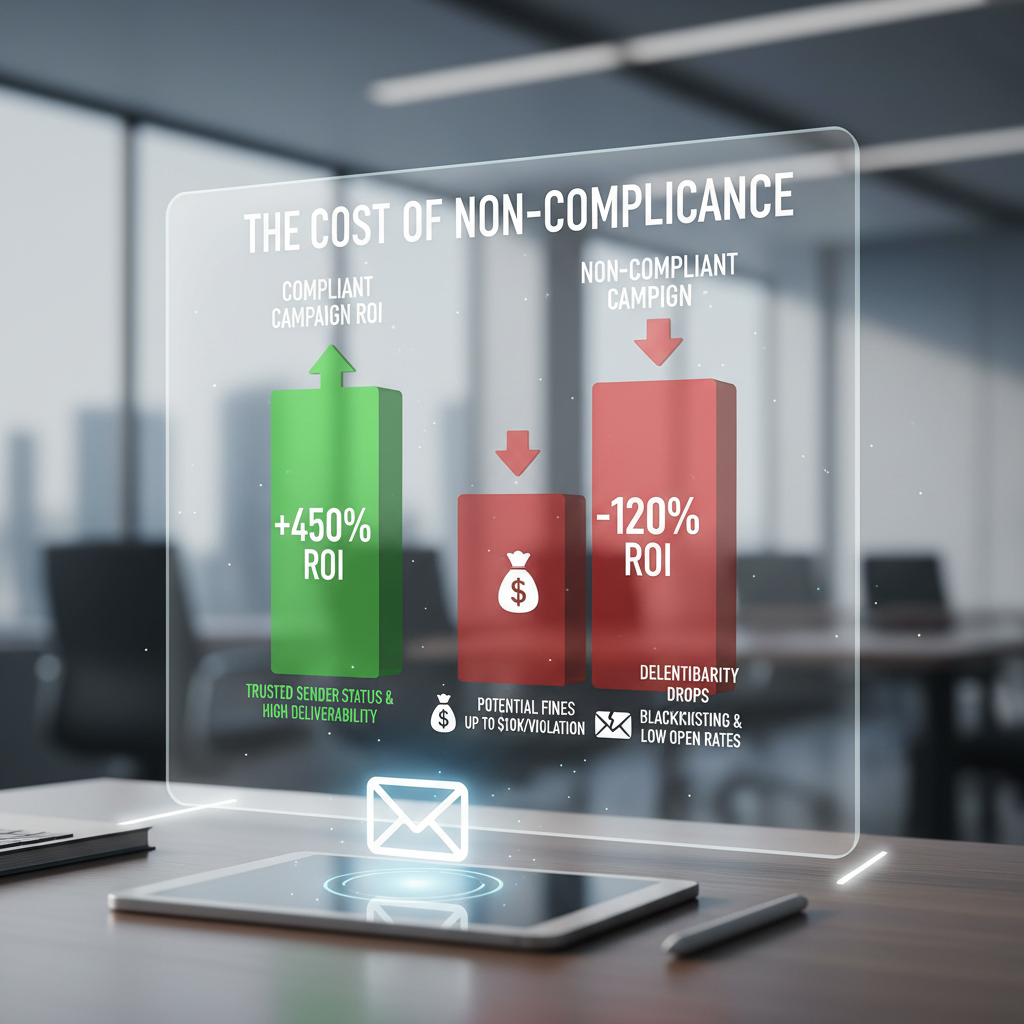
Here is where most generic articles fail you. They stop at the legal text. But in 2025, the "Sheriffs" of the internet are Google and Yahoo. They don't issue fines; they issue "death sentences" for your domain reputation. If you can't reach the inbox, your business effectively doesn't exist.
Kate Nowrouzi, VP of Deliverability at Sinch, put it perfectly in the 2025 State of Email Deliverability Report: "The lesson here is that prioritizing deliverability... is an excellent way to future-proof your email program. Do the right thing now if you truly want email to remain an effective channel."
Here are the technical requirements that are now effectively mandatory:
1. The 0.3% Spam Rate Threshold
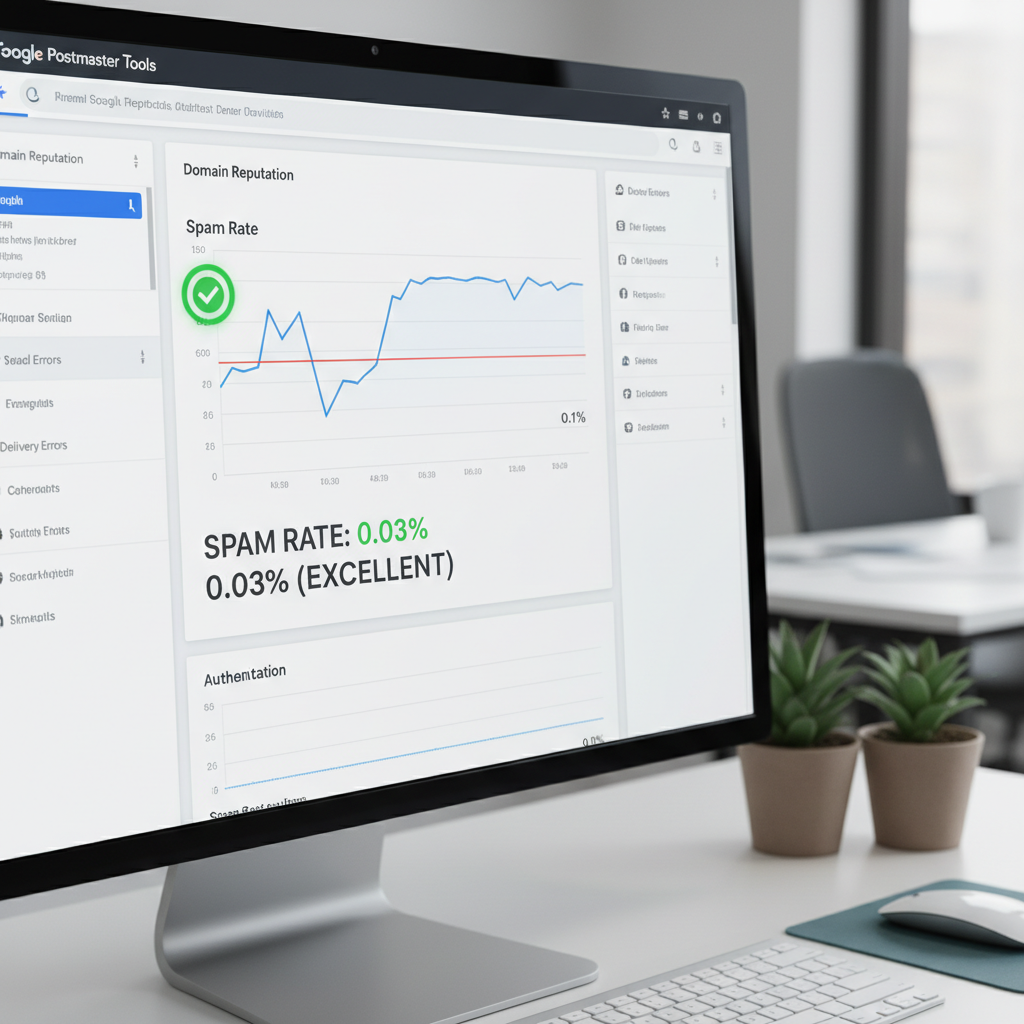
This is the most critical metric in email marketing today. According to Google's Email Sender Guidelines, bulk senders must keep their spam rate reported in Google Postmaster Tools below 0.3%. If you hit 0.3%, Google will start blocking your messages or sending them straight to spam.
To put that in perspective: If you send 1,000 emails and just 3 people mark it as spam, you are in the danger zone.
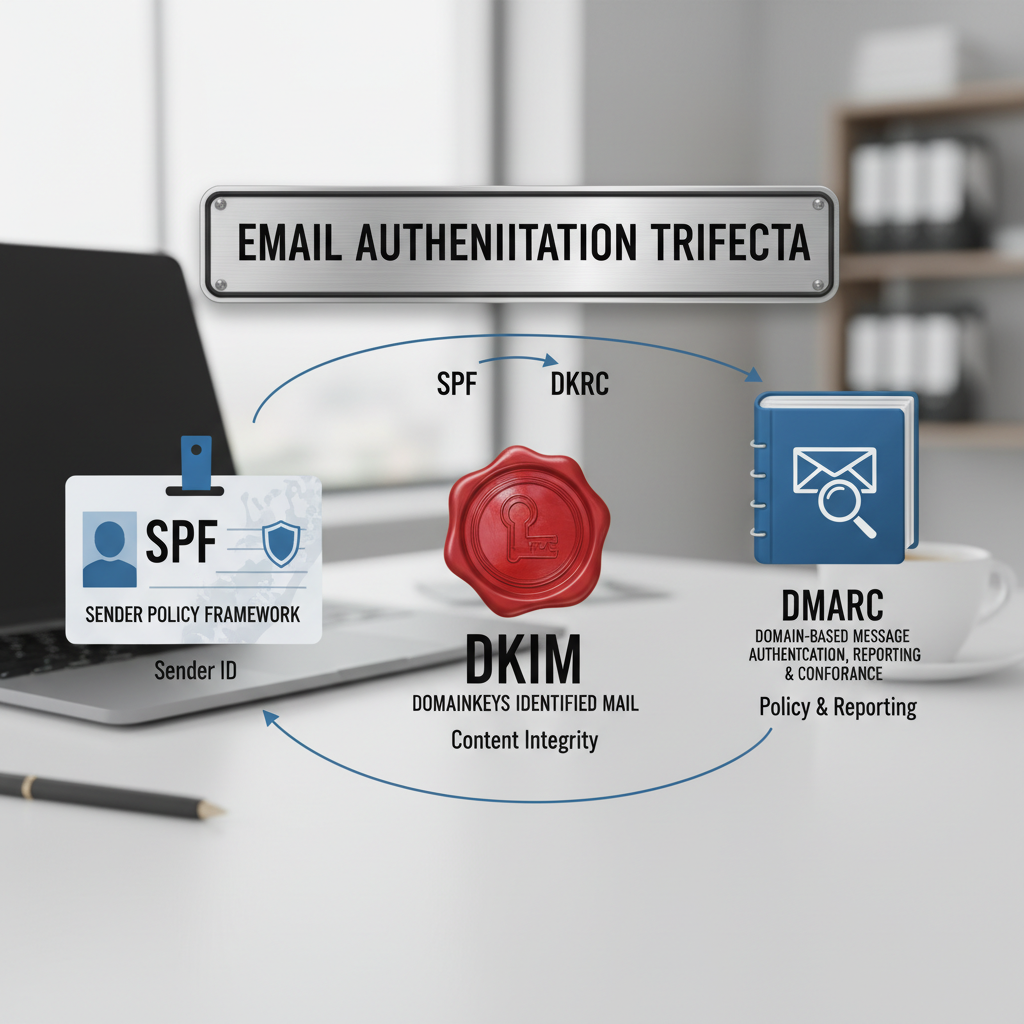
2. Mandatory Authentication (SPF, DKIM, DMARC)
In the past, these were "best practices." Now, they are requirements. Google and Yahoo now require DMARC authentication for all bulk senders (those sending 5,000+ emails a day to Gmail addresses).
Seth Blank, CTO of Valimail, noted in a 2024 interview: "DMARC is no longer optional. If you want to reach the inbox in 2025, you must prove you are who you say you are."
Technical Setup Guide for Max Reach
I know technical acronyms can be intimidating, but setting these up is the single highest-ROI activity you can do for your email marketing this year. Here is how they work together:
Step 1: SPF (Sender Policy Framework)
Think of SPF as a guest list for a party. It is a text record in your DNS settings that lists all the IP addresses and servers allowed to send email on behalf of your domain. If an email comes from a server not on the list, it's rejected.
Step 2: DKIM (DomainKeys Identified Mail)
This is like a wax seal on an envelope. It adds a digital signature to your emails. When the receiving server gets the email, it checks the "seal" (signature) against a public key in your DNS. If the seal is broken (the email was tampered with), it fails.
Step 3: DMARC (Domain-based Message Authentication, Reporting, and Conformance)
This is the instruction manual you give to the bouncer. It tells Google and Yahoo what to do if an email fails the SPF or DKIM check.
- p=none: "Just tell me about it in a report." (Start here).
- p=quarantine: "Put it in the spam folder."
- p=reject: "Bounce it completely." (The goal for maximum security).
According to Validity's 2024 Email Deliverability Benchmark, 1 in 6 emails never reach the inbox, often due to poor sender reputation or missing authentication. Don't be that statistic.
Case Study: The Cost of Non-Compliance vs. The Reward of Hygiene
Let's look at real-world examples of how compliance impacts the bottom line.
The Cautionary Tale: Verkada
As mentioned earlier, in August 2024, Verkada agreed to a $2.95 million settlement. The FTC statement was clear: Verkada flooded prospective customers with emails that had no unsubscribe link and no physical address. They also failed to honor opt-out requests. This wasn't just a fine; it was a reputation nuke. Their domain reputation likely tanked, meaning even their legitimate emails probably struggled to find the inbox during this period.
The Success Story: Neurogan
On the flip side, look at Neurogan, a CBD brand. Operating in a high-risk industry, they couldn't afford to be flagged as spam. They implemented a strict "opt-in" strategy and aggressively cleaned their lists, removing unengaged subscribers. By focusing on compliance and engagement rather than raw volume, they saw a 76% increase in revenue year-over-year. Why? Because their emails actually landed in the primary inbox.
Advanced FAQ: B2B, Cold Email, and Affiliates
Q: Does CAN-SPAM apply to cold B2B outreach?
A: Yes. Contrary to popular belief, cold emailing is legal in the US under CAN-SPAM, provided you follow the rules (valid address, opt-out mechanism, accurate headers). However, just because it's legal doesn't mean Google likes it. If your cold emails generate a high spam complaint rate (>0.3%), you will be blocked regardless of legality.
Q: Can I use a PO Box?
A: Yes. The FTC guidelines explicitly state that a PO Box registered with the USPS is a valid physical postal address.
Q: What is the difference between CAN-SPAM and GDPR?
A: This is a massive distinction. CAN-SPAM is an "Opt-Out" law (you can send until they say stop). GDPR (Europe) is an "Opt-In" law (you cannot send until they say yes). If you have customers in Europe, you must follow GDPR, which is much stricter.
Conclusion: Compliance is Your Competitive Advantage
I want you to shift your mindset. Do not view the CAN-SPAM Act as a government hurdle. View it as a quality filter.
The market is flooded with noise. Global email volume is projected to grow to 4.73 billion users by 2026 according to Statista (2024). In this ocean of content, trust is the currency. When you authenticate your domain, provide clear opt-outs, and respect your user's inbox, you are signaling to both your customer and to Google that you are a legitimate, high-quality brand.
Your Action Plan for Today:
- Audit your Footer: Does it have a physical address and a working unsubscribe link?
- Check your Tech: Use a tool like Gmail Postmaster Tools to check your domain reputation.
- Authenticate: Ensure SPF, DKIM, and DMARC are live.
- Clean your List: Remove anyone who hasn't opened an email in 6 months.
Compliance isn't just the law—it's the foundation of revenue.