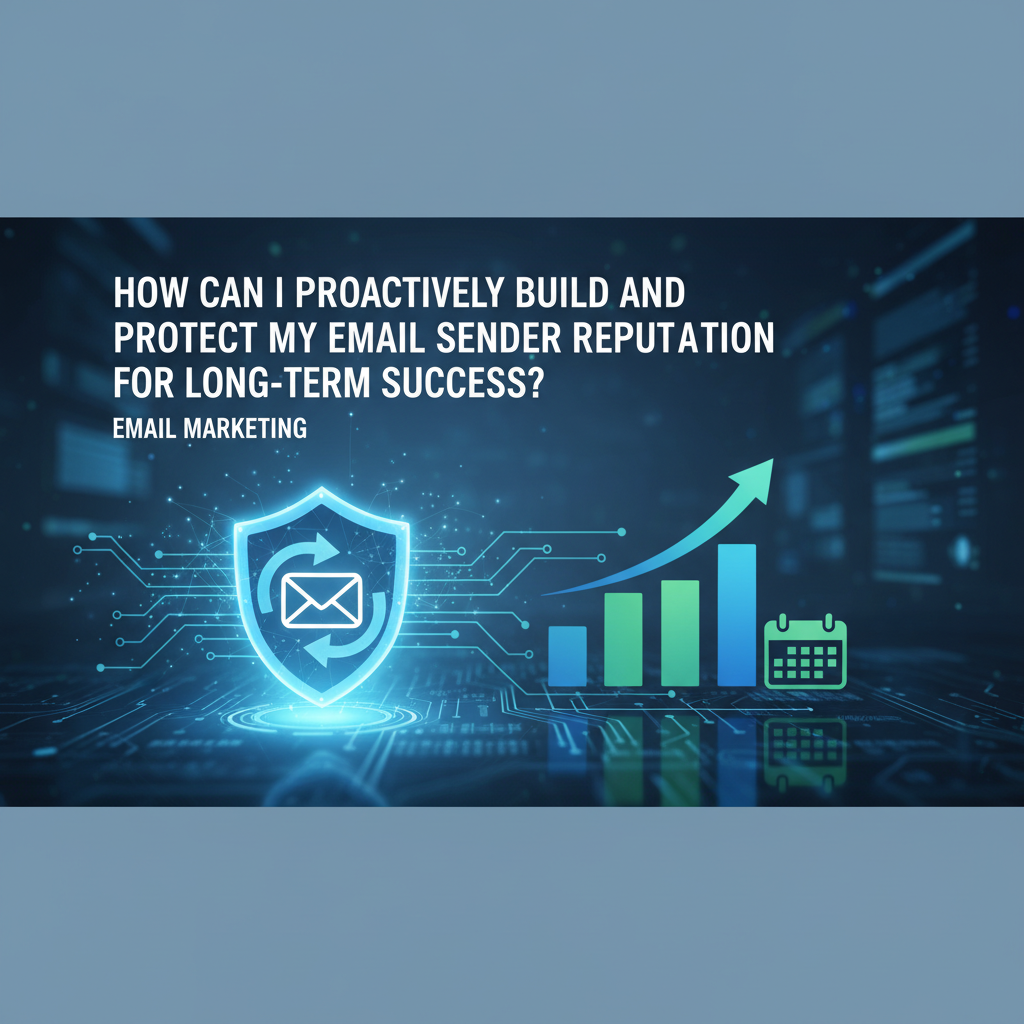
How can I proactively build and protect my email sender reputation for long-term success?
The Definitive Guide to Email Deliverability, Authentication, and Trust.
Picture this: You've spent weeks crafting the perfect email campaign. The copy is crisp, the offer is irresistible, and the design is pixel-perfect. You hit "send" to 50,000 subscribers and wait for the sales to roll in. But instead of a revenue spike, you hear crickets.
Why? Because your emails never made it to the inbox. They were quietly strangled by the spam filter.
In my decade of experience helping businesses recover from deliverability disasters, I've seen this scenario play out more times than I care to count. It's heartbreaking because it's almost always preventable. The culprit isn't usually "spammy" words or bad luck—it's a poor sender reputation.
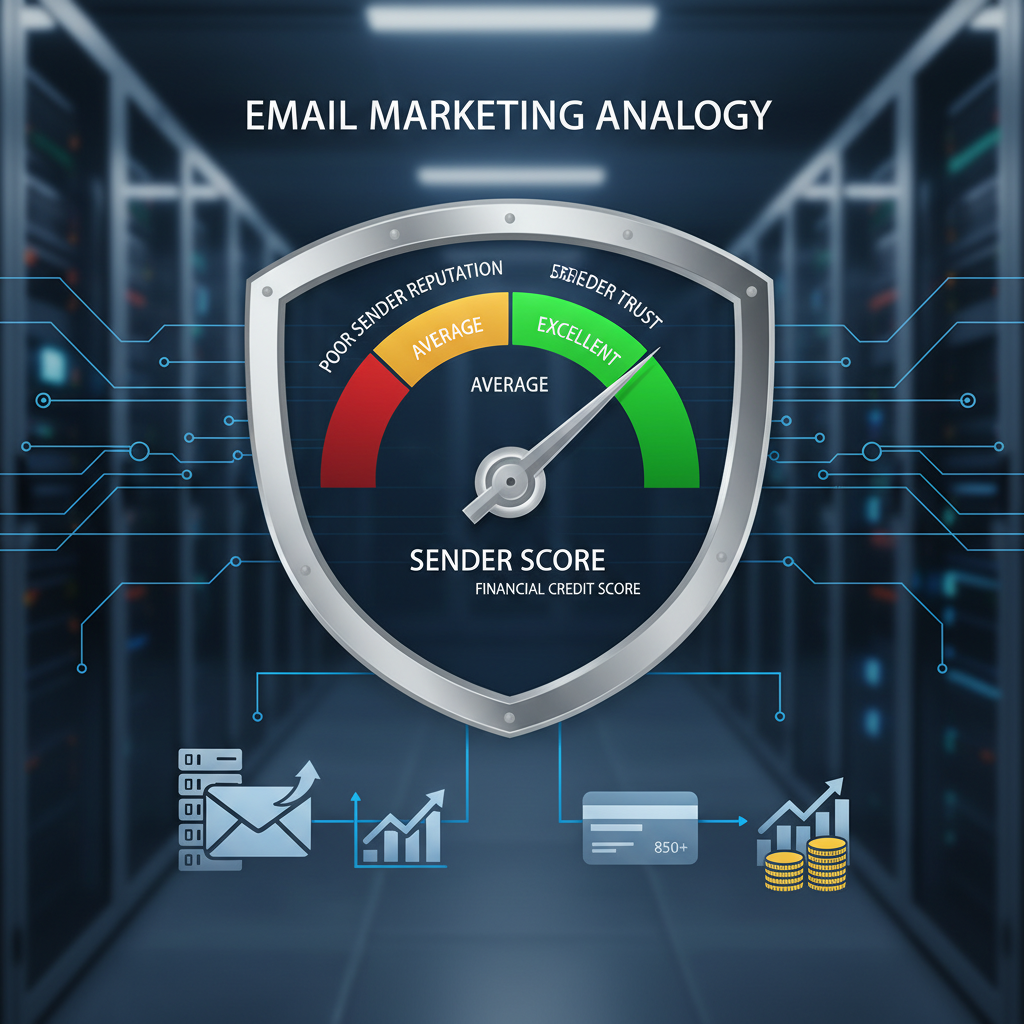
Think of sender reputation as your credit score for the internet. If it's high, ISPs (Internet Service Providers) like Gmail and Outlook roll out the red carpet. If it's low, you're blocked at the door.
According to Validity's 2024 State of Email Deliverability report, nearly 1 in 6 emails fails to reach the inbox globally. That is a massive chunk of potential revenue vanishing into thin air.
This isn't just about avoiding the junk folder anymore. It's about survival. In this guide, I'm going to walk you through exactly how to build a bulletproof reputation, strictly adhering to the latest regulatory requirements, and how to protect it like the valuable asset it is.
1. Understand the Mechanics: It's Not Just One Score
One thing that often confuses my clients is the idea that there is a single "Sender Score." While tools like Validity provide a score from 0-100, the reality is more nuanced. You actually have two reputations to worry about, and they are increasingly intertwined.
IP Reputation vs. Domain Reputation
Years ago, reputation was almost entirely tied to your IP address. If you burned an IP, you could just hop to a new one (a practice called "snowshoeing" that spammers loved). ISPs caught on. Now, domain reputation is king.
IP Reputation is tied to the server sending the mail. It's vital, but it can be reset by changing IPs (though I don't recommend doing that lightly).
Domain Reputation is tied to your brand (e.g., @yourcompany.com). This follows you everywhere. If you ruin your domain reputation, changing email providers won't save you.
According to Google's Email Sender Guidelines, updated in 2024, domain authentication is now mandatory for bulk senders. They explicitly state that senders must keep spam rates below 0.3% to avoid being blocked. This shift signifies that your domain's history is the most critical factor in your long-term success.
2. The Technical Foundation: Authentication is Non-Negotiable
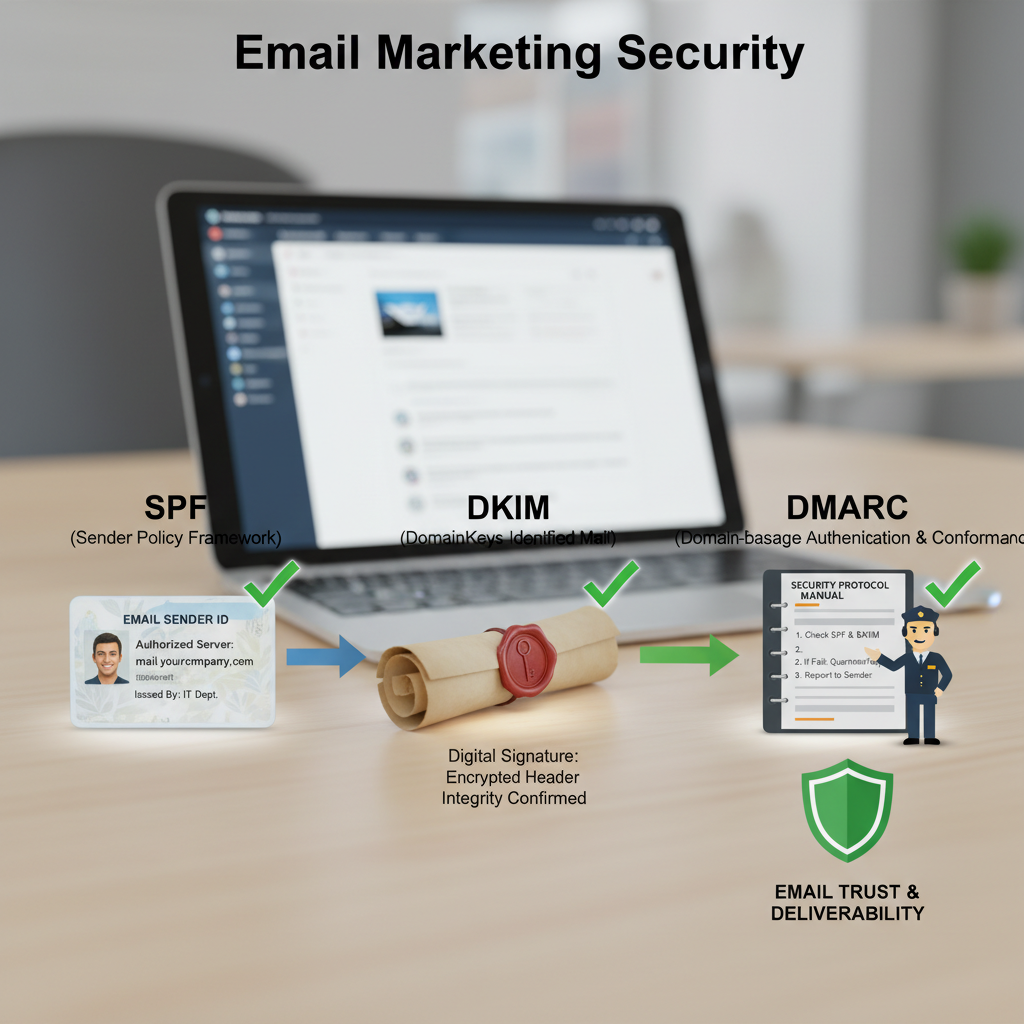
I cannot stress this enough: if you do not have SPF, DKIM, and DMARC set up, you are playing Russian Roulette with your business. In early 2024, Google and Yahoo drew a line in the sand, requiring these protocols for anyone sending over 5,000 emails a day.
Here is the breakdown of the "Holy Trinity" of email authentication:
- SPF (Sender Policy Framework): Think of this as the guest list at a secure building. It tells the ISP which IP addresses are allowed to send emails on your behalf.
- DKIM (DomainKeys Identified Mail): This is a digital wax seal on your envelope. It ensures the message wasn't tampered with during transit.
- DMARC (Domain-based Message Authentication, Reporting, and Conformance): This is the instruction manual you give to the ISP. It tells them, "If an email fails SPF or DKIM, here is what you should do with it (Reject it, Quarantine it, or Do Nothing)."
Pro Tip: Don't just set DMARC to "p=none" and forget it. That's just monitoring mode. To truly protect your reputation and brand from spoofing, you need to work toward "p=reject." According to data from Valimail's Email Fraud Landscape, DMARC enforcement prevents billions of fraudulent emails annually, directly preserving the integrity of legitimate senders.
3. List Hygiene: The Quality Over Quantity Debate
I've had clients fight me on this. They say, "But I paid for these leads!" or "A bigger list means more sales!"
Let me be blunt: A clean list of 5,000 engaged subscribers will outperform a dirty list of 50,000 every single time. Why? Because ISPs monitor engagement. If you send to 50,000 people and only 50 open it, Gmail assumes your content is trash and sends future emails to spam for everyone.
The Danger of Spam Traps
Spam traps are the landmines of email marketing. These are email addresses that don't belong to real people but are monitored by ISPs and blacklist operators like Spamhaus.
- Pristine Traps: Addresses created solely to catch spammers. If you hit one, it means you likely bought a list or scraped data.
- Recycled Traps: Old, abandoned email addresses that the ISP has reactivated to catch senders with poor list hygiene.
According to Spamhaus, hitting just a few spam traps can get your IP address listed on the SBL (Spamhaus Block List), which causes immediate delivery failures across major networks. You simply cannot afford this risk.
The Sunset Policy
You need to implement a "sunset policy." This means proactively removing subscribers who haven't opened or clicked an email in a specific timeframe (usually 3-6 months). It feels painful to delete contacts, but it's necessary pruning.
Research by HubSpot indicates that email databases decay by about 22.5% every year naturally. If you aren't cleaning your list, nearly a quarter of your emails are hitting dead ends annually.

4. The Art of Warming Up
Whether you are moving to a new Email Service Provider (ESP) or just acquired a dedicated IP, you cannot just start blasting at full volume. You have to warm up.
I liken this to training for a marathon. You don't run 26 miles on day one; you'll injure yourself. You start with short jogs.
How to Warm Up Properly:
- Day 1-3: Send small batches (50-100 emails) to your most engaged users (those who opened in the last 30 days).
- Day 4-7: Double the volume daily, assuming engagement is high and complaints are zero.
- Week 2-4: Gradually introduce less engaged segments.
If you rush this, ISPs will throttle your mail or block it entirely. According to SendGrid's IP Warming Guide, a proper warm-up period typically takes 4 to 6 weeks depending on your total volume. Patience here pays dividends later.
5. Monitoring: Your Early Warning System
You can't fix what you don't measure. Too many marketers send emails and only look at Open Rates. That's vanity metrics. To protect your reputation, you need to look at the "under the hood" metrics.
Google Postmaster Tools
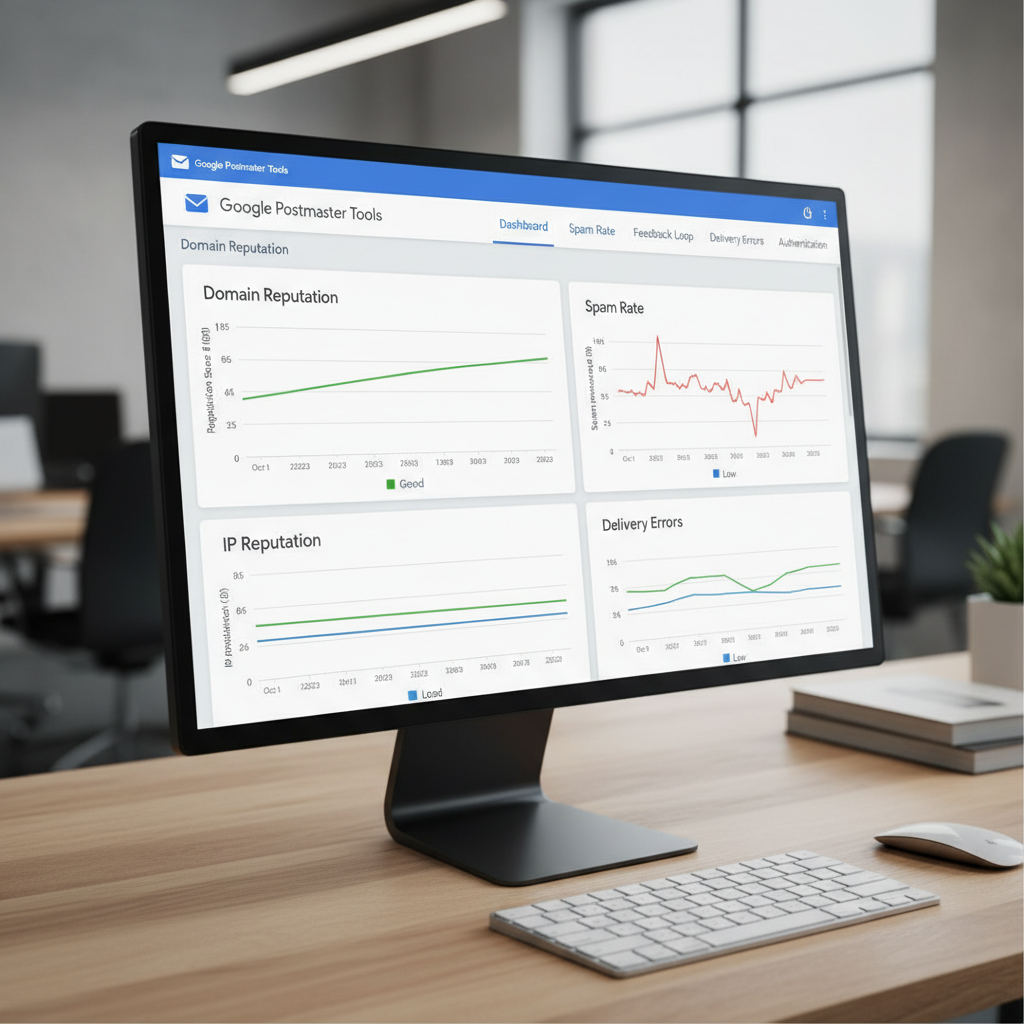
This is mandatory. It is free, and it comes directly from the source. Google Postmaster Tools allows you to see exactly what Gmail thinks of your domain reputation, IP reputation, and spam rate.
I check this weekly for my clients. If I see the domain reputation dip from "High" to "Medium," I know we need to dial back volume and focus on segmentation immediately.
Microsoft SNDS
Don't forget Outlook and Hotmail. The Smart Network Data Services (SNDS) provided by Microsoft gives you insight into how their ecosystem views your traffic. It uses color-coding (Green, Yellow, Red) to show filter status.
What I find interesting is that Microsoft is often stricter than Google on volume spikes. They prefer consistency over everything else.
6. Engagement is the New Currency
We used to think reputation was just about "not being spam." Now, it's about "being wanted."
ISPs look at positive signals just as much as negative ones. These include:
- Replying to an email.
- Moving an email from the Promotions tab to the Primary tab.
- Adding the sender to the address book.
- Forwarding the email.
According to a 2024 report from Litmus, segmented campaigns drive 30% more opens and 50% more click-throughs than unsegmented blasts. Why? Because relevance drives engagement.
My advice: Stop sending the same newsletter to everyone. Segment by purchase history, location, or behavior. If I bought a winter coat from you, don't send me a discount for bikinis in December. It's irrelevant, and I'm likely to delete it without opening—a negative signal to Gmail.
7. Navigating the Complaint Threshold
The most dangerous button in the inbox is "Mark as Spam."
As I mentioned earlier, Google now requires bulk senders to keep spam complaints under 0.3%. Ideally, you want to be under 0.1%. If you hit 0.3%, you are in the danger zone.
Why do people mark as spam?
- They forgot they signed up.
- They can't find the unsubscribe link.
- You are sending too often.
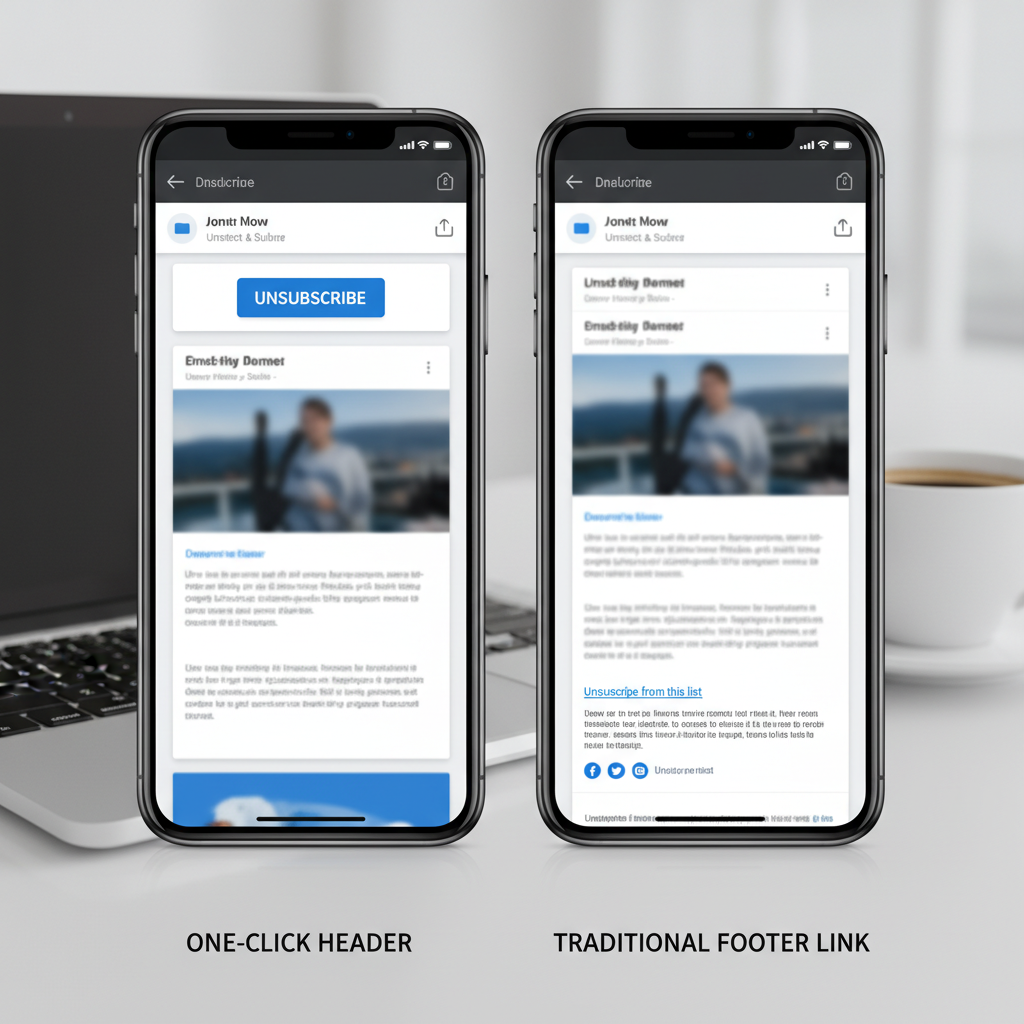
To combat this, I always recommend a clear, one-click unsubscribe link at the top of the email, not just buried in the footer. It sounds counterintuitive, but I'd rather someone unsubscribe than mark me as spam. An unsubscribe is neutral; a spam complaint is toxic.
Additionally, Google's Neil Kumaran stated in a recent security blog that enabling one-click unsubscribe in the email header (RFC 8058) is now a requirement for large senders. Ensure your ESP supports this.
8. What to Do If Disaster Strikes (The Recovery Plan)
Even with the best intentions, things can go wrong. Maybe a rogue employee uploaded a bad list, or a form was bot-attacked. If you find yourself blacklisted or in the spam folder, don't panic.
Step 1: Stop the bleeding. Pause all campaigns immediately.
Step 2: Identify the cause. Check the blacklist operators. Is it Spamhaus? Barracuda? SORBS? Each has a removal process. MXToolbox is a great free tool to scan where you are listed.
Step 3: Fix the issue. If it was a list issue, purge the list. If it was a security breach, patch it.
Step 4: Request removal. Politely ask the blacklist operator to delist you. Do not lie to them. They know more about your traffic than you do.
Step 5: The slow ramp-up. You are back to square one. You must warm up your IP again as if it were new.
Conclusion
Building and protecting your email sender reputation isn't a one-time task; it is an ongoing discipline. It requires a shift in mindset from "volume" to "value."
To summarize, here is your roadmap to long-term success:
- Authenticate ruthlessly: SPF, DKIM, and DMARC are your passport to the inbox.
- Monitor constantly: Use Google Postmaster Tools as your dashboard.
- Clean regularly: Remove unengaged subscribers before they hurt your score.
- Engage authentically: Send relevant content that people actually want to open.
The inbox is a privilege, not a right. Treat it with respect, and your reputation—and your revenue—will thrive.
Frequently Asked Questions (FAQ)
How long does it take to repair a bad sender reputation?
It depends on the severity of the damage. Minor issues can be resolved in 2-4 weeks with strict segmentation and high-engagement targeting. However, severe blacklisting (like Spamhaus SBL) or a domain reputation that has tanked to "Bad" on Google can take 3 to 6 months of flawless sending behavior to recover.
Can I just change my domain if my reputation is bad?
Technically, yes, but I strongly advise against it as a first resort. This is known as "snowshoeing" or "churn and burn," and ISPs are very good at linking new domains to old, bad actors via branding, links, and IP history. It's better to do the hard work of fixing your reputation than to run from it.
Does the content of my email actually matter for reputation?
Yes. While technical setup is huge, ISPs also use content filtering. Using URL shorteners (like bit.ly), linking to shady domains, or using excessive "spammy" language can trigger filters. Additionally, if your content is boring, people won't open it, leading to low engagement, which hurts your reputation over time.
What is BIMI and should I use it?
BIMI (Brand Indicators for Message Identification) allows you to display your logo next to your message in the inbox. It builds trust. However, it usually requires DMARC enforcement at `p=reject` or `p=quarantine`. According to BIMI Group, this visual indicator can increase open rates and trust, acting as a reward for good security practices.
How often should I scrub my email list?
I recommend a real-time verification process at the point of signup (using tools like NeverBounce or ZeroBounce) to prevent typos and bots. For the existing list, run a re-engagement campaign every 3 to 6 months and remove anyone who doesn't respond.