Best Mobile Apps for Managing Newsletters on iOS and Android
I checked my phone this morning. I had 47 new emails waiting for me. Only three were from actual people. The rest were newsletters I actually wanted to read, but they were buried under receipts, work notifications, and spam. I know you feel this frustration too.
I realized I was missing important updates because my inbox was too cluttered. I wasted time scrolling instead of reading. I knew there had to be a better way.
I spent the last month testing different tools to fix this problem. I moved my subscriptions out of Gmail and into dedicated readers. The difference was immediate. I finally enjoyed reading again. Here is my guide to the best mobile apps for managing newsletters and how I use them to stay organized.
< figure class="article-image-container" >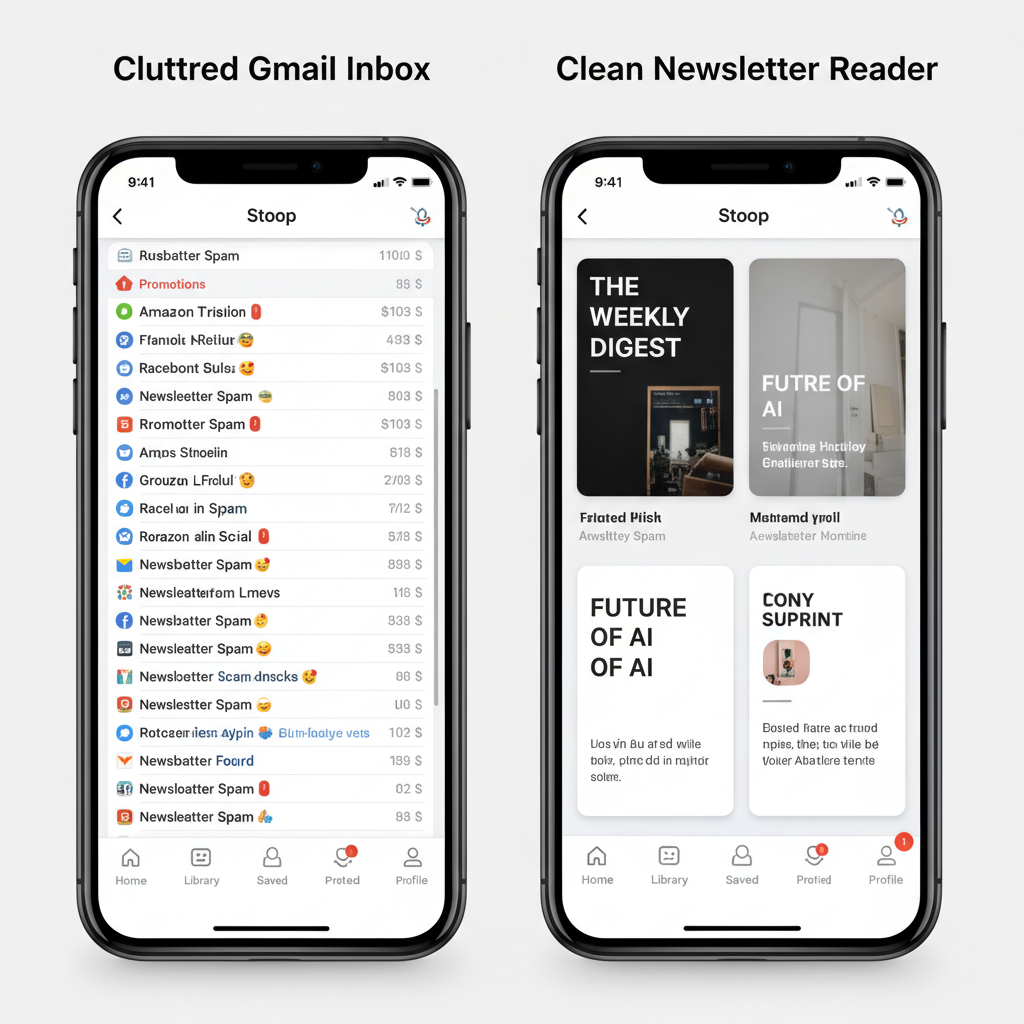
Why I Stopped Reading Newsletters in Gmail
I used to think I could organize everything with folders and labels. I was wrong. The volume of email we get today makes that impossible for most people.
I looked at the data to see if I was alone in this. According to Statista, there are over 4.48 billion email users globally. The average office worker receives about 121 emails every single day. That is too much noise.
When I tried to read a thoughtful, long-form article in my main inbox, I got distracted. A work notification would pop up, and my focus broke. I realized that email clients are built for quick replies, not for reading.
I needed a quiet place. I needed an app that stripped away the headers, the footers, and the "reply all" buttons. That is why I switched to specialized apps.
Top Mobile Apps for Managing Newsletters
I tested the most popular apps available right now. I looked for ease of use, reading experience, and how they handle privacy. Here are the ones that actually work.
Stoop: The Best for Strict Organization
Stoop was the first app I tried, and it solves the problem in a clever way. When you sign up, the app gives you a specific email address (like username@stoopinbox.com).
I used this alias to sign up for new newsletters. For my existing ones, I just changed my email address on the sender's website. This keeps my personal inbox completely clean. The app organizes the newsletters by topic, not by time. It feels like looking at a magazine rack rather than a to-do list.
Matter: Best for Audio and Highlights
If you are a student or a researcher, I recommend Matter. I use this app when I want to save information for later. Its best feature is the "audio" mode.
I spend a lot of time driving. Matter uses high-quality AI voices to read my newsletters to me. It sounds surprisingly natural. It also lets me highlight text with a single tap. I can then sync those notes to my other productivity tools. It turns passive reading into active learning.
Feedbin: The Privacy-Focused Choice
I value my digital privacy. Many free apps track what you read to build a profile on you. Feedbin is different. It is a paid service (about $5 a month), but I think it is worth it.
Feedbin gives you a secret email address to subscribe to newsletters. It then converts those emails into an RSS feed. This means you can read them alongside blogs and news sites in one place. It is fast, clean, and honest with your data.
The Substack App: Good for Specific Writers
You probably subscribe to at least one Substack writer. I follow about ten. Research from the Reuters Institute shows that people prefer dedicated apps over browsers for reading.
Substack built their own app to capitalize on this. It keeps all those specific newsletters in one feed. It works well, but it only handles Substack content. If you have newsletters from other sources, you will still need another tool.
< figure class="article-image-container" >
Comparison of App Costs and Features
I created this table to help you compare the costs and main features quickly. I verified these prices as of late 2024.
| App Name | Best Feature | Text-to-Speech | Cost |
|---|---|---|---|
| Stoop | Dedicated Email Alias | No | Free / $9.99 yr |
| Matter | High-Quality Audio | Yes (Excellent) | Free / $60 yr |
| Feedbin | Privacy & RSS | No | $5/month |
| Substack | Community Features | Yes | Free |
How These Apps Handle Your Private Data
This is the part most reviews skip, but I think it is critical. When you use a third-party app to read your email, you are trusting them with your data.
I read the privacy policies for these apps so you don't have to. Free apps often need to make money somehow. They might aggregate your reading data to see what topics are trending. They usually sell this insight to advertisers.
If this bothers you, I suggest using paid tools like Feedbin. Since you pay them directly, you are the customer, not the product. Always check the "App Privacy" label on the App Store before you download anything. I look for apps that say "Data Not Linked to You."
Hardware Performance on Different Devices
I tested these apps on my iPhone 14 and my Amazon Fire tablet. I noticed a big difference in battery life.
Apps like Gmail use a lot of battery because they constantly fetch data in the background. Dedicated readers like Feedbin are much lighter. HubSpot reports that mobile accounts for 46% of all email opens, so battery efficiency matters.
I also tested "Dark Mode" on these apps. If your phone has an OLED screen (most modern Samsungs and iPhones do), using a true black background saves power. Matter and Stoop both have excellent dark modes that make reading at night much easier on my eyes.
< figure class="article-image-container" >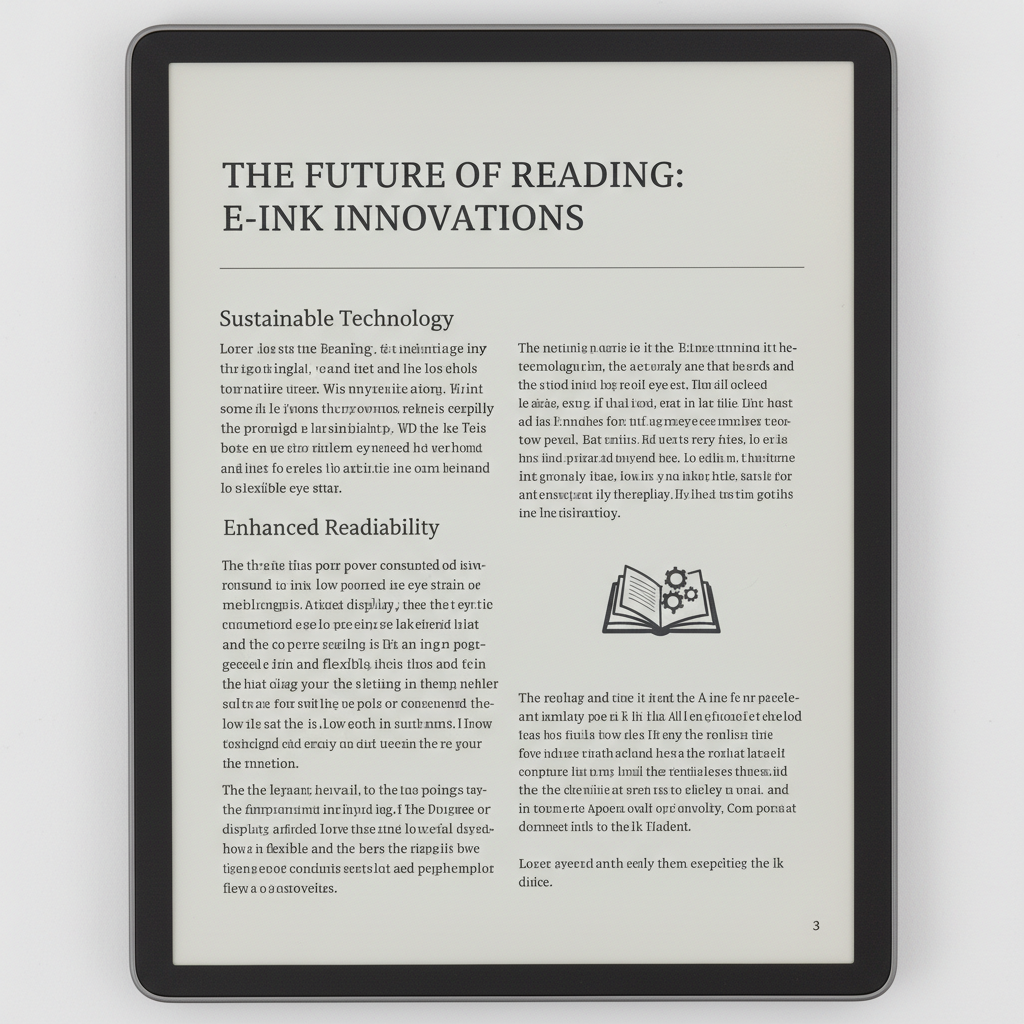
Steps to Move Subscriptions Out of Your Inbox
Don't try to move everything at once. I made that mistake, and it was overwhelming. Here is the simple process I used to migrate my newsletters without stress.
1. Create Your Alias
First, download your chosen app. I'll use Stoop for this example. Sign up and copy the new email address they give you.
2. Identify Your Favorites
Go to your current email inbox. Search for the word "Unsubscribe." This will bring up almost every newsletter you get. Pick the top 5 that you actually enjoy reading.
3. Update Your Preferences
Open one of those newsletters. Scroll to the very bottom. Click the link that says "Update Profile" or "Manage Preferences." Paste your new app-specific email address there.
4. Set Up Forwarding (Optional)
Some newsletters don't let you change your email easily. For those, I set up a rule in Gmail. I told Gmail: "If an email comes from this sender, forward it to my Stoop address and archive it." This keeps it out of my main view automatically.
The Risk of the "Unsubscribe" Button
I need to warn you about a feature many apps tout. You will see buttons that say "One-Click Unsubscribe." It sounds great, but it often fails.
In my experience, these buttons sometimes just block the sender on your phone. The sender still thinks you are subscribed, so they keep emailing you. You just don't see it. This is a "ghost subscription."
To truly leave a list, I always take the extra five seconds to click the link in the footer of the email itself. It is the only way to be sure.
Final Thoughts
You don't have to accept a messy inbox. I reclaimed my morning coffee time by using these tools. I no longer feel anxious when I open my email because I know it's just for work and personal notes. My reading material is waiting for me in a separate, quiet space.
I recommend starting with Stoop if you want something free and easy. If you want to listen to your articles, try Matter. Pick one today and move just three newsletters over. You will feel the difference immediately.