Most Affordable Tools for Beginner Bloggers in 2025
I wasted over $500 when I launched my first blog. I thought I needed the expensive software right away. I was wrong. You don't need a massive budget to start a professional site.
I looked at the numbers recently. The minimum cost to run a self-hosted blog for one year is actually around $97.69. Yet, I see new writers signing up for monthly subscriptions that drain their bank accounts before they earn a single dime.
The problem is "tool fatigue." There are too many options, and they all cost money. I want to save you from that debt. I created this list of the most affordable tools for beginner bloggers to help you keep your cash. These are the exact tools I use to run profitable sites on a shoestring budget.
Cost of Web Hosting and Domain Names
You cannot blog without hosting. This is your digital rent. It is the one cost you cannot avoid. But you have to be careful here. Many companies try to trick you with low introductory rates.
I have seen hosting bills jump from $35 a year to $150 a year overnight. This happens because the "renewal price" is much higher than the signup price. You need to look at the long-term cost before you buy.
Comparison of Low Cost Web Hosting Services
I analyzed the pricing of the most popular hosts. I looked at what you pay today versus what you will pay next year. Here is the breakdown so you don't get surprised.
| Hosting Company | First Year Price (Approx) | Renewal Price (Year 2) | My Verdict |
|---|---|---|---|
| Bluehost | $2.95 / month | $11.99 / month | Good for beginners, but price jumps high. |
| Hostinger | $2.99 / month | $6.99 / month | Best value. The renewal is reasonable. |
| Namecheap | $2.18 / month | $4.48 / month | Lowest long-term cost. |
| SiteGround | $3.99 / month | $17.99 / month | Great speed, but very expensive later. |
If you have less than $50 to start, I recommend Namecheap or Hostinger. They keep your costs low even after the first year ends.
Affordable Domain Name Registrars
Your domain is your address (like yourname.com). Most hosting companies give you a free domain for the first year. That sounds great, but I avoid it.
I prefer to keep my domain separate from my hosting. It makes it easier to switch hosts later if the service gets bad. I use Namecheap for this. They charge about $10 to $15 per year. They also give you free "WHOIS privacy." This keeps your home address off the public internet records. I think that privacy is worth every penny.
Free Keyword Research Software
You can write the best article in the world, but it won't matter if nobody searches for it. You need to know what people type into Google. This is called keyword research.
Professional tools like Ahrefs cost over $100 a month. I don't pay that. You can get the same data for free if you know where to look.
Google Keyword Planner
This is a free tool built by Google for advertisers. I use it for blogging. You can type in a topic, and it tells you how many people search for it each month. It also shows you how much advertisers pay for that click. This helps you find profitable topics.
AnswerThePublic
I love this tool. You type in a word, and it shows you every question people ask about it. For example, if you type in "blogging," it shows "how much does it cost to start a blog?" This helps you target question-based keywords. You get three free searches a day. That is usually enough for me.
Ubersuggest (Free Version)
This tool gives you a quick snapshot of your competition. It tells you if a keyword is "easy" or "hard" to rank for. The free version is limited, but it gives you enough data to make a decision.
SEO Plugins for WordPress
If you use WordPress, you need a plugin to help Google understand your content. You do not need to pay for this.
I use RankMath. I used to use Yoast, but I switched. RankMath gives you more features in the free version. It helps you set up your site map, redirect broken links, and track your keywords. It gives you a score out of 100 for every post. I try to get my score above 85 before I hit publish.
According to Google Search Central, proper technical setup is vital for ranking. RankMath handles the technical stuff so I can focus on writing.
Free Graphic Design Tools for Blogs
I noticed something interesting in my analytics. My articles with images keep people on the page longer. In fact, industry data shows that articles with visuals get 94% more views. But I am not a graphic designer.
I used to struggle with Photoshop. Then I found Canva. It changed everything for me.
Graphic Design and Image Editing
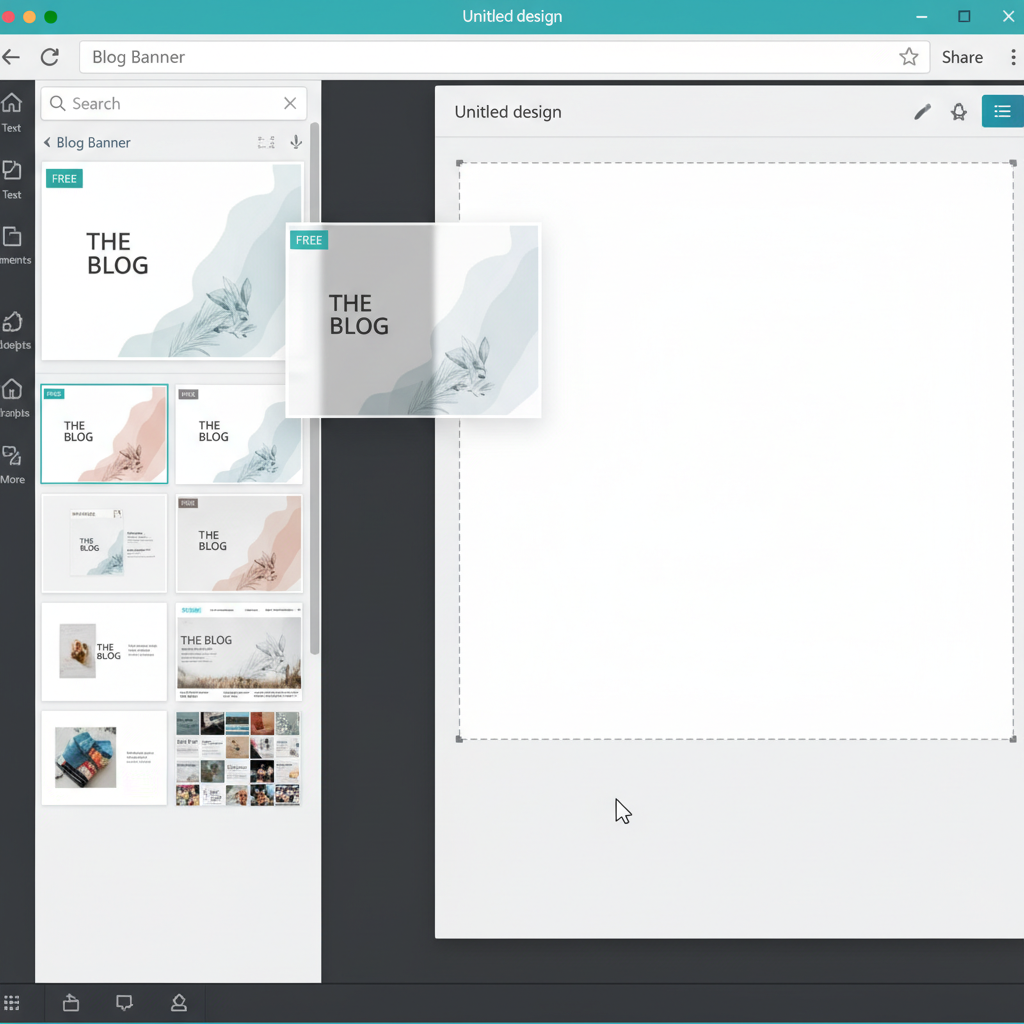
Canva has a free "forever" plan. It has thousands of templates for blog banners and social media posts. You just drag and drop elements. I can make a professional header image in about five minutes. If you need a more advanced editor that looks like Photoshop, try Photopea. It is free and works right in your browser.
Stock Photo Resources
Please do not take images from Google Search. I know a blogger who got sued for $800 for using a copyrighted image by mistake. It is not worth the risk.
I use these free, legal sites instead:
- Unsplash: The photos look artistic and moody.
- Pexels: Great for business and tech photos.
- Pixabay: Good for vector graphics and illustrations.
Low Cost Email Marketing Platforms
Social media algorithms change all the time. But your email list belongs to you. Marketing data from HubSpot shows that email generates $36 for every $1 you spend. You need to start a list from day one.
The problem is the "subscriber tax." Most tools charge you more money as your list grows. I recommend starting with tools that have generous free tiers.
MailerLite
I recommend MailerLite to all my friends. Their free plan allows you to have up to 1,000 subscribers. You can send 12,000 emails a month. The best part is that they include automation. You can set up a welcome email that sends automatically when someone joins. Most other companies make you pay for that.
Systeme.io
This is a newer tool. It is an "all-in-one" platform. You can build a blog, send emails, and even sell a course on their free plan. It is a great option if you want to keep everything in one place.
Operational Software for Legal and Financial Tasks
This is the boring part, but it is critical. I learned this the hard way when tax season came around. If you make money from your blog, you are running a business. You need to treat it like one.
Free Privacy Policy Generator
You legally need a privacy policy if you collect emails or use Google Analytics. Lawyers are expensive. I use the free version of Termly. It asks you a few questions and generates a policy that complies with laws like GDPR. It takes about 15 minutes.
Tax and Expense Tracking
You can deduct your hosting and software costs from your taxes. But you have to track them. I use Wave Accounting. It is completely free. You can connect your bank account and categorize your expenses. It makes tax time much less stressful.
The Small Business Administration states that keeping accurate records is your best defense against an audit. Wave helps you do that for zero dollars.
Comparison of Software Costs for Years One and Two
I want you to see exactly what this will cost you. I calculated the budget for a new blogger using the "Affordable Stack" I recommended above. I included the price increase for the second year.
| Expense Category | Tool I Selected | Year 1 Cost | Year 2 Cost |
|---|---|---|---|
| Hosting | Namecheap Shared | $26.00 | $54.00 |
| Domain | Namecheap .com | $9.00 | $14.00 |
| Theme | Astra (Free Version) | $0.00 | $0.00 |
| Email Marketing | MailerLite (Free) | $0.00 | $0.00 |
| Legal Pages | Termly (Free) | $0.00 | $0.00 |
| TOTAL | $35.00 | $68.00 |
You can see that the second year is more expensive. But even then, $68 a year is very affordable. That is less than one fancy coffee per month.
< figure class="article-image-container" >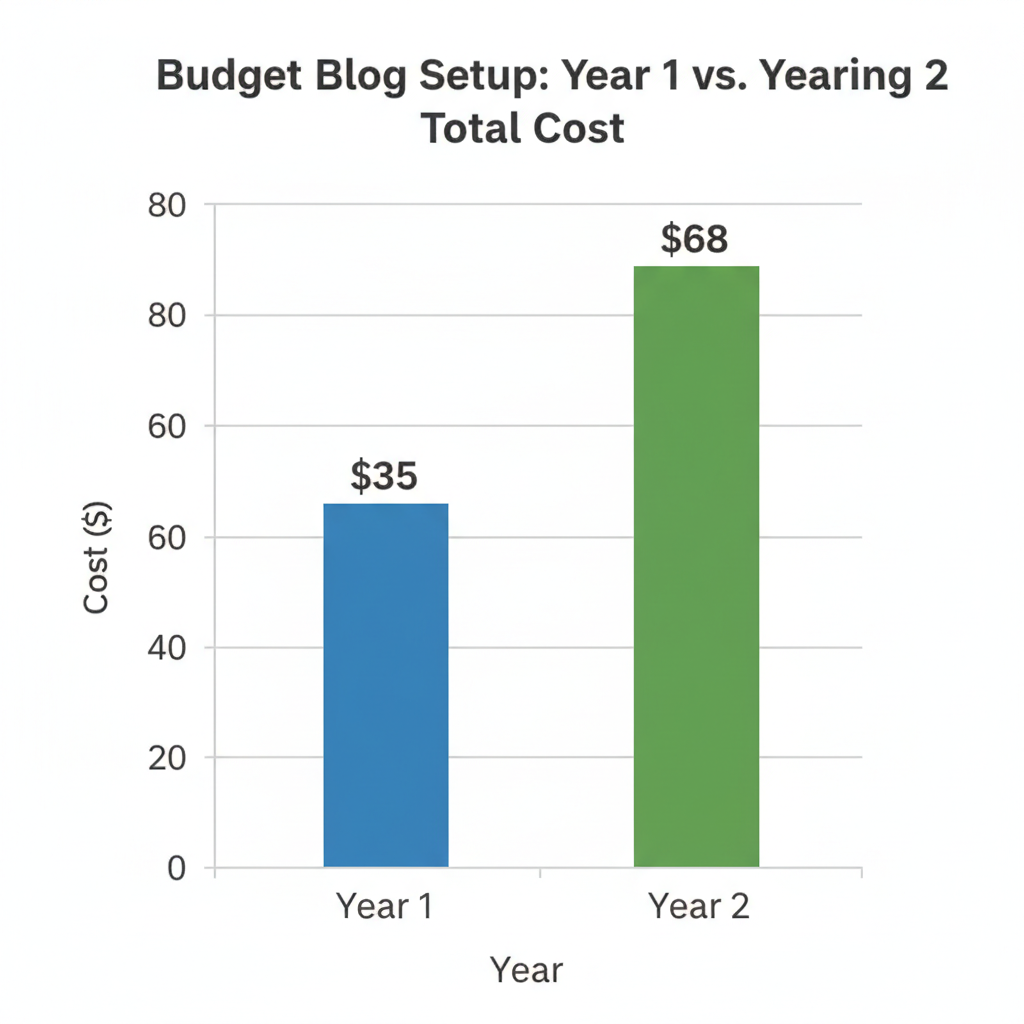
Steps to Set Up a Budget Blogging System
Now that you know the tools, here is how I would set them up if I were starting over today. Follow this order to save time.
1. Buy Your Domain and Hosting Separately
Go to Namecheap and buy your domain. Then go to Hostinger or your chosen host and buy the "Shared Hosting" plan. Connect the two. This gives you freedom later.
2. Install Free Infrastructure
Install WordPress. It is free. Then, install a fast, lightweight theme like Astra or GeneratePress. Do not buy a premium theme yet. The free versions are fast and look great.
3. Set Up Your Tracking
Create a Google Analytics 4 account. It is the standard for tracking visitors. Connect it to your site using a plugin or code. This data helps you see what content works.
4. Create Your Legal Pages
Use Termly to generate your Privacy Policy. Create a page in WordPress called "Privacy Policy" and paste the text there. Put a link to it in the footer of your website.
5. Start Your Email List Immediately
Sign up for MailerLite. Create a simple form that says, "Join my newsletter." Put it at the bottom of every blog post. Do not wait until you have traffic. You want to capture every visitor you can.
< figure class="article-image-container" >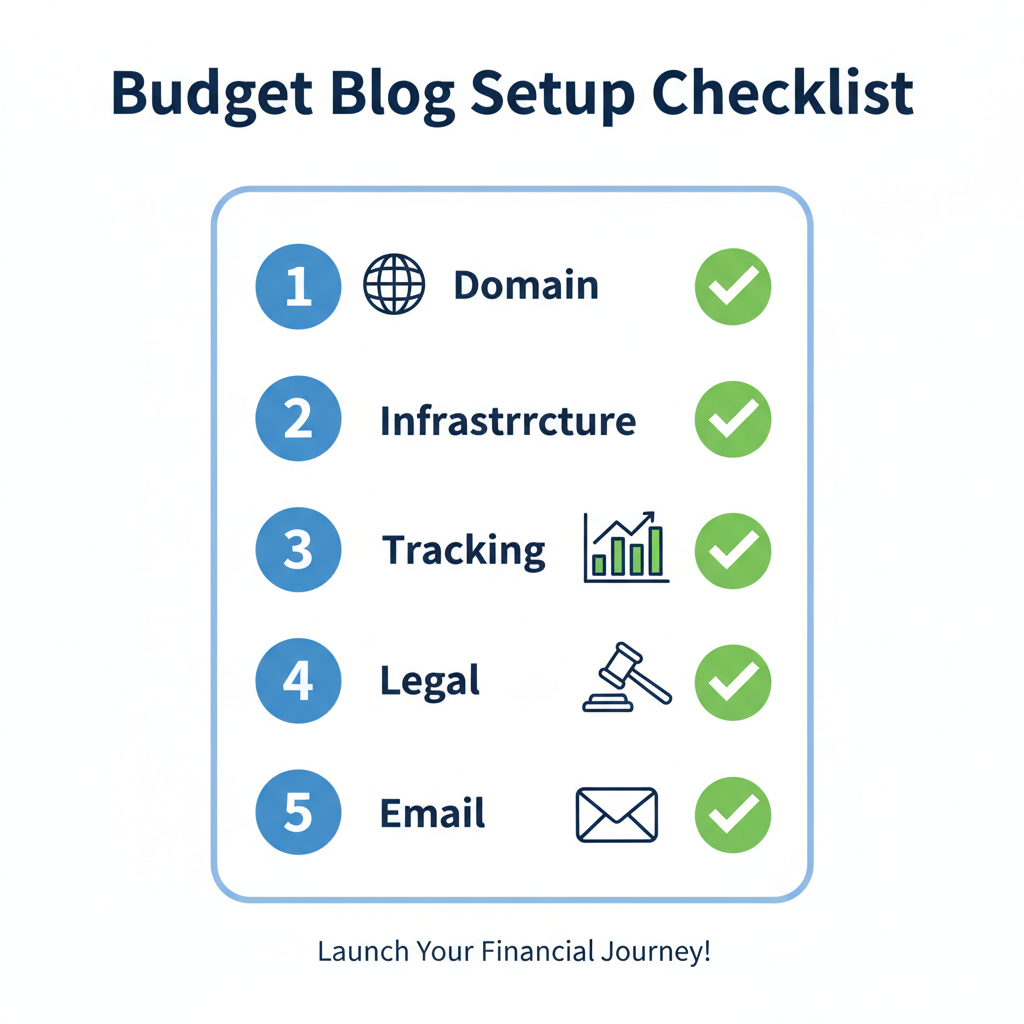
Hidden Costs You Should Watch For
I want to be honest about a few things that might cost money later. As your blog grows, your needs change.
If you get a lot of traffic (over 10,000 visitors a month), your cheap hosting might get slow. You might need to upgrade to a plan that costs $10 or $20 a month. That is a good problem to have because it means your blog is successful.
Also, many "free" plugins have limits. For example, image compression plugins usually limit how many images you can fix for free. I usually just compress my images manually using a site like TinyPNG before I upload them. It takes more time, but it saves money.
According to a HubSpot report, content marketing costs 62% less than traditional marketing. Even with these small hidden costs, blogging is still one of the cheapest businesses you can start.
My Final Advice on Tools
I have tested dozens of tools over the last 15 years. The truth is that software does not make you a great blogger. Your writing does.
Don't fall into the trap of thinking you need to spend money to look professional. You can build an incredible business using the free and cheap tools on this list. Start small. Keep your expenses low. Spend your time writing helpful content instead of worrying about your software bill.
You have everything you need to start today. I hope this list helps you save money and launch your site with confidence.